TftBmpFromMemName()
… visits


TftBmpFromMemName(sFileName As String * 13, wX_Pos As Word, wY_Pos As Word), Byte
|
Parameter |
Description |
|
sFileName |
The file name in memory to use, with a maximum length of 12 characters, including the dot and file extension. |
|
wX_Pos |
The X-position for the lower-left corner of the image to print. |
|
wY_Pos |
The Y-position for the lower-left corner of the image to print. |
|
Value |
Meaning |
|
0 |
File found |
|
1 |
File not found |
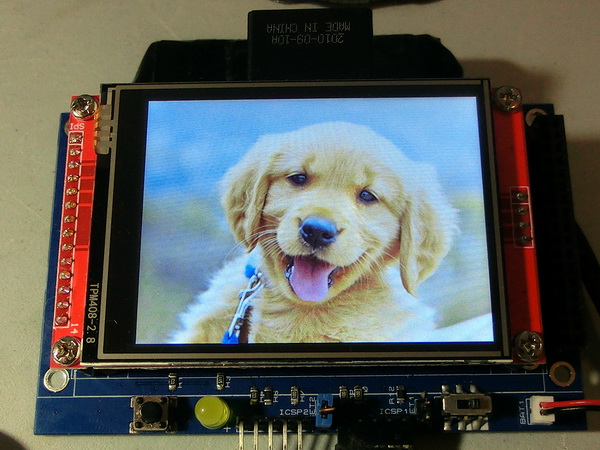
This procedure draws a BMP file stored in flash memory, which was written using TftBmpSdToMem().
The file is referenced by its name and extension from the flash memory.
TftBmpFromMemName("PIC001.BMP",20,30)
Note: There is no image processing, so the BMP file must meet the following criteria:
You can use online tools to convert the file, such as: https://online-converting.com/image/convert2bmp/#.
Select the correct format, upload your image, and download the converted file.
Alternatively, you can use the SdCardWriteRGB565 tool provided in the library.
Created with the Personal Edition of HelpNDoc: Experience the Power and Ease of Use of HelpNDoc for CHM Help File Generation