Do...Loop
Positron16 · Revision 1.1.3.5 · PDF pages 310–311
Syntax
Do Instructions Loop
or
Do Instructions Loop Until Condition
or
Do Instructions Loop While Condition
Overview
Execute a block of instructions until a condition is true, or while a condition is false, or create an infinite loop.
Example 1
Device = 24HJ128GP502             ' Select the device to compile for
Declare Xtal = 16

Dim MyWord as Word
MyWord = 1
Do                               ' Create a loop
  Print Dec MyWord, " "
  DelayMs 200
  Inc MyWord
Loop Until MyWord > 10            ' Loop until MyWord is greater than 10
Example 2
Device = 24HJ128GP502
Declare Xtal = 16

Dim MyWord as Word
MyWord = 1
Do                               ' Create a loop
  Print Dec MyWord, " "
  DelayMs 200
  Inc MyWord
Loop While MyWord < 11           ' Loop while MyWord is less than 11
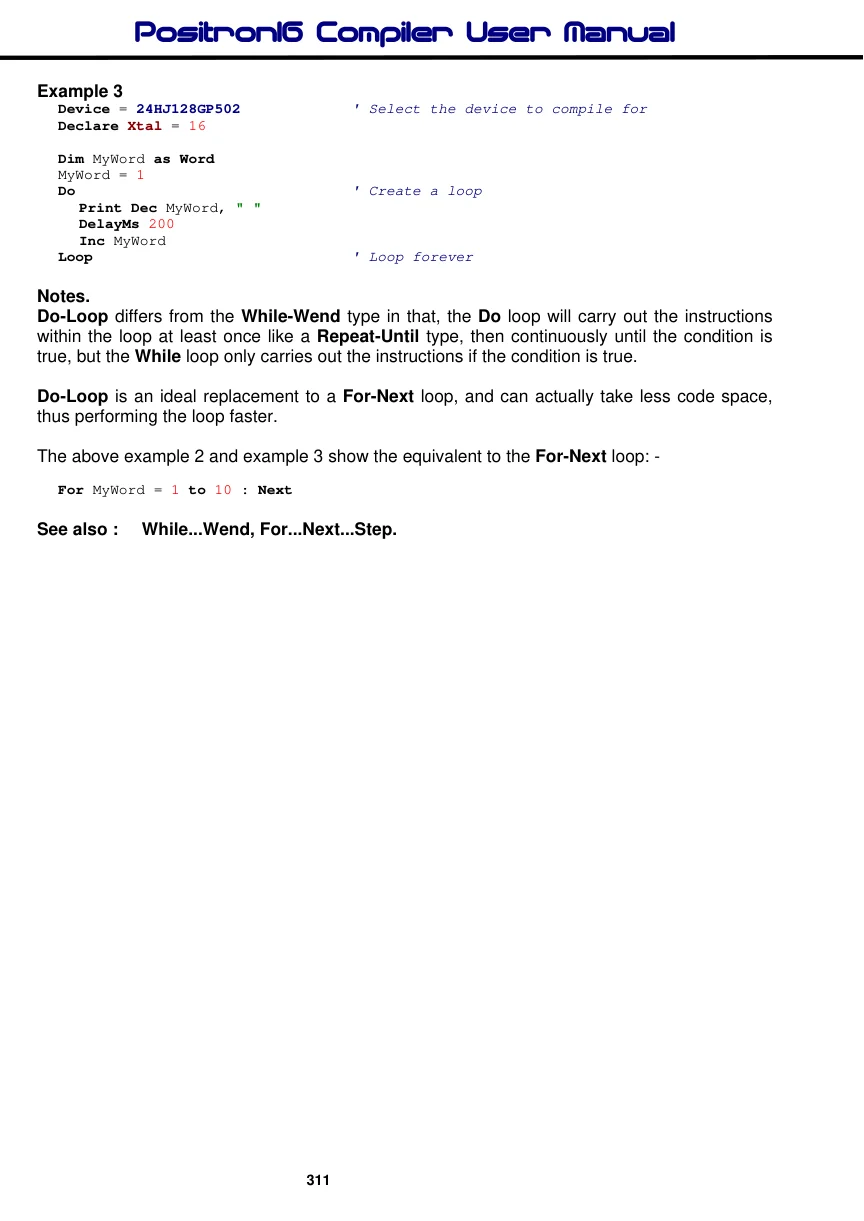
Example 3
Device = 24HJ128GP502             ' Select the device to compile for
Declare Xtal = 16

Dim MyWord as Word
MyWord = 1
Do                               ' Create a loop
  Print Dec MyWord, " "
  DelayMs 200
  Inc MyWord
Loop                              ' Loop forever
Notes.
Do-Loop differs from the While-Wend type in that, the Do loop will carry out the instructions within the loop at least once like a Repeat-Until type, then continuously until the condition is true, but the While loop only carries out the instructions if the condition is true.
Do-Loop is an ideal replacement to a For-Next loop, and can actually take less code space, thus performing the loop faster.
The above example 2 and example 3 show the equivalent to the For-Next loop: -
For MyWord = 1 to 10 : NextSee also : While...Wend, For...Next...Step.