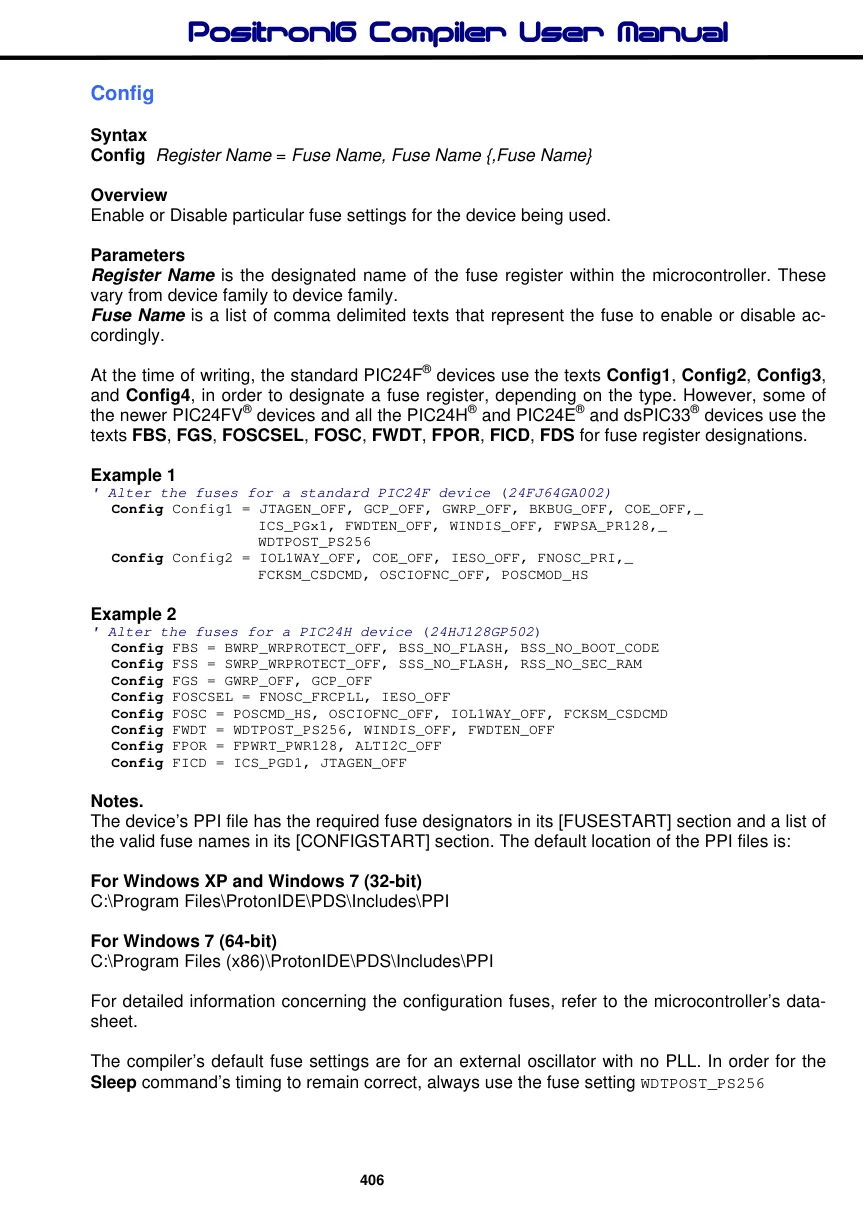
Config
Syntax
Config Register Name = Fuse Name, Fuse Name {,Fuse Name}
Overview
Enable or Disable particular fuse settings for the device being used.
Parameters
Register Name is the designated name of the fuse register within the microcontroller. These vary from device family to device family. Fuse Name is a list of comma delimited texts that represent the fuse to enable or disable accordingly.
At the time of writing, the standard PIC24F® devices use the texts Config1, Config2, Config3, and Config4, in order to designate a fuse register, depending on the type. However, some of the newer PIC24FV® devices and all the PIC24H® and PIC24E® and dsPIC33® devices use the texts FBS, FGS, FOSCSEL, FOSC, FWDT, FPOR, FICD, FDS for fuse register designations.
Example 1
' Alter the fuses for a standard PIC24F device (24FJ64GA002)
  Config Config1 = JTAGEN_OFF, GCP_OFF, GWRP_OFF, BKBUG_OFF, COE_OFF,_
                   ICS_PGx1, FWDTEN_OFF, WINDIS_OFF, FWPSA_PR128,_
                   WDTPOST_PS256
  Config Config2 = IOL1WAY_OFF, COE_OFF, IESO_OFF, FNOSC_PRI,_
                   FCKSM_CSDCMD, OSCIOFNC_OFF, POSCMOD_HS
Example 2
' Alter the fuses for a PIC24H device (24HJ128GP502)
  Config FBS = BWRP_WRPROTECT_OFF, BSS_NO_FLASH, BSS_NO_BOOT_CODE
  Config FSS = SWRP_WRPROTECT_OFF, SSS_NO_FLASH, RSS_NO_SEC_RAM
  Config FGS = GWRP_OFF, GCP_OFF
  Config FOSCSEL = FNOSC_FRCPLL, IESO_OFF
   Config FOSC = POSCMD_HS, OSCIOFNC_OFF, IOL1WAY_OFF, FCKSM_CSDCMD
  Config FWDT = WDTPOST_PS256, WINDIS_OFF, FWDTEN_OFF
   Config FPOR = FPWRT_PWR128, ALTI2C_OFF
   Config FICD = ICS_PGD1, JTAGEN_OFF
Notes.
The device’s PPI file has the required fuse designators in its [FUSESTART] section and a list of the valid fuse names in its [CONFIGSTART] section. The default location of the PPI files is:
For Windows XP and Windows 7 (32-bit) C:\Program Files\ProtonIDE\PDS\Includes\PPI
For Windows 7 (64-bit) C:\Program Files (x86)\ProtonIDE\PDS\Includes\PPI
For detailed information concerning the configuration fuses, refer to the microcontroller’s datasheet.
The compiler’s default fuse settings are for an external oscillator with no PLL. In order for the Sleep command’s timing to remain correct, always use the fuse setting WDTPOST_PS256
Below are a few examples of using the Config directive:
Example 1
' PIC24F external 8MHz crystal operating at 32MHz using PLL
'
  Device = 24FJ64GA002
  Declare Xtal = 32

  CLKDIV = 0                   ' CPU peripheral clock ratio set to 1:1
  OSCCON.Byte1 = %00010000  ' Enable 4 x PLL '
'
' Flash an LED connected to PORTA.0
'
  Do
     PinHigh PORTA.0
     DelayMs 500
     PinLow PORTA.0
     DelayMs 500
  Loop
'
' Configure for external oscillator with PLL
'
  Config Config1 = JTAGEN_OFF, GCP_OFF, BKBUG_OFF,_
                      COE_OFF, ICS_PGx1, FWDTEN_OFF, WINDIS_OFF,_
                      FWPSA_PR128, WDTPOST_PS256
  Config Config2 = IOL1WAY_OFF, IESO_OFF, FNOSC_PRIPLL,_
                      FCKSM_CSECME,OSCIOFNC_OFF, POSCMOD_HS
Example 2
' PIC24F internal 8MHz oscillator operating at 32MHz using PLL
'
  Device = 24FJ64GA002
  Declare Xtal = 32

  CLKDIV = 0                   ' CPU peripheral clock ratio set to 1:1
  OSCCON.Byte1 = %00010000  ' Enable 4 x PLL
'
' Flash an LED connected to PORTA.0
'
  Do
     PinHigh PORTA.0
     DelayMs 500
     PinLow PORTA.0
     DelayMs 500
  Loop
'
' Configure for internal 8MHz oscillator with PLL
' OSC pins operate as general purpose I/O
'
  Config Config1 = JTAGEN_OFF, GCP_OFF, BKBUG_OFF,_
                      COE_OFF, ICS_PGx1, FWDTEN_OFF, WINDIS_OFF,_
                      FWPSA_PR128, WDTPOST_PS256
  Config Config2 = IOL1WAY_OFF, IESO_OFF, FNOSC_PRIPLL,_
                      FCKSM_CSDCMD, OSCIOFNC_OFF, POSCMOD_NONE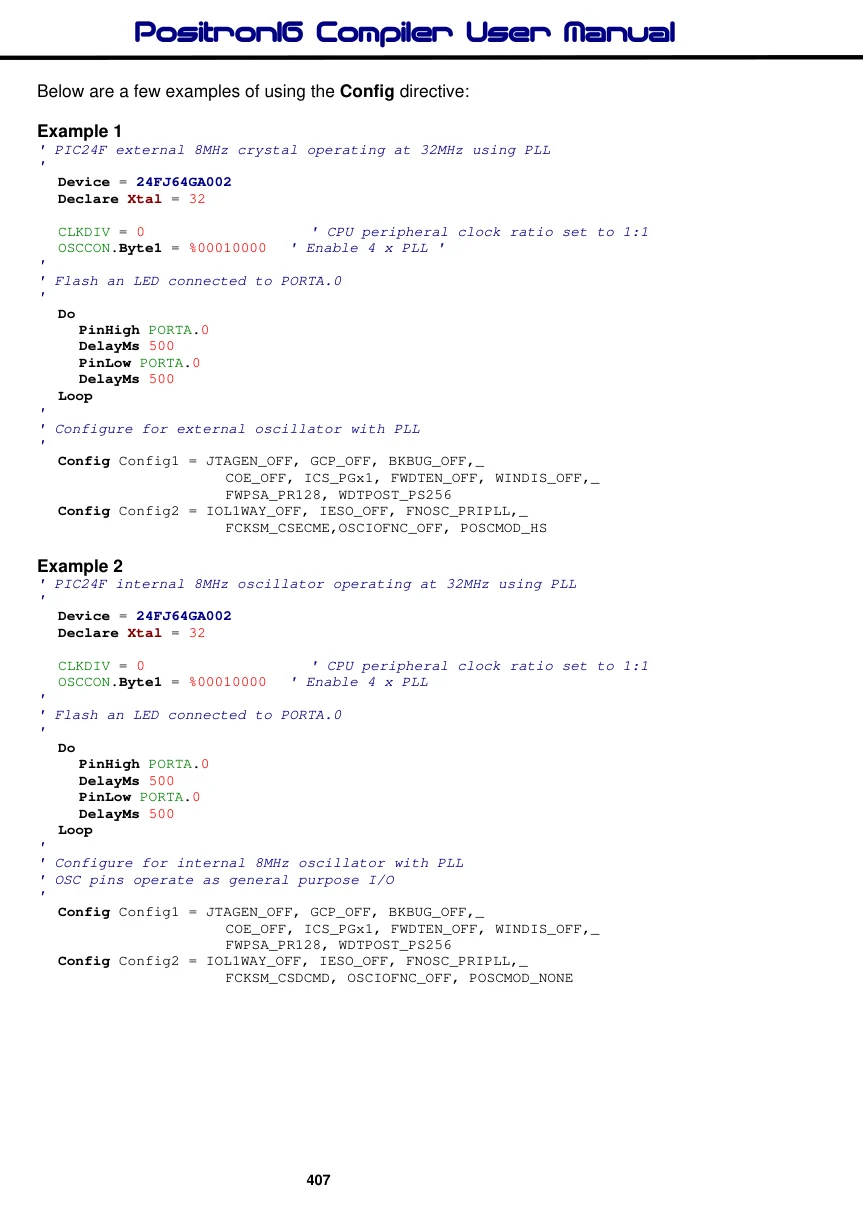
Example 3
' PIC24H internal 7.37MHz oscillator operating at 79.23MHz using PLL
'
    Device = 24HJ128GP502
    Declare Xtal = 79.23
'-------------------------------------------------------------------
Main:
' Configure the Oscillator to operate the device at 79.23MHz
' Fosc = (7.37 * 43) / (2 * 2) = 79.23MHz (40 MIPS)
'
  PLL_Setup(43, 2, 2, $0300)
'
' Flash an LED connected to PORTA.0
'
  Do
     PinHigh PORTA.0
     DelayMs 500
     PinLow PORTA.0
     DelayMs 500
  Loop
'
' Configure for internal 7.37MHz oscillator with PLL
' OSC pins operate as general purpose I/O
'
    Config FBS = BWRP_WRPROTECT_OFF
    Config FSS = SWRP_WRPROTECT_OFF
    Config FGS = GWRP_OFF
    Config FOSCSEL = FNOSC_FRCPLL, IESO_OFF
    Config FOSC = POSCMD_NONE, OSCIOFNC_OFF, IOL1WAY_OFF, FCKSM_CSECME
    Config FWDT = WDTPOST_PS256, WINDIS_OFF, FWDTEN_OFF
    Config FPOR = FPWRT_PWR128, ALTI2C_OFF
    Config FICD = ICS_PGD1, JTAGEN_OFF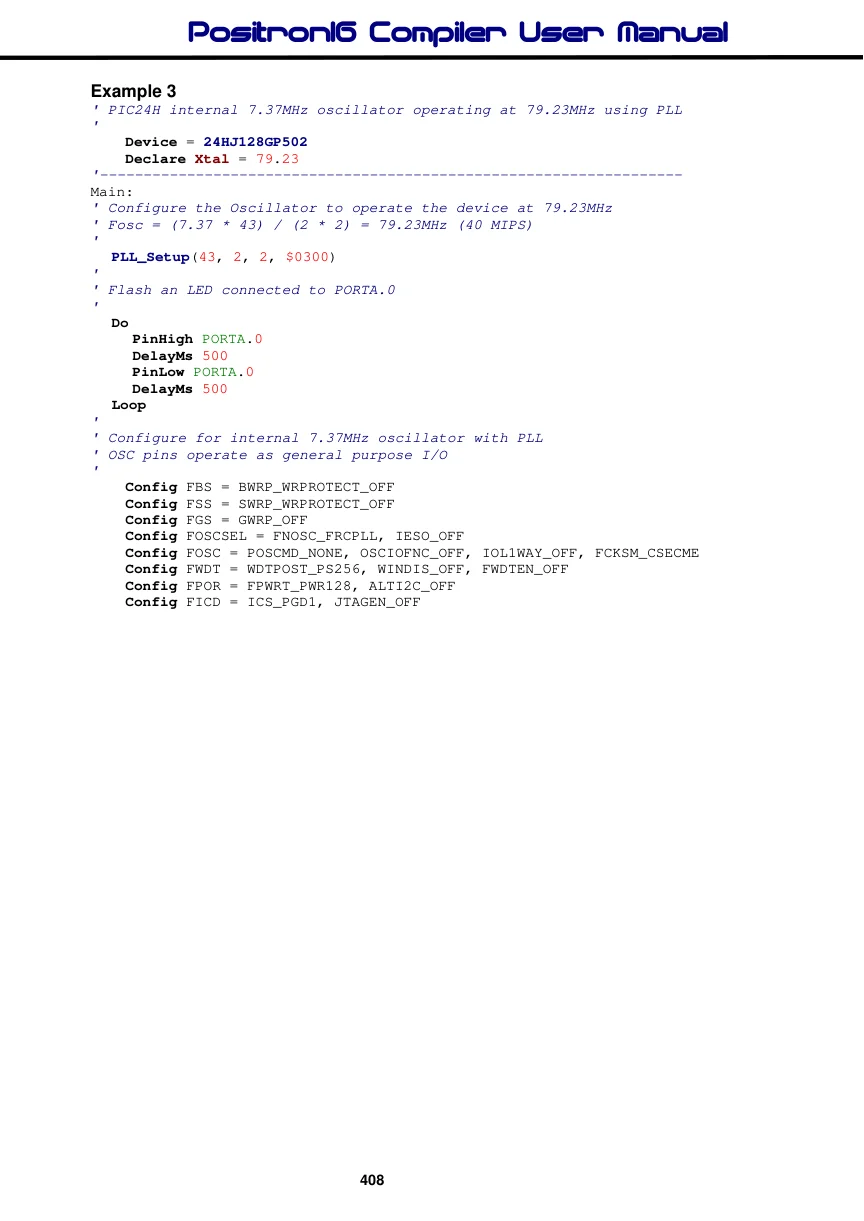
Example 4
' PIC24E internal 7.37MHz oscillator operating at 140.03MHz using PLL
'
    Device = 24EP128MC202
    Declare Xtal = 140.03
'-------------------------------------------------------------------
Main:
' Configure the Oscillator to operate the device at 140.03MHz (70 MIPS)
' Fosc = (7.37 * 76) / (2 * 2) = 140.03MHz
'
  PLL_Setup(76, 2, 2, $0300)
'
' Flash an LED connected to PORTA.0
'
  Do
     PinHigh PORTA.0
     DelayMs 500
     PinLow PORTA.0
     DelayMs 500
  Loop
'
' Configure for internal 7.37MHz oscillator with PLL
' OSC pins operate as general purpose I/O
'
  Config FGS = GWRP_OFF
  Config FOSCSEL = FNOSC_FRCPLL, IESO_OFF, PWMLOCK_OFF
  Config FOSC = POSCMD_NONE, OSCIOFNC_ON, IOL1WAY_OFF, FCKSM_CSECME
  Config FWDT = WDTPOST_PS256, WINDIS_OFF, PLLKEN_ON, FWDTEN_OFF
  Config FPOR = ALTI2C1_ON, ALTI2C2_OFF
  Config FICD = ICS_PGD1, JTAGEN_OFF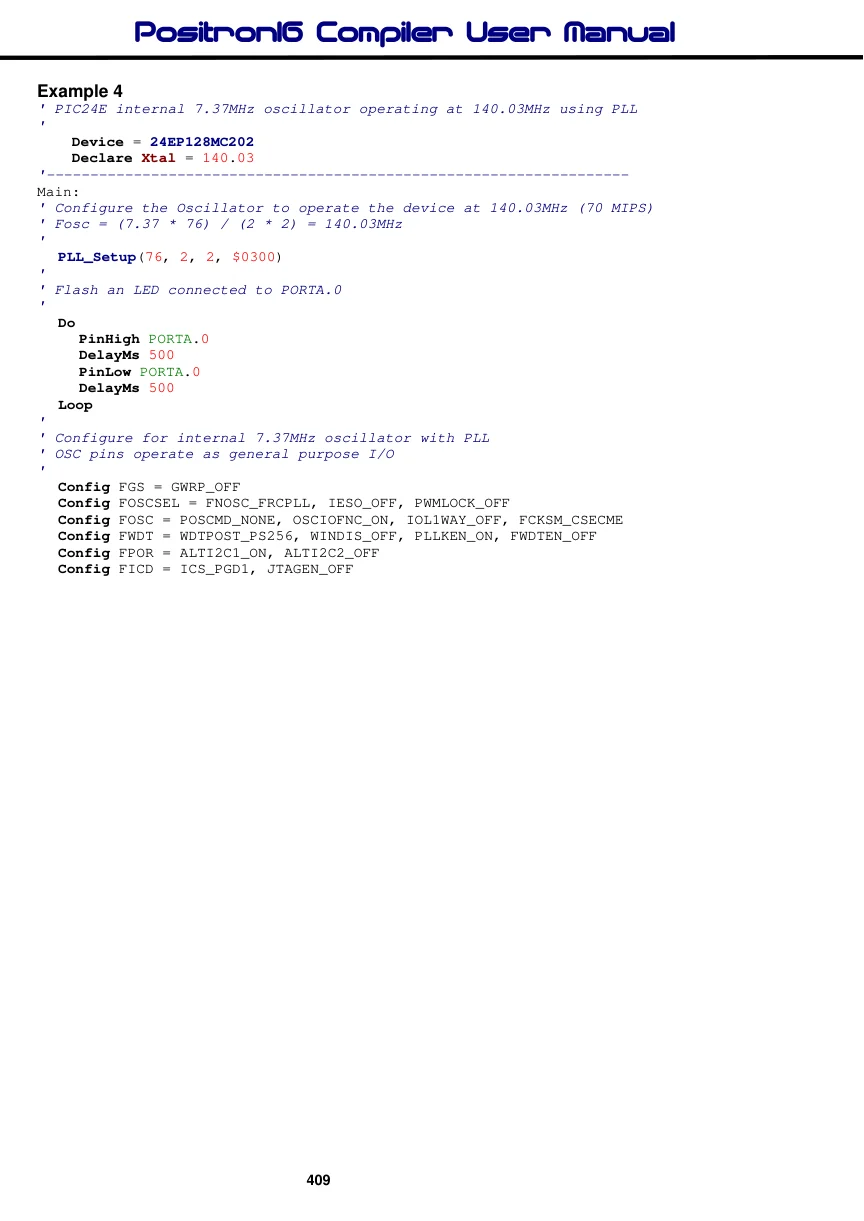
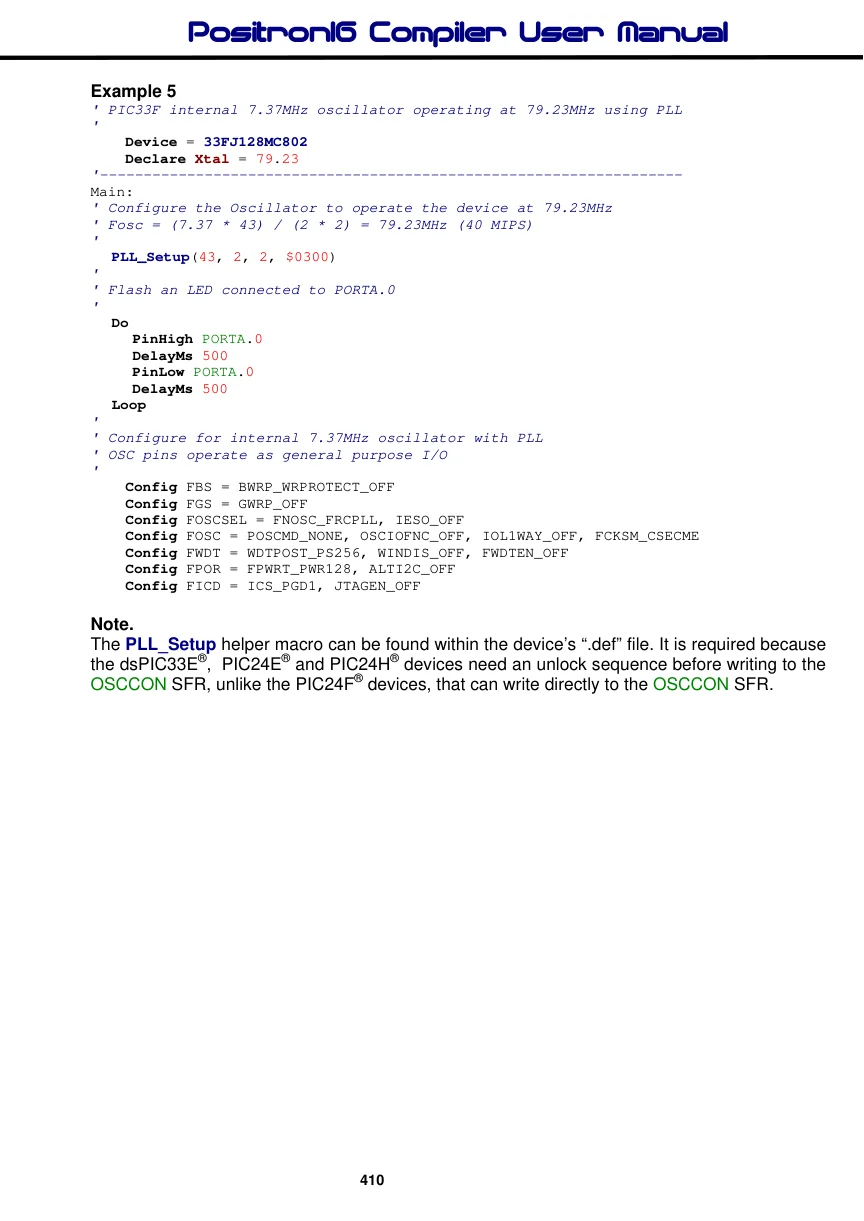
Example 5
' PIC33F internal 7.37MHz oscillator operating at 79.23MHz using PLL
'
    Device = 33FJ128MC802
    Declare Xtal = 79.23
'-------------------------------------------------------------------
Main:
' Configure the Oscillator to operate the device at 79.23MHz
' Fosc = (7.37 * 43) / (2 * 2) = 79.23MHz (40 MIPS)
'
  PLL_Setup(43, 2, 2, $0300)
'
' Flash an LED connected to PORTA.0
'
  Do
     PinHigh PORTA.0
     DelayMs 500
     PinLow PORTA.0
     DelayMs 500
  Loop
'
' Configure for internal 7.37MHz oscillator with PLL
' OSC pins operate as general purpose I/O
'
    Config FBS = BWRP_WRPROTECT_OFF
    Config FGS = GWRP_OFF
    Config FOSCSEL = FNOSC_FRCPLL, IESO_OFF
    Config FOSC = POSCMD_NONE, OSCIOFNC_OFF, IOL1WAY_OFF, FCKSM_CSECME
    Config FWDT = WDTPOST_PS256, WINDIS_OFF, FWDTEN_OFF
    Config FPOR = FPWRT_PWR128, ALTI2C_OFF
    Config FICD = ICS_PGD1, JTAGEN_OFF
Note.
The PLL_Setup helper macro can be found within the device’s “.def” file. It is required because the dsPIC33E®, PIC24E® and PIC24H® devices need an unlock sequence before writing to the OSCCON SFR, unlike the PIC24F® devices, that can write directly to the OSCCON SFR.