Dim
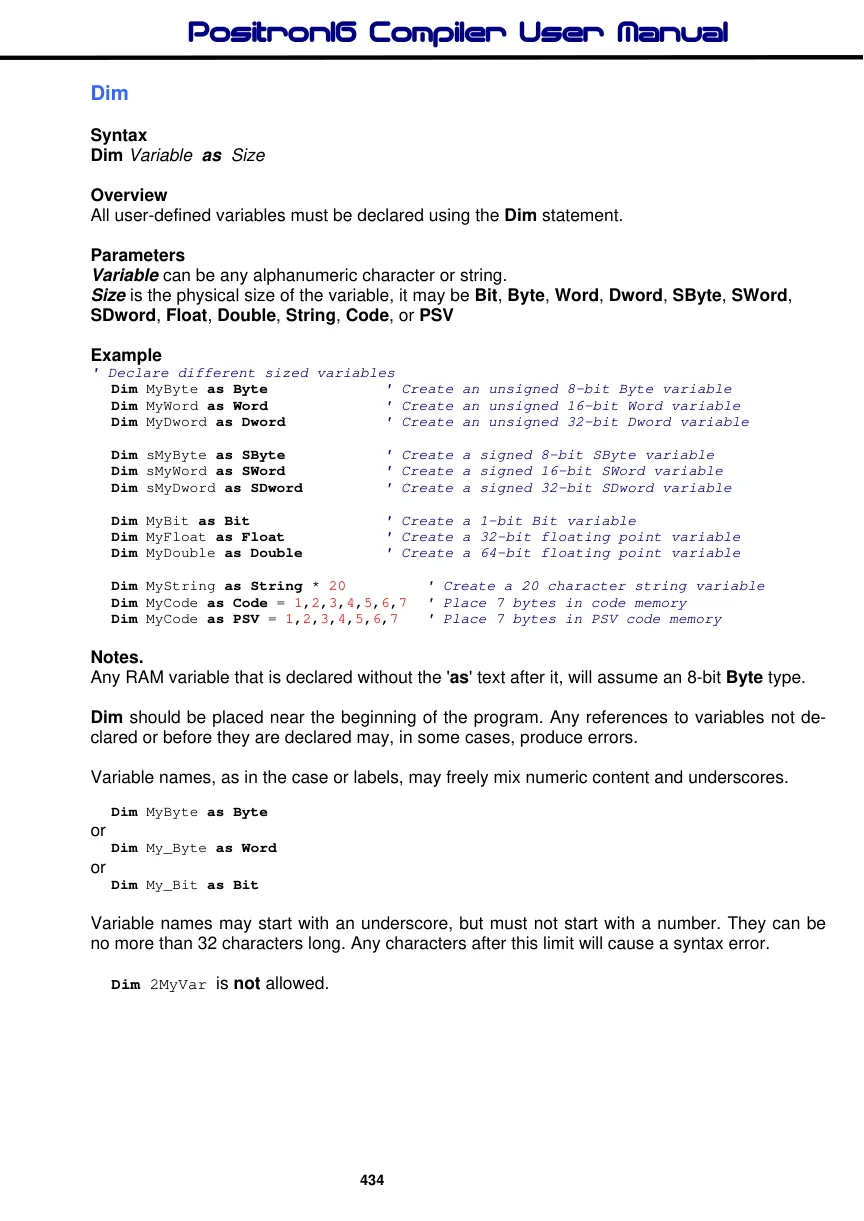
Syntax
Dim Variable as Size
Overview
All user-defined variables must be declared using the Dim statement.
Parameters
Variable can be any alphanumeric character or string. Size is the physical size of the variable, it may be Bit, Byte, Word, Dword, SByte, SWord, SDword, Float, Double, String, Code, or PSV
Example
' Declare different sized variables
  Dim MyByte as Byte             ' Create an unsigned 8-bit Byte variable
   Dim MyWord as Word             ' Create an unsigned 16-bit Word variable
  Dim MyDword as Dword           ' Create an unsigned 32-bit Dword variable

  Dim sMyByte as SByte           ' Create a signed 8-bit SByte variable
   Dim sMyWord as SWord           ' Create a signed 16-bit SWord variable
  Dim sMyDword as SDword        ' Create a signed 32-bit SDword variable

  Dim MyBit as Bit               ' Create a 1-bit Bit variable
  Dim MyFloat as Float            ' Create a 32-bit floating point variable
  Dim MyDouble as Double         ' Create a 64-bit floating point variable

  Dim MyString as String * 20        ' Create a 20 character string variable
  Dim MyCode as Code = 1,2,3,4,5,6,7  ' Place 7 bytes in code memory
  Dim MyCode as PSV = 1,2,3,4,5,6,7   ' Place 7 bytes in PSV code memory
Notes.
Any RAM variable that is declared without the 'as' text after it, will assume an 8-bit Byte type.
Dim should be placed near the beginning of the program. Any references to variables not declared or before they are declared may, in some cases, produce errors.
Variable names, as in the case or labels, may freely mix numeric content and underscores.
Dim MyByte as Byteor
Dim My_Byte as Wordor
Dim My_Bit as BitVariable names may start with an underscore, but must not start with a number. They can be no more than 32 characters long. Any characters after this limit will cause a syntax error.
Dim 2MyVar is not allowed.
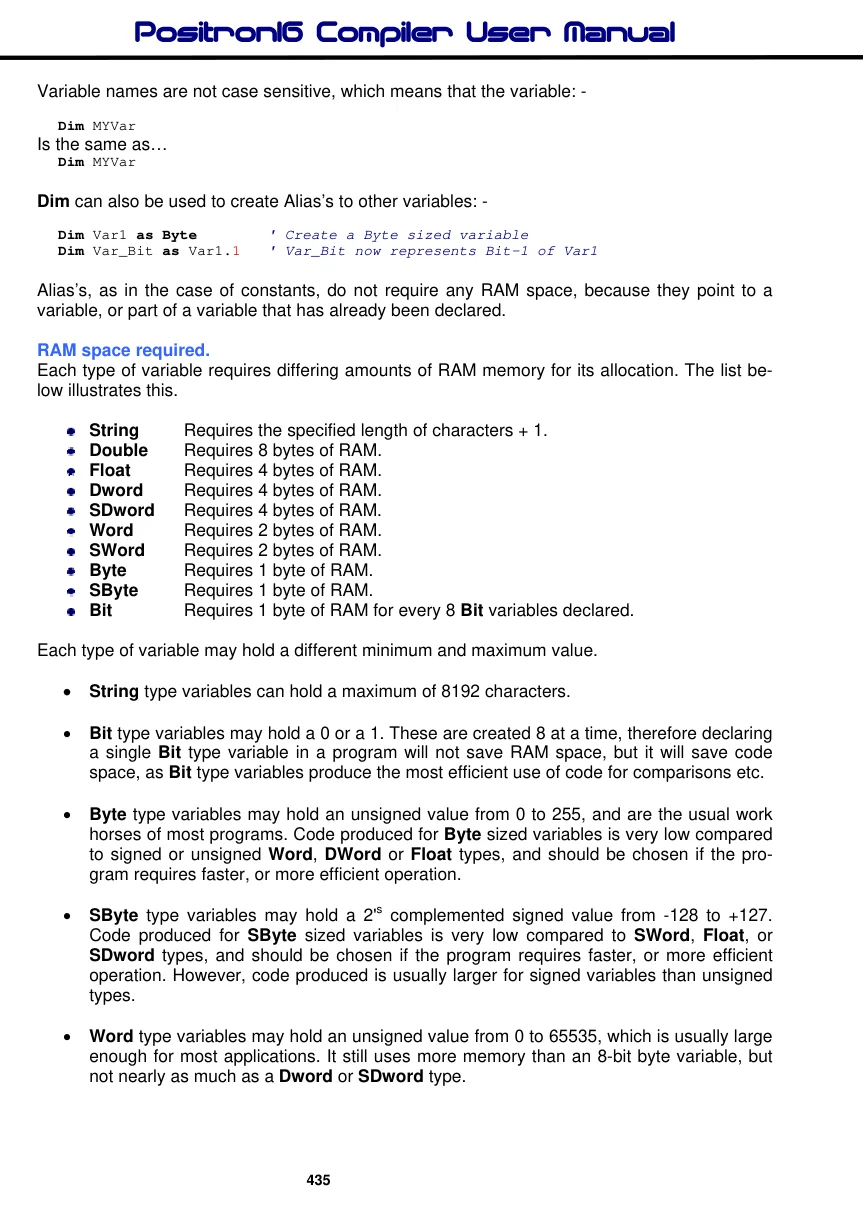
Variable names are not case sensitive, which means that the variable: -
Dim MYVarIs the same as…
Dim MYVarDim can also be used to create Alias’s to other variables: -
Dim Var1 as Byte        ' Create a Byte sized variable
Dim Var_Bit as Var1.1   ' Var_Bit now represents Bit-1 of Var1
Alias’s, as in the case of constants, do not require any RAM space, because they point to a variable, or part of a variable that has already been declared.
RAM space required.
Each type of variable requires differing amounts of RAM memory for its allocation. The list below illustrates this.
| String | Requires the specified length of characters + 1. |
| Double | Requires 8 bytes of RAM. |
| Float | Requires 4 bytes of RAM. |
| Dword | Requires 4 bytes of RAM. |
| SDword | Requires 4 bytes of RAM. |
| Word | Requires 2 bytes of RAM. |
| SWord | Requires 2 bytes of RAM. |
| Byte | Requires 1 byte of RAM. |
| SByte | Requires 1 byte of RAM. |
| Bit | Requires 1 byte of RAM for every 8 Bit variables declared. |
Each type of variable may hold a different minimum and maximum value.
• String type variables can hold a maximum of 8192 characters.
• Bit type variables may hold a 0 or a 1. These are created 8 at a time, therefore declaring
a single Bit type variable in a program will not save RAM space, but it will save code space, as Bit type variables produce the most efficient use of code for comparisons etc.
• Byte type variables may hold an unsigned value from 0 to 255, and are the usual work
horses of most programs. Code produced for Byte sized variables is very low compared to signed or unsigned Word, DWord or Float types, and should be chosen if the program requires faster, or more efficient operation.
• SByte type variables may hold a 2's complemented signed value from -128 to +127.
Code produced for SByte sized variables is very low compared to SWord, Float, or SDword types, and should be chosen if the program requires faster, or more efficient operation. However, code produced is usually larger for signed variables than unsigned types.
• Word type variables may hold an unsigned value from 0 to 65535, which is usually large
enough for most applications. It still uses more memory than an 8-bit byte variable, but not nearly as much as a Dword or SDword type.
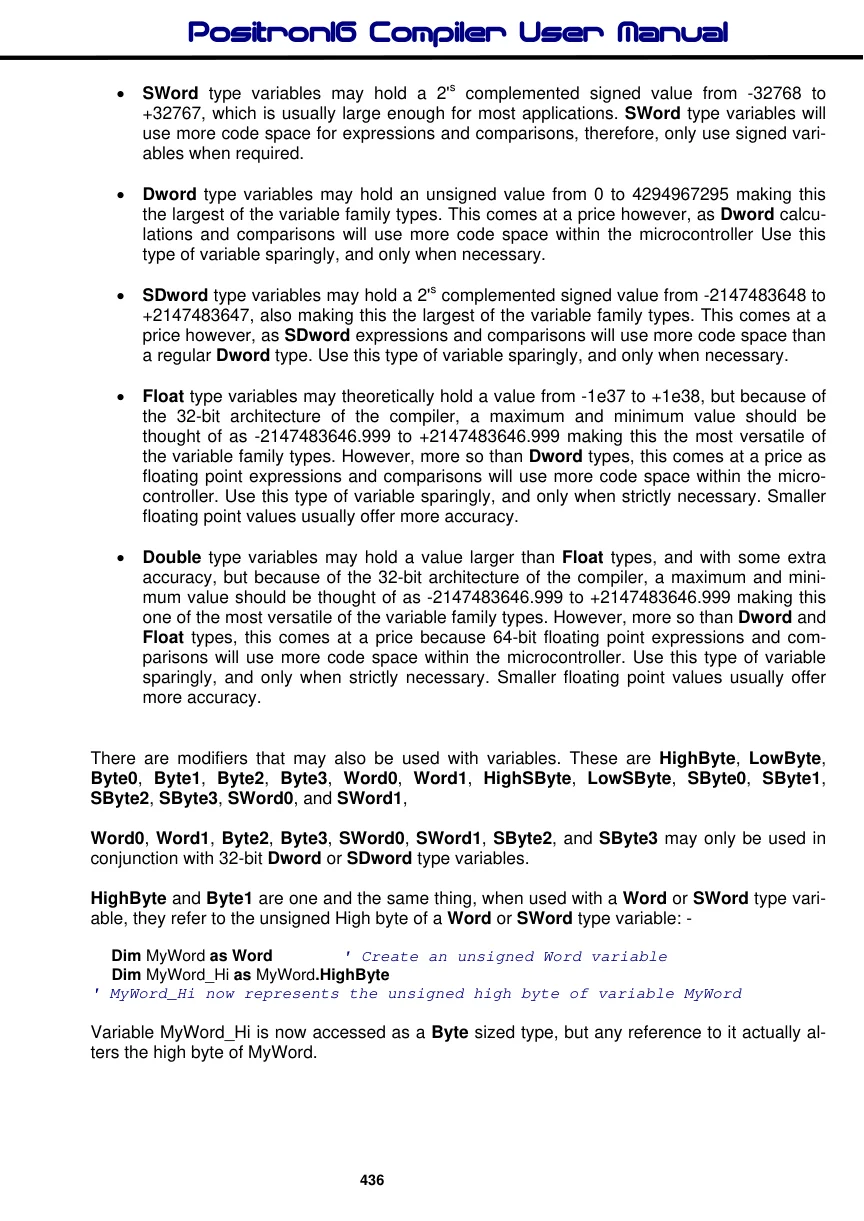
• SWord type variables may hold a 2's complemented signed value from -32768 to
+32767, which is usually large enough for most applications. SWord type variables will use more code space for expressions and comparisons, therefore, only use signed variables when required.
• Dword type variables may hold an unsigned value from 0 to 4294967295 making this
the largest of the variable family types. This comes at a price however, as Dword calculations and comparisons will use more code space within the microcontroller Use this type of variable sparingly, and only when necessary.
• SDword type variables may hold a 2's complemented signed value from -2147483648 to
+2147483647, also making this the largest of the variable family types. This comes at a price however, as SDword expressions and comparisons will use more code space than a regular Dword type. Use this type of variable sparingly, and only when necessary.
• Float type variables may theoretically hold a value from -1e37 to +1e38, but because of
the 32-bit architecture of the compiler, a maximum and minimum value should be thought of as -2147483646.999 to +2147483646.999 making this the most versatile of the variable family types. However, more so than Dword types, this comes at a price as floating point expressions and comparisons will use more code space within the microcontroller. Use this type of variable sparingly, and only when strictly necessary. Smaller floating point values usually offer more accuracy.
• Double type variables may hold a value larger than Float types, and with some extra
accuracy, but because of the 32-bit architecture of the compiler, a maximum and minimum value should be thought of as -2147483646.999 to +2147483646.999 making this one of the most versatile of the variable family types. However, more so than Dword and Float types, this comes at a price because 64-bit floating point expressions and comparisons will use more code space within the microcontroller. Use this type of variable sparingly, and only when strictly necessary. Smaller floating point values usually offer more accuracy.
There are modifiers that may also be used with variables. These are HighByte, LowByte, Byte0, Byte1, Byte2, Byte3, Word0, Word1, HighSByte, LowSByte, SByte0, SByte1, SByte2, SByte3, SWord0, and SWord1,
Word0, Word1, Byte2, Byte3, SWord0, SWord1, SByte2, and SByte3 may only be used in conjunction with 32-bit Dword or SDword type variables.
HighByte and Byte1 are one and the same thing, when used with a Word or SWord type variable, they refer to the unsigned High byte of a Word or SWord type variable: -
Dim MyWord as Word ' Create an unsigned Word variableDim MyWord_Hi as MyWord.HighByte
' MyWord_Hi now represents the unsigned high byte of variable MyWordVariable MyWord_Hi is now accessed as a Byte sized type, but any reference to it actually alters the high byte of MyWord.
HighSByte and SByte1 are one and the same thing, when used with a Word or SWord type variable, they refer to the signed High byte of a Word or SWord type variable: -
Dim MyWord as SWord ' Create a signed Word variableDim MyWord_Hi as MyWord.SByte1
' MyWord_Hi now represents the signed high byte of variable MyWordVariable MyWord_Hi is now accessed as an SByte sized type, but any reference to it actually alters the high byte of MyWord.
However, if Byte1 is used in conjunction with a Dword type variable, it will extract the second byte. HighByte will still extract the high byte of the variable, as will Byte3. If SByte1 is used in conjunction with an SDword type variable, it will extract the signed second byte. HighSByte will still extract the signed high byte of the variable, as will SByte3.
The same is true of LowByte, Byte0, LowSByte and SByte0, but they refer to the unsigned or signed Low Byte of a Word or SWord type variable: -
Dim MyWord as Word ' Create an unsigned Word variableDim MyWord_Lo as MyWord.LowByte
' MyWord_Lo now represents the low byte of variable MyWordVariable MyWord_Lo is now accessed as a Byte sized type, but any reference to it actually alters the low byte of MyWord.
The modifier Byte2 will extract the 3rd unsigned byte from a 32-bit Dword or SDword type variable as an alias. Likewise Byte3 will extract the unsigned high byte of a 32-bit variable.
Dim Dwd as Dword           ' Create a 32-bit unsigned variable named Dwd
Dim Part1 as Dwd.Byte0   ' Alias unsigned Part1 to the low byte of Dwd
Dim Part2 as Dwd.Byte1   ' Alias unsigned Part2 to the 2nd byte of Dwd
Dim Part3 as Dwd.Byte2   ' Alias unsigned Part3 to the 3rd byte of Dwd
Dim Part4 as Dwd.Byte3   ' Alias unsigned Part3 to the high (4th) byte of Dwd
The modifier SByte2 will extract the 3rd signed byte from a 32-bit Dword or SDword type variable as an alias. Likewise SByte3 will extract the signed high byte of a 32-bit variable.
Dim sDwd as SDword           ' Create a 32-bit signed variable named sDwd
Dim sPart1 as sDwd.SByte0   ' Alias signed Part1 to the low byte of sDwd
Dim sPart2 as sDwd.SByte1   ' Alias signed Part2 to the 2nd byte of sDwd
Dim sPart3 as sDwd.SByte2   ' Alias signed Part3 to the 3rd byte of sDwd
Dim sPart4 as sDwd.SByte3   ' Alias signed Part3 to the 4th byte of sDwd
The Word0 and Word1 modifiers extract the unsigned low word and high word of a Dword or SDword type variable, and is used the same as the Byten modifiers.
Dim Dwd as Dword             ' Create a 32-bit unsigned variable named Dwd
Dim Part1 as Dwd.Word0      ' Alias unsigned Part1 to the low word of Dwd
Dim Part2 as Dwd.Word1      ' Alias unsigned Part2 to the high word of Dwd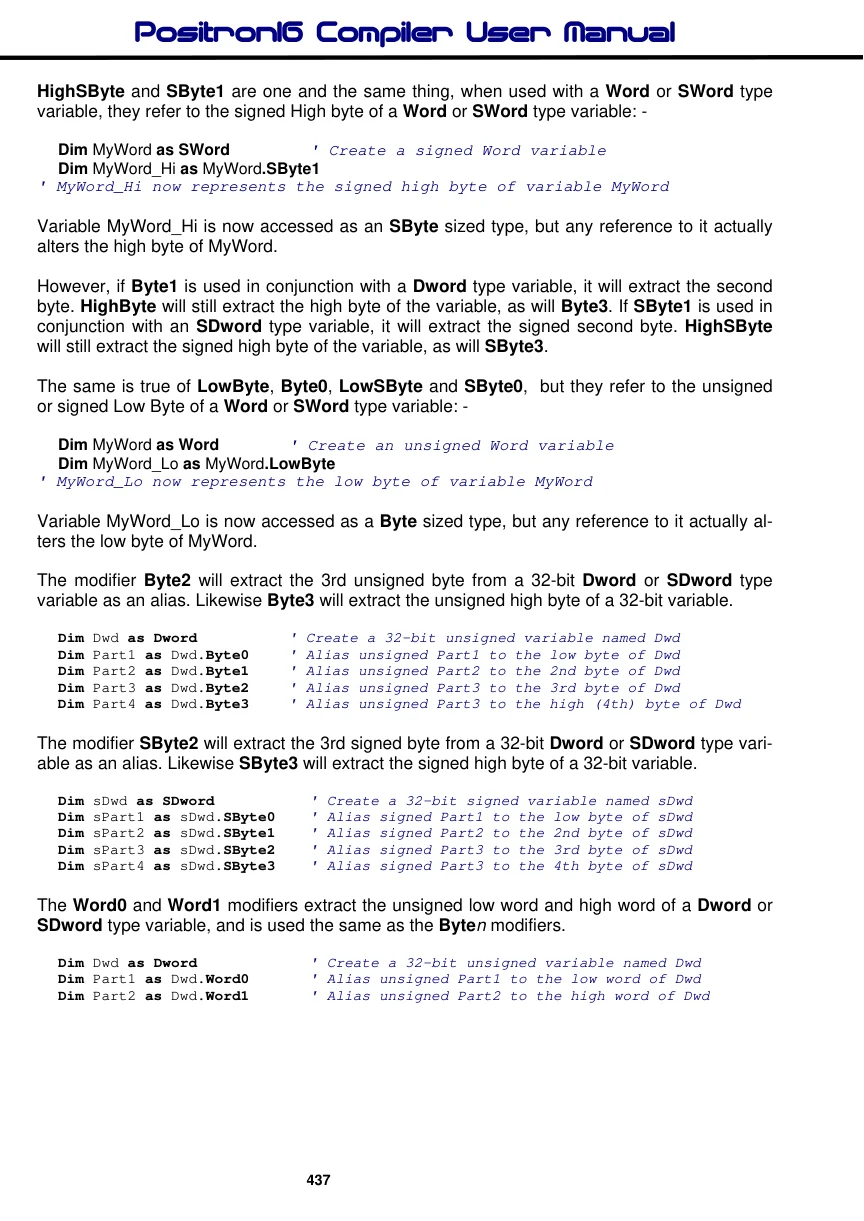
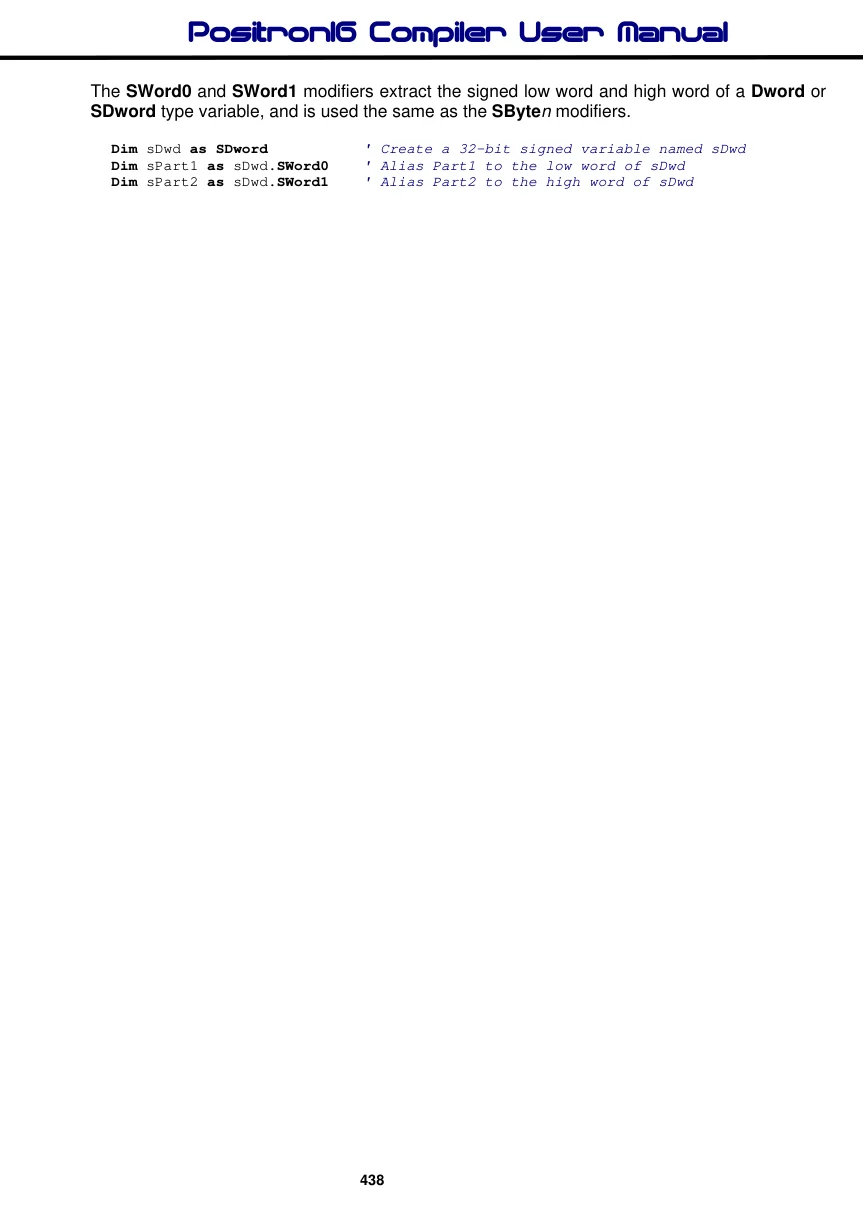
The SWord0 and SWord1 modifiers extract the signed low word and high word of a Dword or SDword type variable, and is used the same as the SByten modifiers.
Dim sDwd as SDword           ' Create a 32-bit signed variable named sDwd
Dim sPart1 as sDwd.SWord0   ' Alias Part1 to the low word of sDwd
Dim sPart2 as sDwd.SWord1   ' Alias Part2 to the high word of sDwd