Static Variables
Static variables are standard variables, but do not load their assignment where they are created in the program’s flow. This sound more complex than it actually is, but they offer a mechanism to give a variable a default value once and only once, even if the variable’s assignment comes into the program’s flow many times. Static variables are also created using the Dim directive, but the text ‘Static’ must precede it.
The format for creating a Static variable is as follows: -
Static Dim Name as Type
Name is any valid identifier, (excluding keywords). Type is Bit, Pin, Byte, Word, Long, Dword, SByte, SWord, SDword or Float. Some examples of creating Static variables are: -
  Static Dim tCat as Bit  = 1        ' Create a single bit static variable
  Static Dim bDog as Byte = 10        ' Create an 8-bit unsigned static variable
  Static Dim MyPin as Pin = 1        ' Create a static Port.Pin mask variable
  Static Dim wRat as Word = 10        ' Create a 16-bit unsigned static variable
   Static Dim lRat as Long = 100      ' Create a 24-bit unsigned static variable
  Static Dim dRat as Dword = 100    ' Create a 32-bit unsigned static variable
  Static Dim fBoat as Float = 1.0  ' Create a 32-bit Floating Point static variable

  Static Dim sbDog as SByte = -10   ' Create an 8-bit signed static variable
  Static Dim swRat as SWord = -100   ' Create a 16-bit signed static variable
   Static Dim sdLrg_Rat as SDword = 10 ' Create a 32-bit signed static variable
A Static variable must have a constant value operand following it when it is first created using the Dim directive. This value is the variable’s initial default value.
If the above Static Dim directives were placed at the beginning of the program’s code, each global variable will be assigned with its value when the device first powers up or is reset. If a Static variable is placed within a procedure, it will also be given its assignment value when the device powers up or is reset. This means it will be given the default value once, and never again in the program’s flow. For example:
  Device = 18F26K40          ' Select the device to compile for
  Declare Xtal = 16  ' Tell the compiler the device will be operating at 16MHz
  Declare Hserial_Baud = 9600  ' Set the Baud rate for HRsout
  Declare HRsout_Pin = PORTC.6 ' Set the Port pin to use for HRsout

  Dim MyByte as Byte          ' Create a byte variable to hold the result
  Do                           ' Create a loop
     MyByte = TestProc()      ' Call the procedure and load its result into MyByte
     HRsoutLn Dec MyByte      ' Transmit the result to a serial terminal
     DelayMs 512               ' A delay so the terminal is not flooded with values
  Loop                         ' Do it forever

Proc TestProc(), Byte
Static Dim bStatVar as Byte = 10 ' Create an 8-bit unsigned static variable
  bStatVar = bStatVar + 1        ' Increment the variable bStatVar
  Result = bStatVar             ' Return the value held in bStatVar
EndProc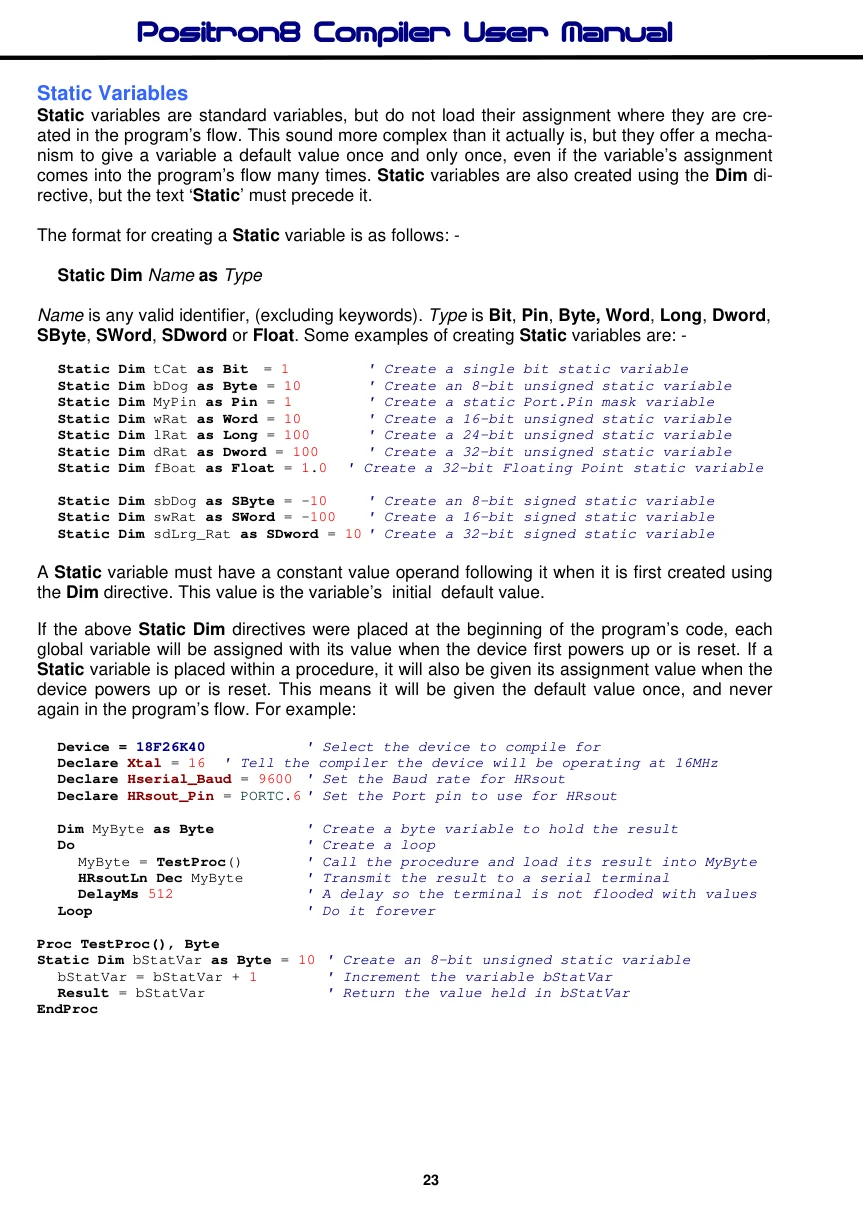
In the previous program, the local variable ‘bStatVar’, will be assigned the value of 10 when the program first starts, and not every time the procedure is called. So the texts on the serial terminal will be:
11
12
13
14
etc….
It can be seen that the value 10 is not placed into the variable ‘bStatVAr’, every time the procedure is called, but only when it was first created.
The Static variable mechanism comes in very handy with local variables that need a default reset value when they are first called, but not every time they are called.
Static variable types can be Bit, Pin, Byte, Word, Long, Dword, SByte, SWord, SDword or Float. At this moment in time, Static String or Array variables are not supported, but ‘Watch This Space’.