Positron Compiler Documentation

dTan

Source: Positron16 Compiler User Manual, PDF page 130

Syntax

Assignment Variable = dTan(pVariable)

Overview

Deduce the Tangent of a 64-bit floating point value

Parameter

pVariable can be a constant, variable or expression that requires the Tangent extracted. The value expected and returned by the floating point dTan is in radians. Assignment Variable can be any valid variable type.

Example

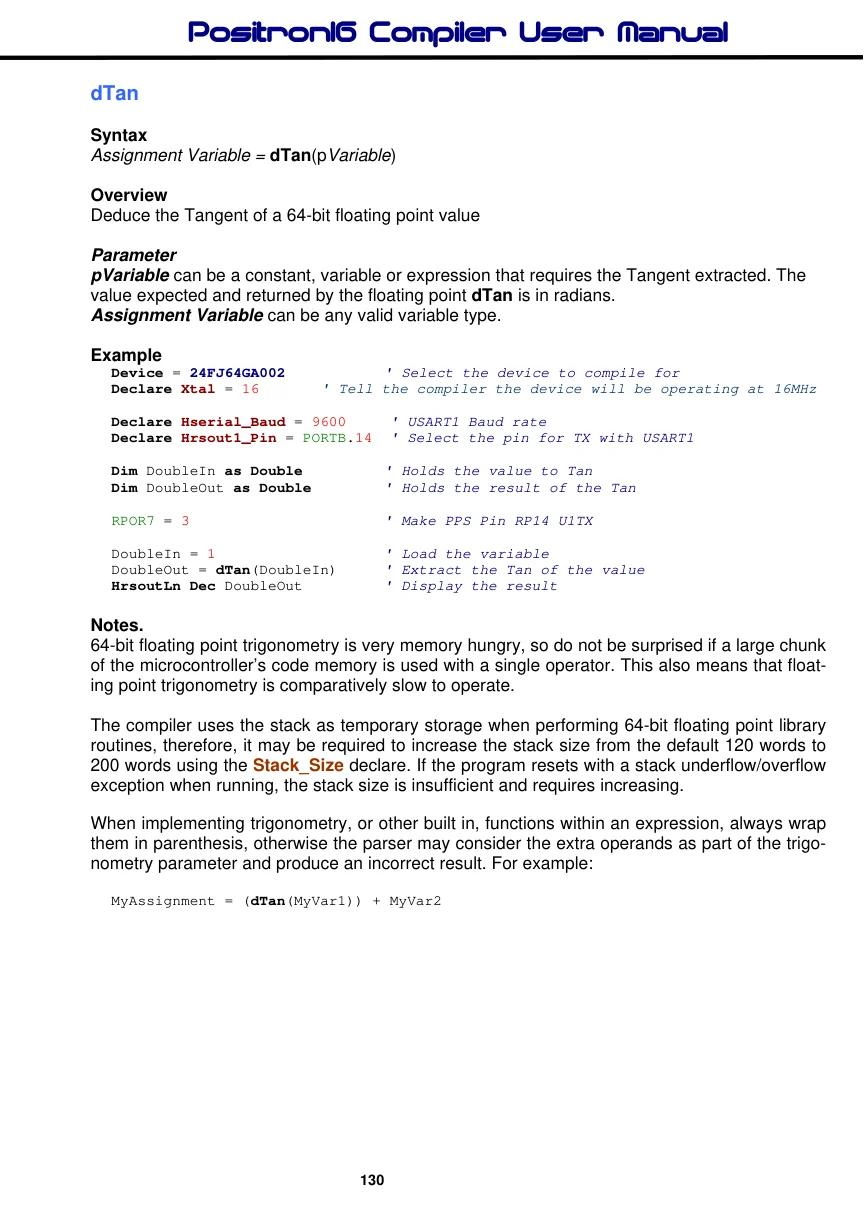
Device = 24FJ64GA002
                                ' Select the device to compile for
Declare Xtal = 16
                         ' Tell the compiler the device will be operating at 16MHz
Declare Hserial_Baud = 9600     ' USART1 Baud rate
Declare Hrsout1_Pin = PORTB.14  ' Select the pin for TX with USART1
Dim DoubleIn as Double
                                ' Holds the value to Tan
Dim DoubleOut as Double
                                ' Holds the result of the Tan
RPOR7 = 3
                                ' Make PPS Pin RP14 U1TX
DoubleIn = 1
                                ' Load the variable
DoubleOut = dTan(DoubleIn)
                                ' Extract the Tan of the value
HrsoutLn Dec DoubleOut
                                ' Display the result

Notes.

64-bit floating point trigonometry is very memory hungry, so do not be surprised if a large chunk of the microcontroller’s code memory is used with a single operator. This also means that floating point trigonometry is comparatively slow to operate.

The compiler uses the stack as temporary storage when performing 64-bit floating point library routines, therefore, it may be required to increase the stack size from the default 120 words to 200 words using the Stack_Size declare. If the program resets with a stack underflow/overflow exception when running, the stack size is insufficient and requires increasing.

When implementing trigonometry, or other built in, functions within an expression, always wrap them in parenthesis, otherwise the parser may consider the extra operands as part of the trigonometry parameter and produce an incorrect result. For example:

MyAssignment = (dTan(MyVar1)) + MyVar2
Compiler Commands and Directives

Peripheral and Interfacing Commands

ADin

Read the on-board analogue to digital converter.

Bstart

Send a Start condition to the I2C bus.

Bstop

Send a Stop condition to the I2C bus.

Brestart

Send a Restart condition to the I2C bus.

BusAck

Send an Acknowledge condition to the I2C bus.

BusNack

Send an Not Acknowledge condition to the I2C bus.

Busin

Read bytes from an I2C device using a bit-bashed interface.

Busout

Write bytes to an I2C device using a bit-bashed interface.

Button

Detect and debounce a key press.

PinClear

Pull a pin low using a variable as the pin number.

Counter

Count the number of pulses occurring on a pin.

DTMFout

Produce a DTMF Touch Tone note.

Freqout

Generate one or two tones, of differing or the same frequencies.

PinGet

Read a pin from a port using a variable as the index

HbStart

Send a Start condition to the I2C bus using the MSSP1 peripheral.

HbStop

Send a Stop condition to the I2C bus using the MSSP1 peripheral.

HbRestart

Send a Restart condition to the I2C bus using the MSSP1 peripheral.

HbusAck

Send an Ack condition to the I2C bus using the MSSP1 peripheral.

HbusNack

Send a Not Ack condition to the I2C bus using the MSSP1 peripheral.

Hbusin

Read from an I2C device using the MSSP1 peripheral.

Hbusout

Write to an I2C device using the MSSP1 peripheral.

HbStart2

Send a Start condition to the I2C bus using the MSSP2 peripheral.

HbStop 2

Send a Stop condition to the I2C bus using the MSSP2 peripheral.

HbRestart 2

Send a Restart condition to the I2C bus using the MSSP2 peripheral.

HbusAck2

Send an Ack condition to the I2C bus using the MSSP2 peripheral.

HbusNack2

Send a Not Ack condition to the I2C bus using the MSSP2 peripheral.

Hbusin 2

Read from an I2C device using the MSSP2 peripheral.

Hbusout2

Write to an I2C device using the MSSP2 peripheral. High (PinHigh) Make a Port or a Port’s pin output high.

Hpwm

Generate a PWM signal using one of the CCP peripherals.

I2Cin

Read bytes from an I2C device with user definable SDA\SCL lines.

I2Cout

Write bytes to an I2C device with user definable SDA\SCL lines.

Inkey

Scan a matrix keypad. Input (PinInput) Make a Port or a Port’s pin an input.

Low (PinLow)

Make a Port or a Port’s pin output low. Output (PinOutput) Make a Port or a Port’s pin an output.

Oread

Receive data from a device using the Dallas 1-wire protocol.

Owrite

Send data to a device using the Dallas 1-wire protocol.

PinMode

Make a specified Pin an input, output.

Pot

Read a potentiometer on specified pin.

PulseIn

Measure the pulse width on a pin.

PulseOut

Generate a pulse from a pin.

PWM

Output a Pulse Width Modulated pulse train to pin.

RCin

Measure a pulse width on a pin. Servo Control a servo motor.

PinSet

Set a pin high using a variable as the pin number. Shin Synchronous serial input. Shout Synchronous serial output. Sound Generate a tone or white-noise on a specified pin.

Toggle

Reverse the state of a port's bit.

Touch_Active

Detect if the touch screen is being touched.

Touch_Read

Read the X and Y coordinates from the touch screen Touch_HotSpot Detect a touch within a user defined window on the touch screen.

LCD Commands

Box

Draw a square on a graphic LCD.

Circle

Draw a circle on a graphic LCD.

Cls

Clear an LCD.

Cursor

Position the cursor on the LCD.

LCDread

Read a single byte from a Graphic LCD.

LCDwrite

Write bytes to a Graphic LCD.

Line

Draw a line in any direction on a graphic LCD.

LineTo

Draw a straight line in any direction on a graphic LCD, starting from the previous Line command's end position.

Pixel

Read a single pixel from a Graphic LCD.

Plot

Set a single pixel on a Graphic LCD.

Print

Display characters on an LCD.

Toshiba_Command

Send a command to a Toshiba T6963 graphic LCD.

Toshiba_UDG

Create User Defined Graphics for Toshiba T6963 graphic LCD. UnPlot Clear a single pixel on a Graphic LCD.

Async Serial Commands

Hrsin

Receive data from the serial port on devices that contain a USART.

Hrsout

Transmit data from the serial port on devices that contain a USART.

HrsoutLn

Transmit data from the serial port on devices that contain a USART and transmit a terminator value or values.

Hserin

Receive data from the serial port on devices that contain a USART.

Hserout

Transmit data from the serial port on devices that contain a USART.

HseroutLn

Transmit data from the serial port on devices that contain a USART and transmit a terminator value or values.

Hrsin2

Same as Hrsin but using a 2nd USART if available.

Hrsout2

Same as Hrsout but using a 2nd USART if available.

Hrsout2Ln

Same as HrsoutLn but using a 2nd USART if available.

Hserin2

Same as Hserin but using a 2nd USART if available.

Hserout2

Same as Hserout but using a 2nd USART if available.

Hserout2Ln

Same as HseroutLn but using a 2nd USART if available.

Hrsin3

Same as Hrsin but using a 3rd USART if available.

Hrsout3

Same as Hrsout but using a 3rd USART if available.

Hrsout3Ln

Same as HrsoutLn but using a 3rd USART if available.

Hserin3

Same as Hserin but using a 3rd USART if available.

Hserout3

Same as Hserout but using a 3rd USART if available.

Hserout3Ln

Same as HseroutLn but using a 3rd USART if available.

Hrsin4

Same as Hrsin but using a 4th USART if available.

Hrsout4

Same as Hrsout but using a 4th USART if available.

Hrsout4Ln

Same as HrsoutLn but using a 4th USART if available.

Hserin4

Same as Hserin but using a 4th USART if available.

Hserout4

Same as Hserout but using a 4th USART if available.

Hserout4Ln

Same as HseroutLn but using a 4th USART if available. Rsin Asynchronous serial input from a fixed pin and Baud rate. Rsout Asynchronous serial output to a fixed pin and Baud rate.

RsoutLn

Asynchronous serial output to a fixed pin and Baud rate, and transmit a terminator value or values.

Serin

Receive asynchronous serial data (i.e. RS232 data).

Serout

Transmit asynchronous serial data (i.e. RS232 data).

Comparison and Loop Commands

Branch

Computed GoTo (equiv. to On..GoTo).

BranchL

Branch out of page (long Branch).

Break

Exit a loop prematurely.

Continue

Cause the next iteration of the enclosing loop to begin. Do...Loop Execute a block of instructions until a condition is true. For…to…Next…Step Repeatedly execute statements. If..Then..ElseIf..Else..EndIf Conditionally execute statements.

On Gosub

Call a Subroutine based on an Index value.

On GoTo

Jump to an address in code memory based on an Index value. (Primarily for smaller devices)

On GotoL

Jump to an address in code memory based on an Index value. (Primarily for larger devices)

Repeat...Until

Execute a block of instructions until a condition is true. Select..Case..EndSelect Conditionally run blocks of code. Tern A form of Ternary Operator and has the same mechanism as a C compiler's '?' directive.

While…Wend

Execute statements while condition is true.

General BASIC Commands

Call

Call an assembly language subroutine.

Clear

Place a variable or bit in a low state, or clear all RAM area.

ClearBit

Clear a bit of a port or variable, using a variable index.

Dec

Decrement a variable.

DelayMs

Delay (1 millisecond resolution).

DelayUs

Delay (1 microsecond resolution).

DelayCs

Delay (1 clock cycle resolution).

Dig

Return the value of a decimal digit.

GetBit

Examine a bit of a port or variable, using a variable index. Gosub Call a BASIC subroutine at a specified label.

GoTo

Continue execution at a specified label.

Inc

Increment a variable.

LoadBit

Set or Clear a bit of a port or variable, using a variable index. Ptr8, Ptr16, Ptr32, Ptr64 Indirectly read or write RAM using a variable to hold the address.

Random

Generate a pseudo-random number.

Return

Continue at the statement following the last Gosub. Rol Bitwise rotate a variable left with or without the microcontroller’s Carry flag. Ror Bitwise rotate a variable right with or without the microcontroller’s Carry flag.

Seed

Seed the random number generator, to obtain a more random result.

Set

Place a variable or bit in a high state.

SetBit

Set a bit of a port or variable, using a variable index. Stop Stop program execution. Swap Exchange the values of two variables.

End

Stop execution of the BASIC program.

RAM String Variable Commands

Left$

Extract n amount of characters from the left of a String.

Mid$

Extract characters from a String beginning at n characters from the left. Right$ Extract n amount of characters from the right of a String.

Str

Load a Byte array with values.

Strn

Create a null terminated byte array. Str$ Convert the contents of a variable to a null terminated String.

ToLower

Convert the characters in a String to lower case.

ToUpper

Convert the characters in a String to upper case.

Val

Convert a null terminated String to an integer value.

Non-Volatile Data Commands

cPtr8, cPtr16, cPtr32, cPtr64 Indirectly read flash memory using a variable as the address. Cdata Place information into flash memory. For access by CreadX.

Cread8, Cread16, Cread32, Cread64

Read a value from a code memory table.

Edata

Define initial contents of on-board EEPROM.

Eread

Read a value from on-board EEPROM.

Ewrite

Write a value to on-board EEPROM.

LookDown

Search a constant lookdown table for a value.

LookDownL

Search constant or variable lookdown table for a value.

LookUp

Fetch a constant value from a lookup table.

LookUpL

Fetch a constant or variable value from lookup table.

Directives

AddressOf

Locate the address of a variable or label.

Asm-EndAsm

Insert assembly language code section.

Config

Set or Reset programming fuse configurations.

Declare

Adjust library routine parameters.

Device

Choose the type of PIC24® or dsPIC33® microcontroller to compile for.

Dim

Create a variable.

Include

Load a BASIC file into the source code.

Proc-EndProc

Create a procedure unit

Sub-EndSub

Create a subroutine unit ISR_Start...ISR_End Define an interrupt handler block of code. Symbol Create an alias to a constant, port, pin, or register.