Compiler commands and directives — quick reference
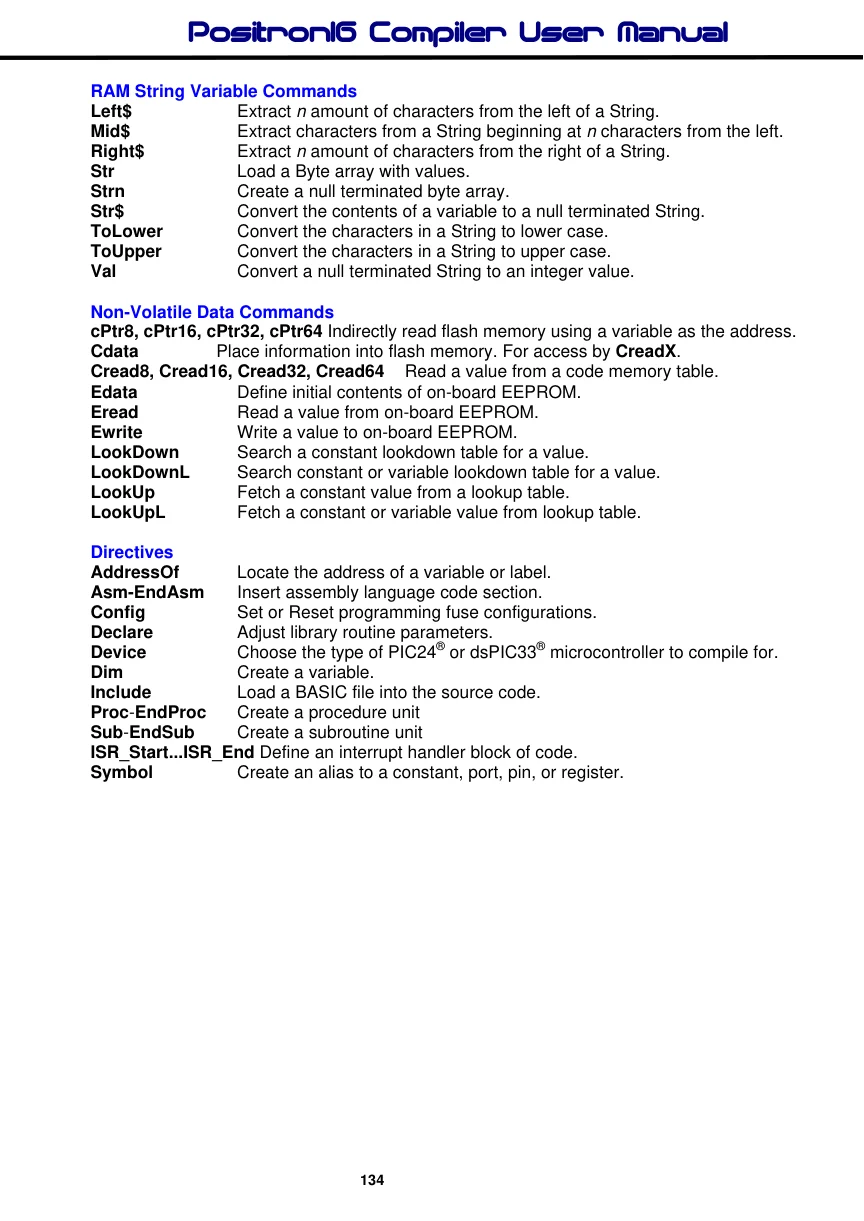
Compiler Commands and Directives
Peripheral and Interfacing Commands
| ADin | Read the on-board analogue to digital converter. |
| Bstart | Send a Start condition to the I2C bus. |
| Bstop | Send a Stop condition to the I2C bus. |
| Brestart | Send a Restart condition to the I2C bus. |
| BusAck | Send an Acknowledge condition to the I2C bus. |
| BusNack | Send an Not Acknowledge condition to the I2C bus. |
| Busin | Read bytes from an I2C device using a bit-bashed interface. |
| Busout | Write bytes to an I2C device using a bit-bashed interface. |
| Button | Detect and debounce a key press. |
| PinClear | Pull a pin low using a variable as the pin number. |
| Counter | Count the number of pulses occurring on a pin. |
| DTMFout | Produce a DTMF Touch Tone note. |
| Freqout | Generate one or two tones, of differing or the same frequencies. |
| PinGet | Read a pin from a port using a variable as the index |
| HbStart | Send a Start condition to the I2C bus using the MSSP1 peripheral. |
| HbStop | Send a Stop condition to the I2C bus using the MSSP1 peripheral. |
| HbRestart | Send a Restart condition to the I2C bus using the MSSP1 peripheral. |
| HbusAck | Send an Ack condition to the I2C bus using the MSSP1 peripheral. |
| HbusNack | Send a Not Ack condition to the I2C bus using the MSSP1 peripheral. |
| Hbusin | Read from an I2C device using the MSSP1 peripheral. |
| Hbusout | Write to an I2C device using the MSSP1 peripheral. |
| HbStart2 | Send a Start condition to the I2C bus using the MSSP2 peripheral. |
| HbStop 2 | Send a Stop condition to the I2C bus using the MSSP2 peripheral. |
| HbRestart 2 | Send a Restart condition to the I2C bus using the MSSP2 peripheral. |
| HbusAck2 | Send an Ack condition to the I2C bus using the MSSP2 peripheral. |
| HbusNack2 | Send a Not Ack condition to the I2C bus using the MSSP2 peripheral. |
| Hbusin 2 | Read from an I2C device using the MSSP2 peripheral. |
| Hbusout2 | Write to an I2C device using the MSSP2 peripheral. |
| High (PinHigh) | Make a Port or a Port’s pin output high. |
| Hpwm | Generate a PWM signal using one of the CCP peripherals. |
| I2Cin | Read bytes from an I2C device with user definable SDA\SCL lines. |
| I2Cout | Write bytes to an I2C device with user definable SDA\SCL lines. |
| Inkey | Scan a matrix keypad. |
| Input (PinInput) | Make a Port or a Port’s pin an input. |
| Low (PinLow) | Make a Port or a Port’s pin output low. |
Output (PinOutput) Make a Port or a Port’s pin an output.
| Oread | Receive data from a device using the Dallas 1-wire protocol. |
| Owrite | Send data to a device using the Dallas 1-wire protocol. |
| PinMode | Make a specified Pin an input, output. |
| Pot | Read a potentiometer on specified pin. |
| PulseIn | Measure the pulse width on a pin. |
| PulseOut | Generate a pulse from a pin. |
| PWM | Output a Pulse Width Modulated pulse train to pin. |
| RCin | Measure a pulse width on a pin. |
| Servo | Control a servo motor. |
| PinSet | Set a pin high using a variable as the pin number. |
| Shin | Synchronous serial input. |
| Shout | Synchronous serial output. |
| Sound | Generate a tone or white-noise on a specified pin. |
| Toggle | Reverse the state of a port's bit. |
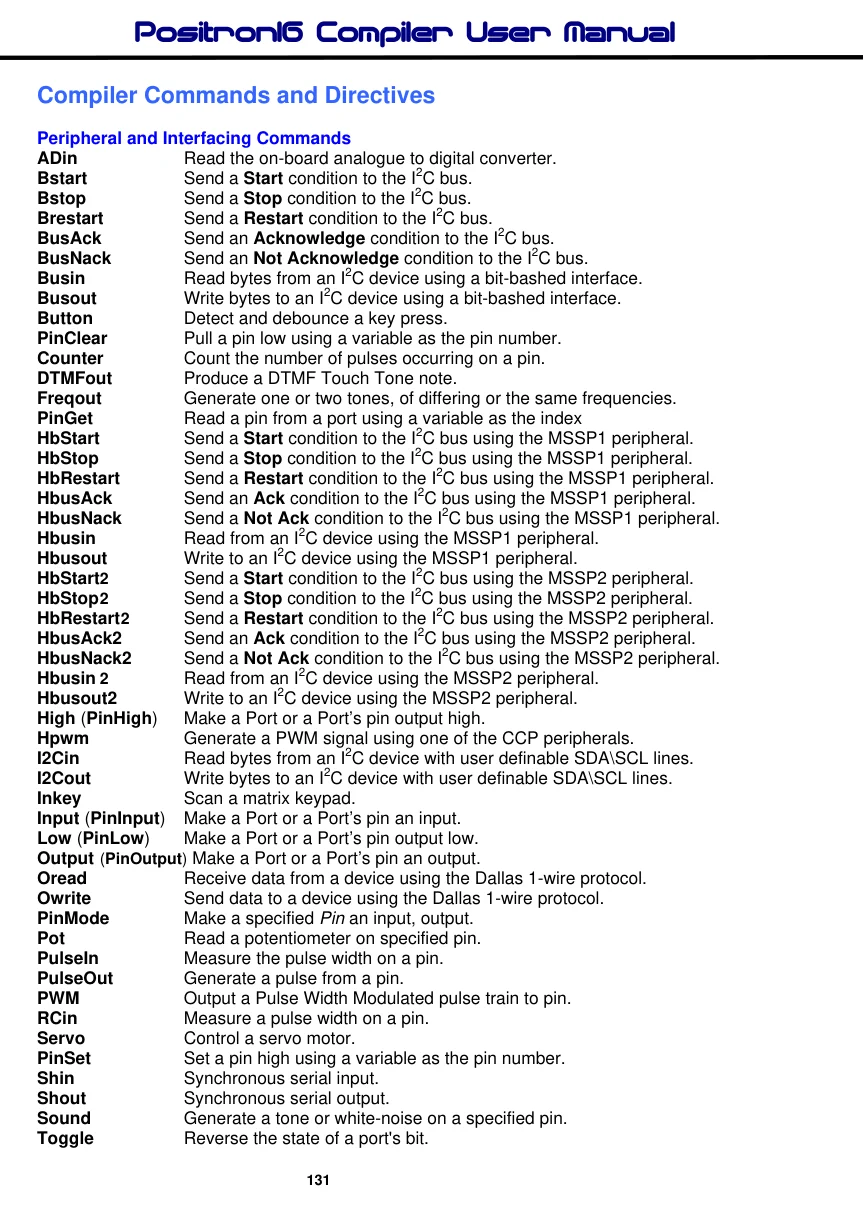
| Touch_Active | Detect if the touch screen is being touched. |
| Touch_Read | Read the X and Y coordinates from the touch screen |
Touch_HotSpot Detect a touch within a user defined window on the touch screen.
LCD Commands
| Box | Draw a square on a graphic LCD. |
| Circle | Draw a circle on a graphic LCD. |
| Cls | Clear an LCD. |
| Cursor | Position the cursor on the LCD. |
| LCDread | Read a single byte from a Graphic LCD. |
| LCDwrite | Write bytes to a Graphic LCD. |
| Line | Draw a line in any direction on a graphic LCD. |
| LineTo | Draw a straight line in any direction on a graphic LCD, starting from the |
previous Line command's end position.
| Pixel | Read a single pixel from a Graphic LCD. |
| Plot | Set a single pixel on a Graphic LCD. |
| Display characters on an LCD. | |
| Toshiba_Command | Send a command to a Toshiba T6963 graphic LCD. |
| Toshiba_UDG | Create User Defined Graphics for Toshiba T6963 graphic LCD. |
| UnPlot | Clear a single pixel on a Graphic LCD. |
Async Serial Commands
| Hrsin | Receive data from the serial port on devices that contain a USART. |
| Hrsout | Transmit data from the serial port on devices that contain a USART. |
| HrsoutLn | Transmit data from the serial port on devices that contain a USART |
and transmit a terminator value or values.
| Hserin | Receive data from the serial port on devices that contain a USART. |
| Hserout | Transmit data from the serial port on devices that contain a USART. |
| HseroutLn | Transmit data from the serial port on devices that contain a USART |
and transmit a terminator value or values.
| Hrsin2 | Same as Hrsin but using a 2nd USART if available. |
| Hrsout2 | Same as Hrsout but using a 2nd USART if available. |
| Hrsout2Ln | Same as HrsoutLn but using a 2nd USART if available. |
| Hserin2 | Same as Hserin but using a 2nd USART if available. |
| Hserout2 | Same as Hserout but using a 2nd USART if available. |
| Hserout2Ln | Same as HseroutLn but using a 2nd USART if available. |
| Hrsin3 | Same as Hrsin but using a 3rd USART if available. |
| Hrsout3 | Same as Hrsout but using a 3rd USART if available. |
| Hrsout3Ln | Same as HrsoutLn but using a 3rd USART if available. |
| Hserin3 | Same as Hserin but using a 3rd USART if available. |
| Hserout3 | Same as Hserout but using a 3rd USART if available. |
| Hserout3Ln | Same as HseroutLn but using a 3rd USART if available. |
| Hrsin4 | Same as Hrsin but using a 4th USART if available. |
| Hrsout4 | Same as Hrsout but using a 4th USART if available. |
| Hrsout4Ln | Same as HrsoutLn but using a 4th USART if available. |
| Hserin4 | Same as Hserin but using a 4th USART if available. |
| Hserout4 | Same as Hserout but using a 4th USART if available. |
| Hserout4Ln | Same as HseroutLn but using a 4th USART if available. |
| Rsin | Asynchronous serial input from a fixed pin and Baud rate. |
| Rsout | Asynchronous serial output to a fixed pin and Baud rate. |
| RsoutLn | Asynchronous serial output to a fixed pin and Baud rate, |
and transmit a terminator value or values.
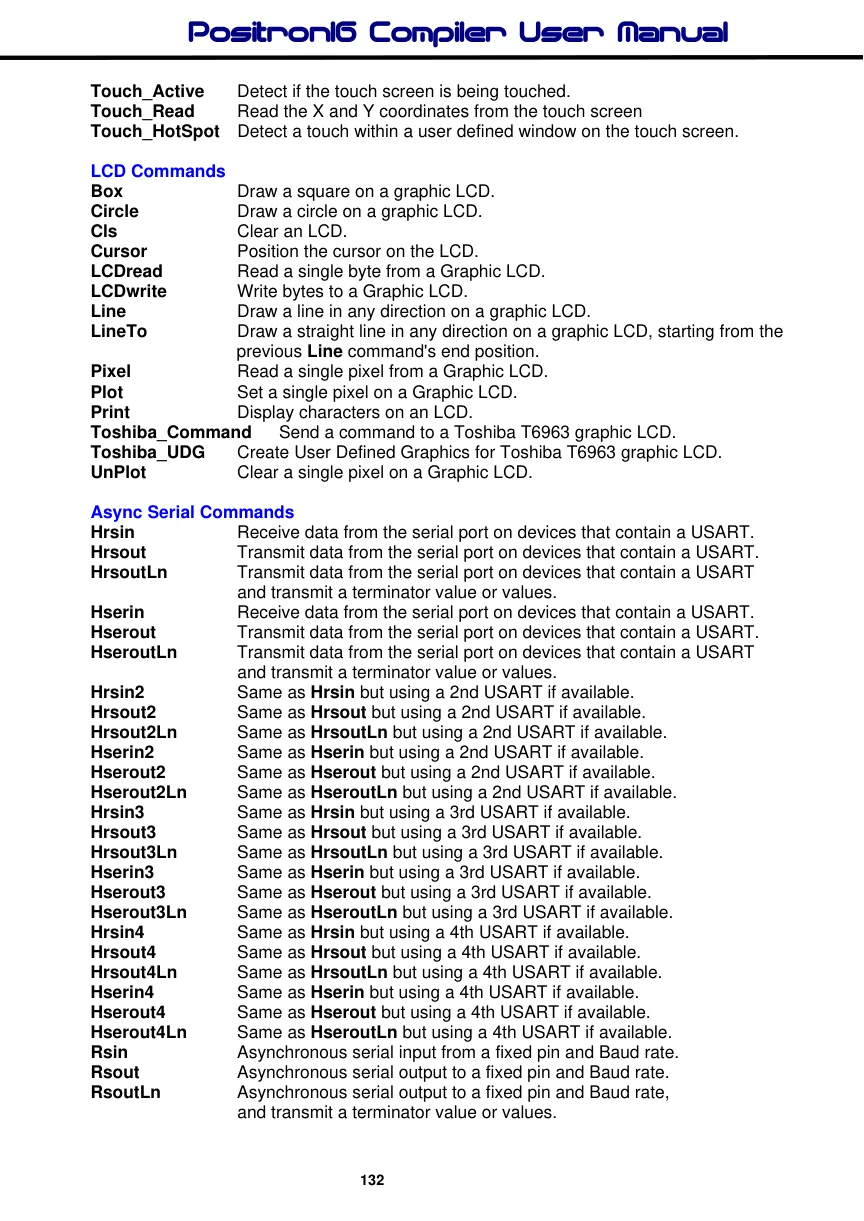
| Serin | Receive asynchronous serial data (i.e. RS232 data). |
| Serout | Transmit asynchronous serial data (i.e. RS232 data). |
Comparison and Loop Commands
| Branch | Computed GoTo (equiv. to On..GoTo). |
| BranchL | Branch out of page (long Branch). |
| Break | Exit a loop prematurely. |
| Continue | Cause the next iteration of the enclosing loop to begin. |
| Do...Loop | Execute a block of instructions until a condition is true. |
For…to…Next…Step Repeatedly execute statements. If..Then..ElseIf..Else..EndIf Conditionally execute statements.
| On Gosub | Call a Subroutine based on an Index value. |
| On GoTo | Jump to an address in code memory based on an Index value. |
(Primarily for smaller devices)
On GotoL Jump to an address in code memory based on an Index value.
(Primarily for larger devices)
Repeat...Until Execute a block of instructions until a condition is true.
Select..Case..EndSelect Conditionally run blocks of code.
Tern A form of Ternary Operator and has the same mechanism as a
C compiler's '?' directive.
While…Wend Execute statements while condition is true.
General BASIC Commands
| Call | Call an assembly language subroutine. |
| Clear | Place a variable or bit in a low state, or clear all RAM area. |
| ClearBit | Clear a bit of a port or variable, using a variable index. |
| Dec | Decrement a variable. |
| DelayMs | Delay (1 millisecond resolution). |
| DelayUs | Delay (1 microsecond resolution). |
| DelayCs | Delay (1 clock cycle resolution). |
| Dig | Return the value of a decimal digit. |
| GetBit | Examine a bit of a port or variable, using a variable index. |
| Gosub | Call a BASIC subroutine at a specified label. |
| GoTo | Continue execution at a specified label. |
| Inc | Increment a variable. |
| LoadBit | Set or Clear a bit of a port or variable, using a variable index. |
Ptr8, Ptr16, Ptr32, Ptr64 Indirectly read or write RAM using a variable to hold the address.
| Random | Generate a pseudo-random number. |
| Return | Continue at the statement following the last Gosub. |
| Rol | Bitwise rotate a variable left with or without the microcontroller’s Carry flag. |
| Ror | Bitwise rotate a variable right with or without the microcontroller’s Carry flag. |
| Seed | Seed the random number generator, to obtain a more random result. |
| Set | Place a variable or bit in a high state. |
| SetBit | Set a bit of a port or variable, using a variable index. |
| Stop | Stop program execution. |
| Swap | Exchange the values of two variables. |
| End | Stop execution of the BASIC program. |

RAM String Variable Commands
| Left$ | Extract n amount of characters from the left of a String. |
| Mid$ | Extract characters from a String beginning at n characters from the left. |
| Right$ | Extract n amount of characters from the right of a String. |
| Str | Load a Byte array with values. |
| Strn | Create a null terminated byte array. |
| Str$ | Convert the contents of a variable to a null terminated String. |
| ToLower | Convert the characters in a String to lower case. |
| ToUpper | Convert the characters in a String to upper case. |
| Val | Convert a null terminated String to an integer value. |
Non-Volatile Data Commands
cPtr8, cPtr16, cPtr32, cPtr64 Indirectly read flash memory using a variable as the address.
| Cdata | Place information into flash memory. For access by CreadX. |
| Cread8, Cread16, Cread32, Cread64 | Read a value from a code memory table. |
| Edata | Define initial contents of on-board EEPROM. |
| Eread | Read a value from on-board EEPROM. |
| Ewrite | Write a value to on-board EEPROM. |
| LookDown | Search a constant lookdown table for a value. |
| LookDownL | Search constant or variable lookdown table for a value. |
| LookUp | Fetch a constant value from a lookup table. |
| LookUpL | Fetch a constant or variable value from lookup table. |
Directives
| AddressOf | Locate the address of a variable or label. |
| Asm-EndAsm | Insert assembly language code section. |
| Config | Set or Reset programming fuse configurations. |
| Declare | Adjust library routine parameters. |
| Device | Choose the type of PIC24® or dsPIC33® microcontroller to compile for. |
| Dim | Create a variable. |
| Include | Load a BASIC file into the source code. |
| Proc-EndProc | Create a procedure unit |
| Sub-EndSub | Create a subroutine unit |
ISR_Start...ISR_End Define an interrupt handler block of code.
Symbol Create an alias to a constant, port, pin, or register.