ADin
Syntax
Assignment Variable = ADin ANx pin number
Overview
Read the value from the on-board Analogue to Digital Converter.
Parameters
ANx pin number can be a constant, variable or expression. It holds the ADC number from MUXA of the device in use. Assignment Variable is a user defined variable that holds the result of the ADC.
Example
' Read the value from AN0 of the ADC and serially transmit the result.
  Device = 24FJ64GA002           ' Select the device to compile for
  Declare Xtal = 32

  Declare Adin_Tad = cFRC        ' RC oscillator chosen
  Declare Adin_Stime = 10        ' Allow 10us sample time

  Declare Hserial_Baud = 9600     ' USART1 Baud rate
   Declare Hrsout1_Pin = PORTB.14  ' Pin to be used for TX with USART1

  Dim ADC_wResult as Word        ' Create a word variable

  CLKDIV = 0                   ' CPU peripheral clock ratio set to 1:1
  Write_OSCCONH(%00010000)     ' Enable PLL
  RPOR7 = 3                    ' Make PPS Pin RP14 U1TX
  AD1CON2 = 0                  ' AVdd, AVss, MUXA only
  AD1PCFGbits_PCFG0 = 0       ' Analogue input on pin AN0

  Do                           ' Create an infinite loop
     ADC_wResult = ADin 0      ' Place the conversion into variable ADC_wResult
     HrsoutLn Dec ADC_wResult  ' Transmit the decimal ASCII result
     DelayMs 100               ' Wait for 100 milliseconds
  Loop                         ' Do it forever
'
' For internal oscillator with PLL
'
  Config Config1 = JTAGEN_OFF, GCP_OFF, GWRP_OFF, BKBUG_OFF, COE_OFF,_
                   ICS_PGx1, FWDTEN_OFF, WINDIS_OFF, FWPSA_PR128, WDTPOST_PS256
  Config Config2 = IOL1WAY_OFF, COE_OFF, IESO_OFF, FNOSC_FRCPLL,_
                   FCKSM_CSDCMD, OSCIOFNC_ON, POSCMOD_NONE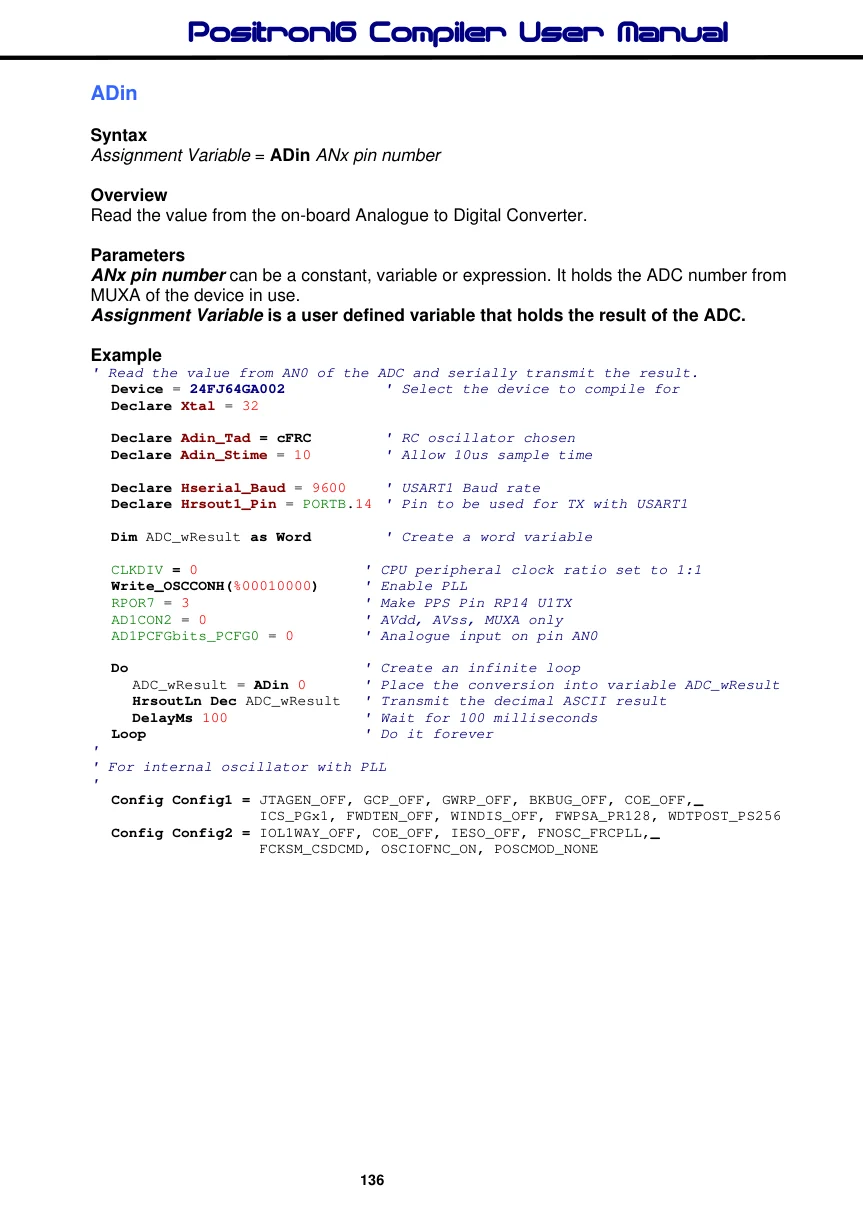
ADin Declares
There are two Declare directives for use with ADin. These are: -
Declare ADin_Tad c1_FOSC, c2_FOSC, c4_FOSC, c8_FOSC, c16_FOSC, c32_FOSC, c64_FOSC, or cFRC. Sets the ADC's clock source.
All compatible devices have multiple options for the clock source used by the ADC peripheral. c1_FOSC, c2_FOSC, c4_FOSC, c8_FOSC, c16_FOSC, c32_FOSC, and c64_FOSC are ratios of the external oscillator, while FRC is the device's internal RC oscillator.
Care must be used when issuing this Declare, as the wrong type of clock source may result in poor accuracy, or no conversion at all. If in doubt use FRC which will produce a slight reduction in accuracy and conversion speed, but is guaranteed to work first time, every time. FRC is the default setting if the Declare is not issued in the BASIC listing.
Declare ADin_Stime 0 to 65535 microseconds (us). Allows the internal capacitors to fully charge before a sample is taken. This may be a value from 0 to 65535 microseconds (us).
A value too small may result in a reduction of resolution. While too large a value will result in poor conversion speeds without any extra resolution being attained.
A typical value for ADin_Stime is 2 to 100. This allows adequate charge time without loosing too much conversion speed. But experimentation will produce the right value for your particular requirement. The default value if the Declare is not used in the BASIC listing is 50.
Notes.
Before the ADin command may be used, the appropriate pin must be configured as an analogue input. Refer to the datasheet of the specific device being used for more information on the SFRs involved.
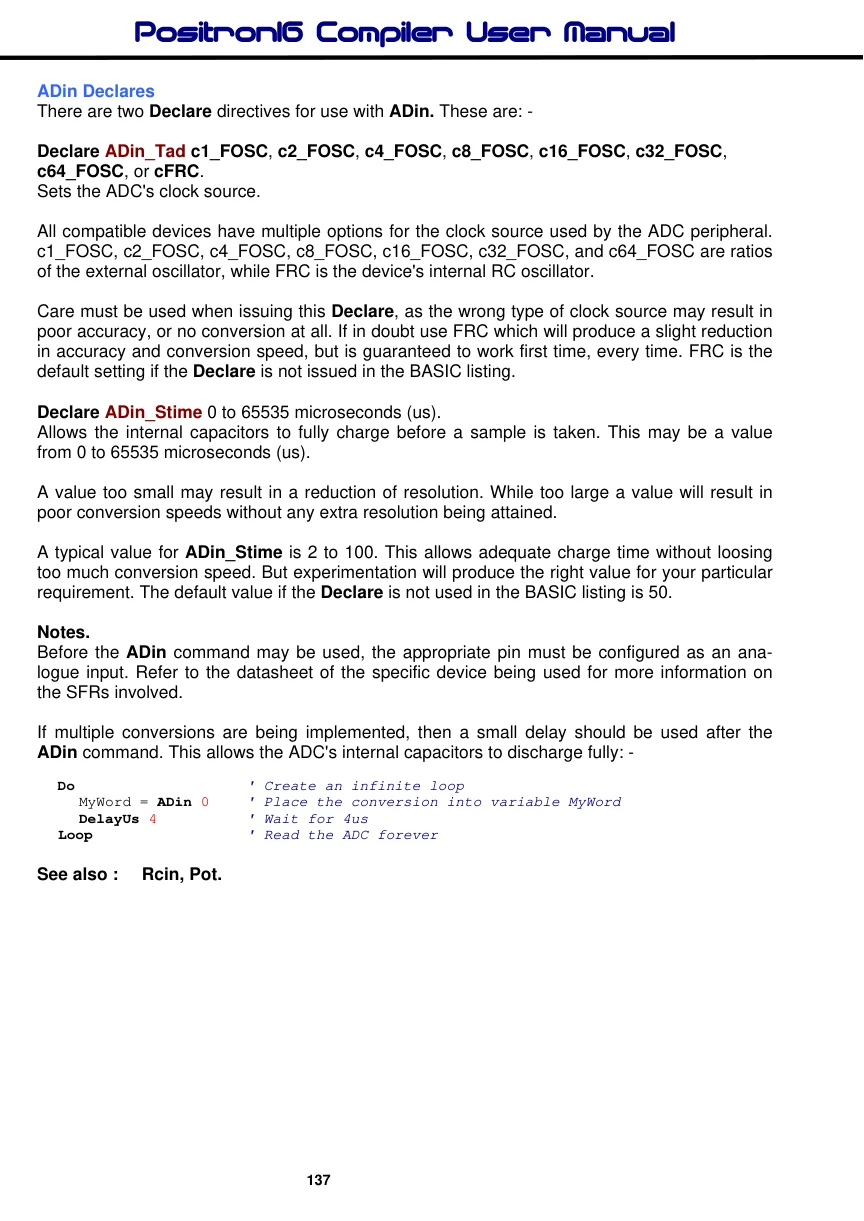
If multiple conversions are being implemented, then a small delay should be used after the ADin command. This allows the ADC's internal capacitors to discharge fully: -
Do                    ' Create an infinite loop
  MyWord = ADin 0   ' Place the conversion into variable MyWord
  DelayUs 4           ' Wait for 4us
Loop                  ' Read the ADC forever