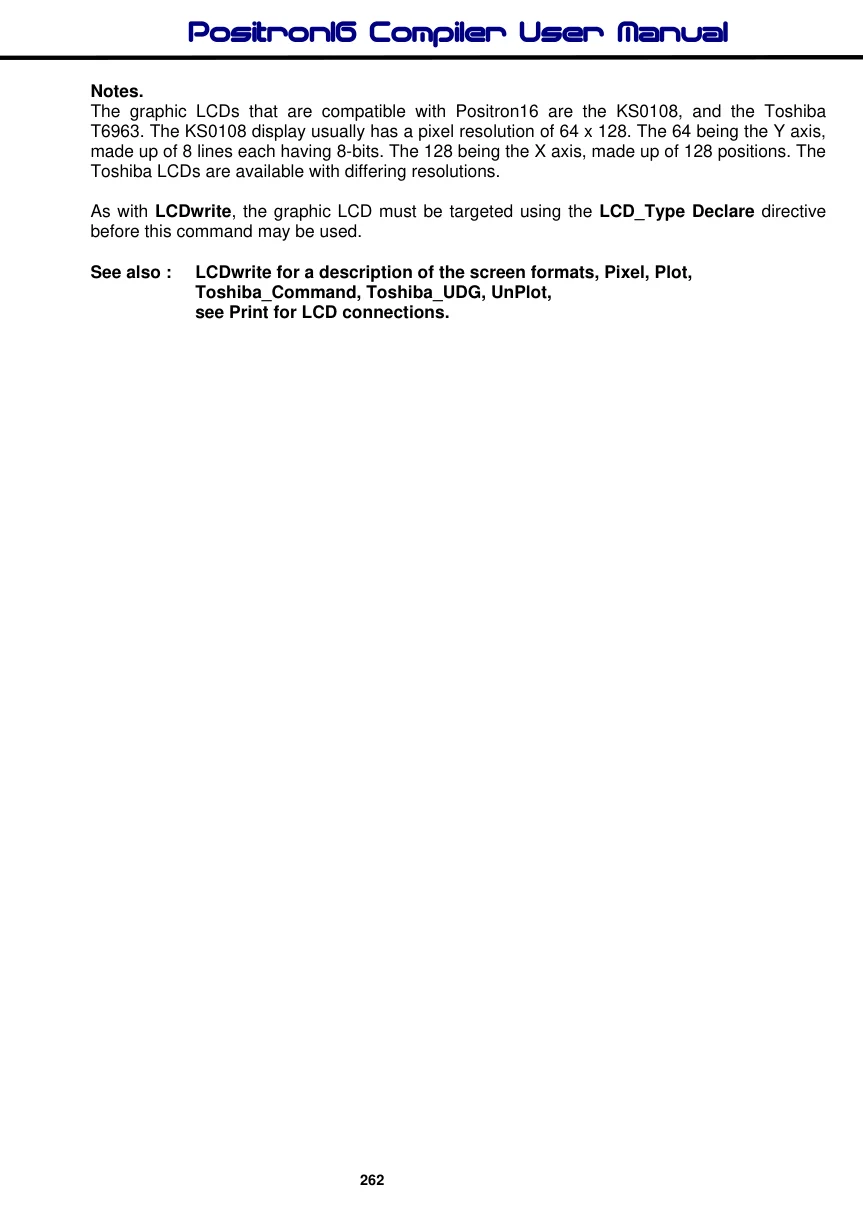
LCDread
Syntax
Assignment Variable = LCDread Ypos, Xpos
Overview
Read a byte from a graphic LCD.
Parameters
Ypos :- With a KS0108 graphic LCD this may be a constant, variable or expression within the range of 0 to 7 This corresponds to the line number of the LCD, with 0 being the top row. With a Toshiba T6963 graphic LCD this may be a constant, variable or expression within the range of 0 to the Y resolution of the display. With 0 being the top line. Xpos: - With a KS0108 graphic LCD this may be a constant, variable or expression with a value of 0 to 127. This corresponds to the X position of the LCD, with 0 being the far left column. With a Toshiba graphic LCD this may be a constant, variable or expression with a value of 0 to the X resolution of the display divided by the font width (LCD_X_Res / LCD_Font_Width). This corresponds to the X position of the LCD, with 0 being the far left column. Assignment Variable is a user defined variable.
Example
' Read and display the top row of the KS0108 graphic LCD
  Device = 24HJ128GP502             ' Select the device to compile for
  Declare Xtal = 16
'
' LCD interface pin assignments
'
  Declare LCD_Type = KS0108         ' Setup for a KS0108 graphic LCD
  Declare LCD_DTPort = PORTB.Byte0
  Declare LCD_CS1Pin = PORTB.8
  Declare LCD_CS2Pin = PORTB.9
  Declare LCD_ENPin = PORTB.10
  Declare LCD_RSPin = PORTB.11
  Declare LCD_RWPin = PORTB.12

  Dim Var1 as Byte
  Dim Xpos as Byte
  Cls                              ' Clear the LCD
  Print "Testing 1 2 3"
  For Xpos = 0 to 127               ' Create a loop of 128
     Var1 = LCDread 0, Xpos        ' Read the LCD's top line
     Print At 1, 0, "Chr= ", Dec Var1," "
     DelayMs 100
  Next
Notes.
The graphic LCDs that are compatible with Positron16 are the KS0108, and the Toshiba T6963. The KS0108 display usually has a pixel resolution of 64 x 128. The 64 being the Y axis, made up of 8 lines each having 8-bits. The 128 being the X axis, made up of 128 positions. The Toshiba LCDs are available with differing resolutions.
As with LCDwrite, the graphic LCD must be targeted using the LCD_Type Declare directive before this command may be used.
See also : LCDwrite for a description of the screen formats, Pixel, Plot, Toshiba_Command, Toshiba_UDG, UnPlot, see Print for LCD connections.