Cursor
Syntax
Cursor Line, Position
Overview
Move the cursor position on an Alphanumeric or Graphic LCD to a specified line (ypos) and position (xpos).
Parameters
Line is a constant, variable, or expression that corresponds to the line (Ypos) number from 1 to maximum lines (0 to maximum Y resolution if using a graphic LCD). Position is a constant, variable, or expression that moves the position within the position (Xpos) chosen, from 1 to maximum position (0 to maximum position if using a graphic LCD).
Example 1
Device = 24FJ64GA002             ' Select the device to compile for
Declare Xtal = 16

Declare LCD_DTPin = PORTB.4
Declare LCD_RSPin = PORTA.0
Declare LCD_ENPin = PORTA.1
Declare LCD_Lines = 4
Declare LCD_Interface = 4

Dim Line as Byte
Dim Xpos as Byte

Line = 2
Xpos = 1
Cls                              ' Clear the LCD
Print "Hello"                    ' Display the word "Hello" on the LCD
Cursor Line, Xpos               ' Move the cursor to line 2, position 1
Print "World"                    ' Display the word "World" on the LCD
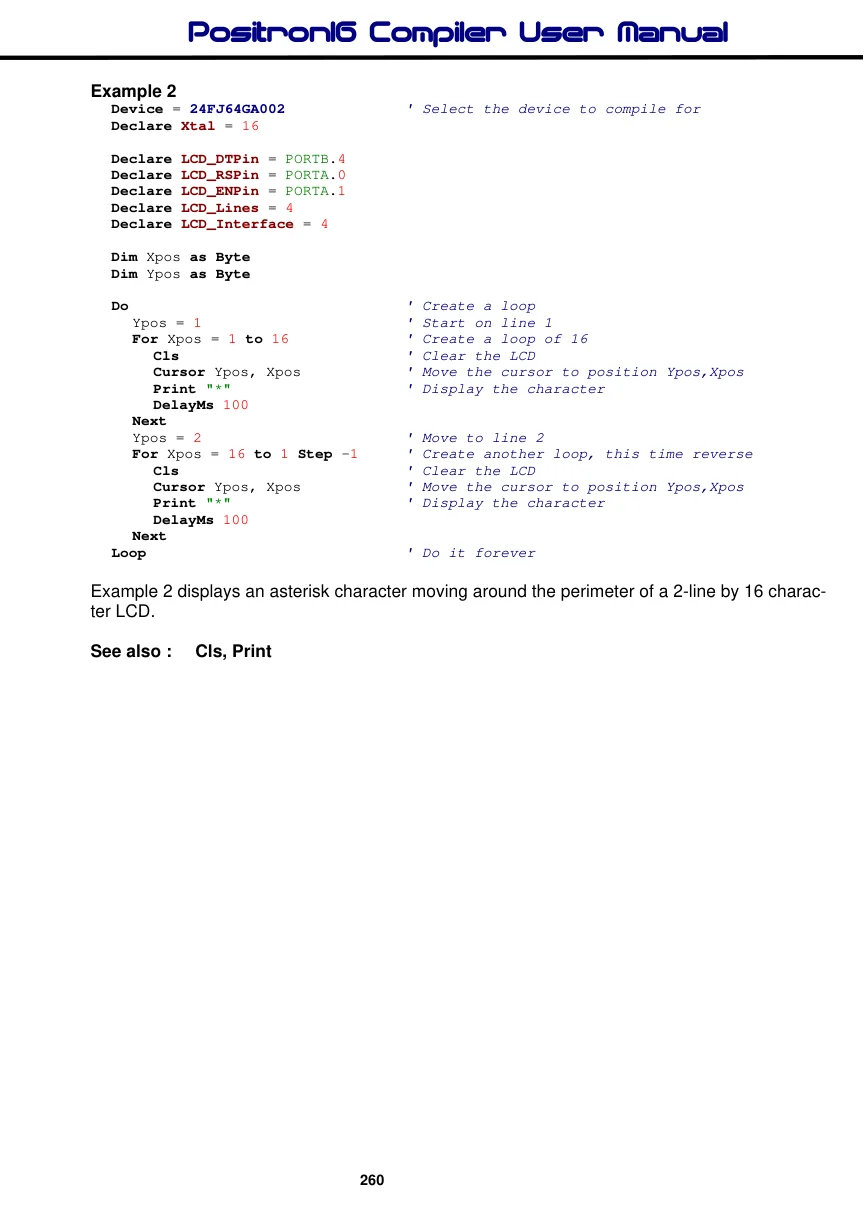
In the above example, the LCD is cleared using the Cls command, which also places the cursor at the home position i.e. line 1, position 1. Next, the word “Hello” is displayed in the top left corner. The cursor is then moved to line 2 position 1, and the word “World” is displayed.
Example 2
Device = 24FJ64GA002             ' Select the device to compile for
Declare Xtal = 16

Declare LCD_DTPin = PORTB.4
Declare LCD_RSPin = PORTA.0
Declare LCD_ENPin = PORTA.1
Declare LCD_Lines = 4
Declare LCD_Interface = 4

Dim Xpos as Byte
Dim Ypos as Byte

Do                                ' Create a loop
  Ypos = 1                       ' Start on line 1
  For Xpos = 1 to 16             ' Create a loop of 16
     Cls                         ' Clear the LCD
     Cursor Ypos, Xpos           ' Move the cursor to position Ypos,Xpos
     Print "*"                    ' Display the character
     DelayMs 100
  Next
  Ypos = 2                       ' Move to line 2
  For Xpos = 16 to 1 Step -1      ' Create another loop, this time reverse
     Cls                         ' Clear the LCD
     Cursor Ypos, Xpos           ' Move the cursor to position Ypos,Xpos
     Print "*"                    ' Display the character
     DelayMs 100
  Next
Loop                              ' Do it forever
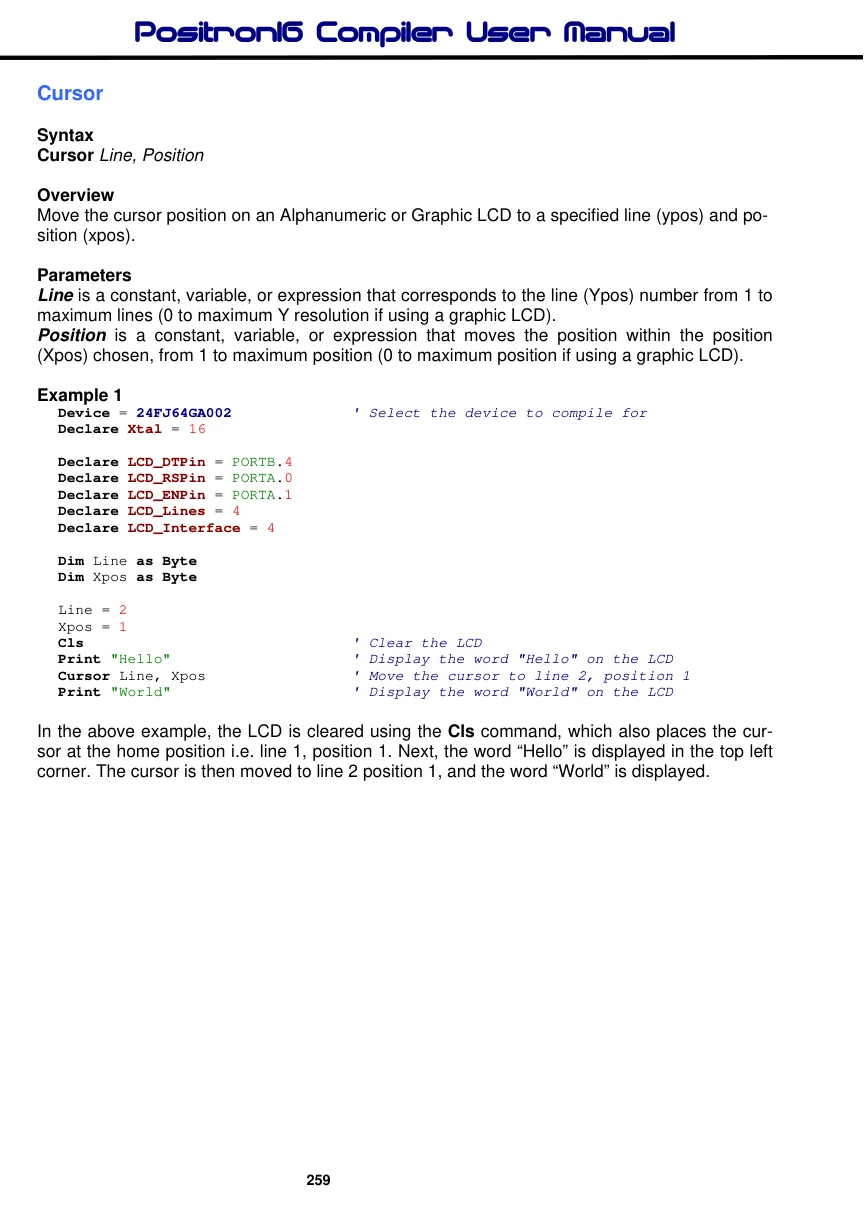
Example 2 displays an asterisk character moving around the perimeter of a 2-line by 16 character LCD.