Cls
Syntax
Cls
or if using a Toshiba T6963 graphic LCD:
Cls Text Cls Graphic
or if using a colour graphic LCD:
Cls Colour
Overview
Clears the alphanumeric or graphic LCD and places the cursor at the home position i.e. line 1, position 1 (line 0, position 0 for graphic LCDs).
Toshiba graphic LCDs based upon the T6963 chipset have separate RAM for text and graphics. Issuing the word Text after the Cls command will only clear the Text RAM, while issuing the word Graphic after the Cls command will only clear the Graphic RAM. Issuing the Cls command on its own will clear both areas of RAM.
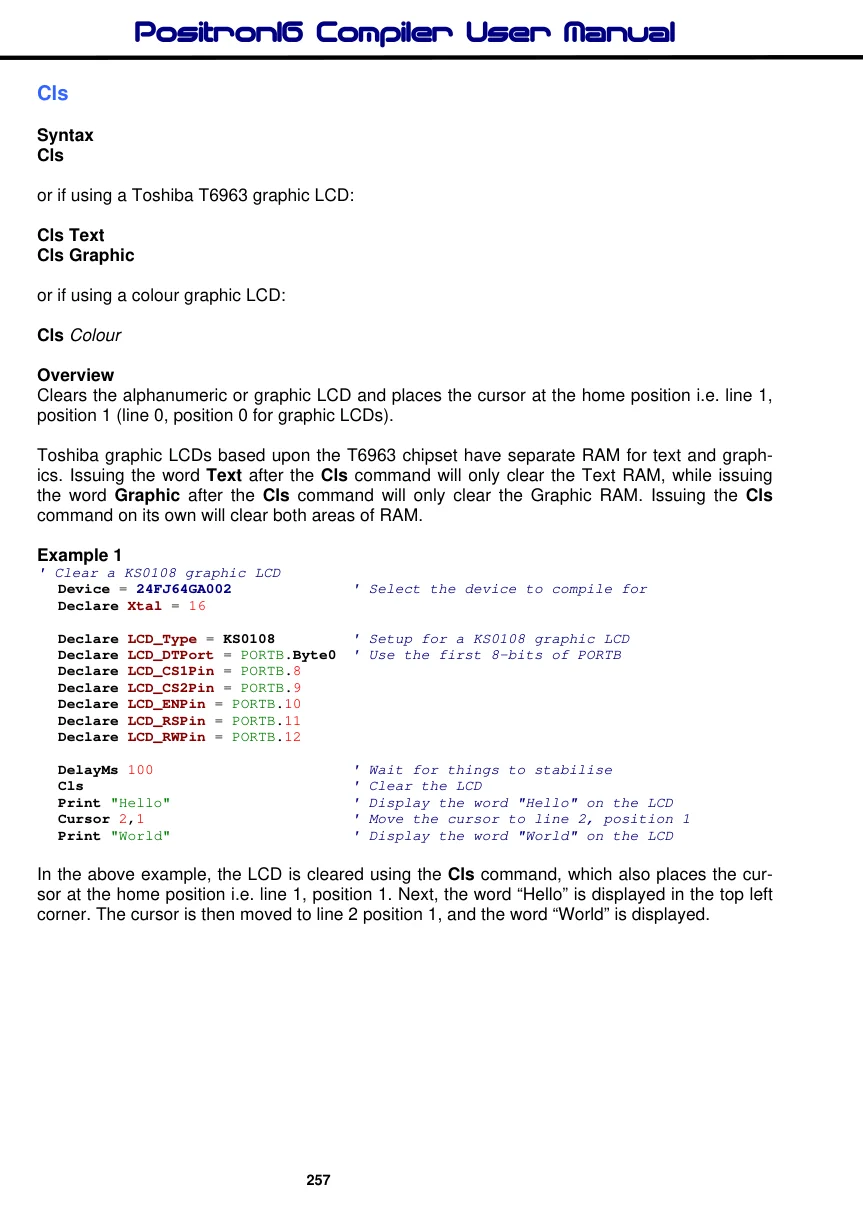
Example 1
' Clear a KS0108 graphic LCD
  Device = 24FJ64GA002             ' Select the device to compile for
  Declare Xtal = 16

  Declare LCD_Type = KS0108       ' Setup for a KS0108 graphic LCD
  Declare LCD_DTPort = PORTB.Byte0  ' Use the first 8-bits of PORTB
  Declare LCD_CS1Pin = PORTB.8
  Declare LCD_CS2Pin = PORTB.9
  Declare LCD_ENPin = PORTB.10
  Declare LCD_RSPin = PORTB.11
  Declare LCD_RWPin = PORTB.12

  DelayMs 100                       ' Wait for things to stabilise
  Cls                              ' Clear the LCD
  Print "Hello"                    ' Display the word "Hello" on the LCD
  Cursor 2,1                       ' Move the cursor to line 2, position 1
  Print "World"                    ' Display the word "World" on the LCD
In the above example, the LCD is cleared using the Cls command, which also places the cursor at the home position i.e. line 1, position 1. Next, the word “Hello” is displayed in the top left corner. The cursor is then moved to line 2 position 1, and the word “World” is displayed.
Example 2
' Clear a Toshiba T6963 graphic LCD.
  Device = 24FJ64GA002        ' Select the device to compile for
  Declare Xtal = 16

  Include "T6963C.inc"        ' Load the T6963C routines into the program

  Cls                         ' Clear all RAM within the LCD
  Print "Hello"               ' Display the word "Hello" on the LCD
  Line 1,0,0,63,63             ' Draw a line on the LCD
  DelayMs 1000                 ' Wait for 1 second
  Cls Text                    ' Clear only the text RAM, leaving the line displayed
  DelayMs 1000                 ' Wait for 1 second
  Cls Graphic                  ' Now clear the line from the display
See also : Cursor, Print, Toshiba_Command.
