Edata
Syntax
Edata Constant1 { ,...Constantn etc }
Overview
Places constants or strings directly into the on-board EEPROM memory of compatible devices.
Parameters
Constant1,Constantn are values that will be stored in the on-board EEPROM. When using an Edata statement, all the values specified will be placed in the EEPROM starting at location 0. The Edata statement does not allow you to specify an EEPROM address other than the beginning location at 0. To specify a location to write or read data from the EEPROM other than 0 refer to the Eread, Ewrite commands.
Example
' Stores the values 1000,20,255,15, and the ASCII values for
' H','e','l','l','o' in the EEPROM starting at memory position 0.

  Edata 1000, 20, $FF, %00001111, "Hello"
Notes.
16-bit, 24-bit, 32-bit and floating point values may also be placed into EEPROM memory. These are placed LSB first (Lowest Significant Byte). For example, if 1000 is placed into an Edata statement, then the order is: -
Edata 1000In EEPROM it looks like 232, 03
Alias's to constants may also be used in an Edata statement: -
Symbol Alias = 200

Edata Alias, 120, 254, "Hello World"
Addressing an Edata table.
EEPROM data starts at address 0 and works up towards the maximum amount that the microcontroller will allow. However, it is rarely the case that the information stored in EEPROM memory is one continuous piece of data. EEPROM memory is normally used for storage of several values or strings of text, so a method of accessing each piece of data is essential. Consider the following piece of code: -
Edata "Hello"
Edata "World"
Now we know that EEPROM memory starts at 0, so the text "Hello" must be located at address 0, and we also know that the text "Hello" is built from 5 characters with each character occupying a byte of EEPROM memory, so the text "World" must start at address 5 and also contains 5 characters, so the next available piece of EEPROM memory is located at address 10. To access the two separate text strings we would need to keep a record of the start and end address's of each character placed in the tables.
Counting the amount of EEPROM memory used by each piece of data is acceptable if only a few Edata tables are used in the program, but it can become tedious if multiple values and strings are needing to be stored, and can lead to program glitches if the count is wrong.
Placing an identifying name before the Edata table will allow the compiler to do the byte counting for you. The compiler will store the EEPROM address associated with the table in the identifying name as a constant value. For example: -
Hello_Text Edata "Hello"
World_Text  Edata "World"
The name Hello_Text is now recognised as a constant with the value of 0, referring to address 0 that the text string "Hello" starts at. The World_Text is a constant holding the value 5, which refers to the address that the text string "World" starts at.
Note that the identifying text must be located on the same line as the Edata directive or a syntax error will be produced. It must also not contain a postfix colon as does a line label or it will be treat as a line label. Think of it as an alias name to a constant.
Any Edata directives must be placed at the head of the BASIC program as is done with Symbols, so that the name is recognised by the rest of the program as it is parsed. There is no need to jump over Edata directives because they do not occupy code memory, but reside in a separate part of memory.
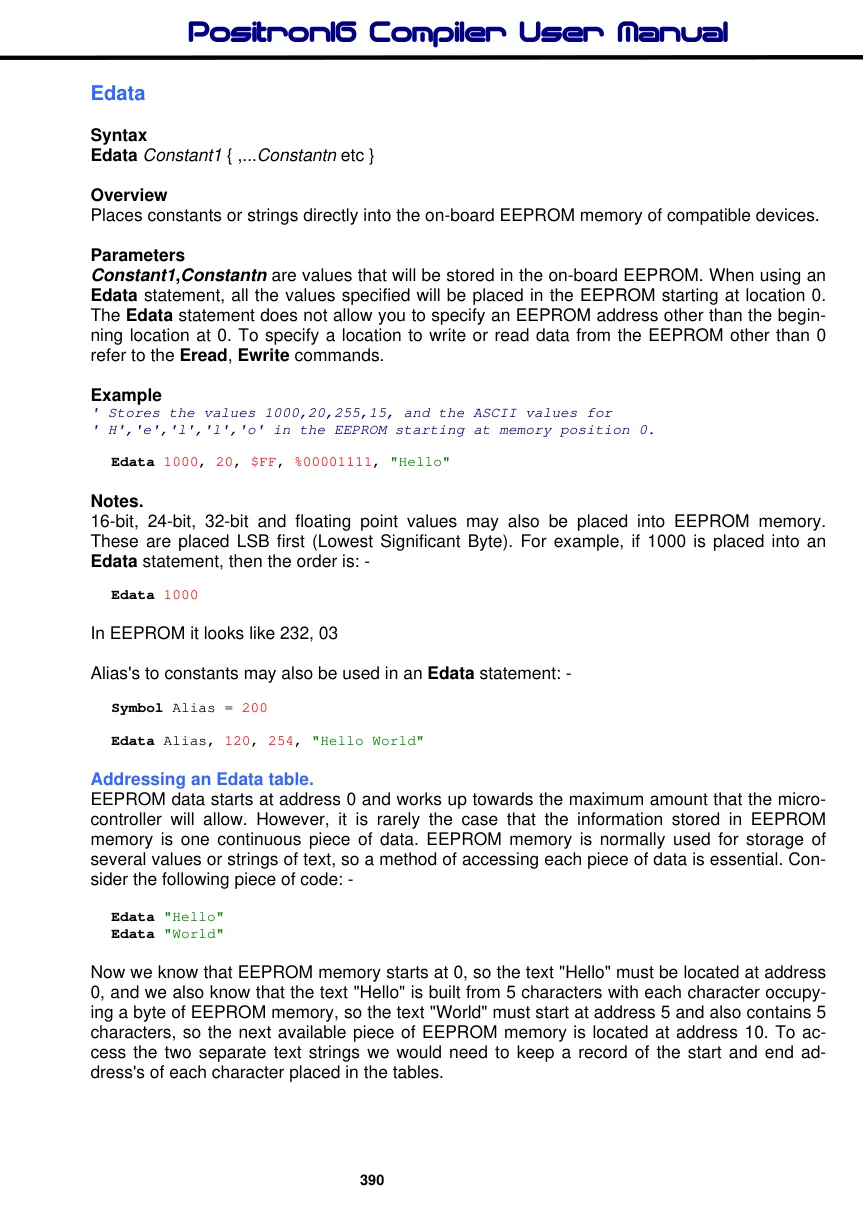
The example program below illustrates the use of EEPROM addressing.
' Display two text strings held in EEPROM memory

  Device = 24F08KL301        ' Select the device to compile for
  Declare Xtal = 16
  Dim Char as Byte           ' Holds the character read from EEPROM
  Dim Charpos as Byte        ' Holds the address within EEPROM memory

' Create a string of text in EEPROM memory. null terminated
Hello  Edata "Hello ",0
' Create another string of text in EEPROM memory. null terminated
World  Edata "World",0

  DelayMs 100               ' Wait for things to stabilise
   Cls                       ' Clear the LCD
  Charpos = Hello           ' Point Charpos to the start of text "Hello"
  Gosub DisplayText        ' Display the text "Hello"
  Charpos = World           ' Point Charpos to the start of text "World"
  Gosub DisplayText        ' Display the text "World"
  Stop                       ' We're all done

' Subroutine to read and display the text held at the address in Charpos
DisplayText:
  Do                         ' Create an infinite loop
     Char = Eread Charpos   ' Read the EEPROM data
     If Char = 0 Then Break  ' Exit when null found
     Print Char             ' Display the character
     Inc Charpos             ' Move up to the next address
   Loop                       ' Close the loop
  Return                    ' Exit the subroutine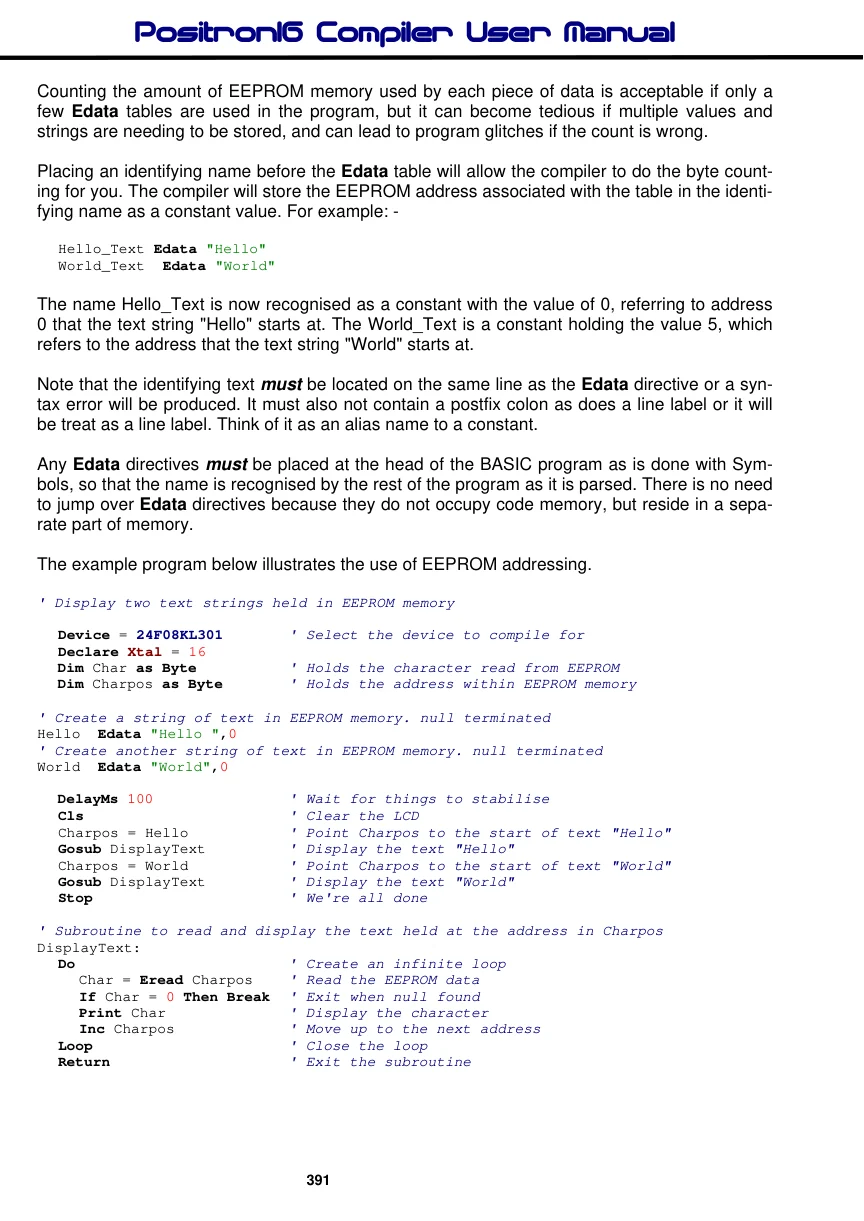
Formatting an Edata table.
Sometimes it is necessary to create a data table with a known format for its values. For example all values will occupy 4 bytes of data space even though the value itself would only occupy 1 or 2 bytes.
Edata 100000, 10000, 1000, 100, 10, 1The above line of code would produce an uneven data space usage, as each value requires a different amount of data space to hold the values. 100000 would require 4 bytes of EEPROM space, 10000 and 1000 would require 2 bytes, but 100, 10, and 1 would only require 1 byte.
Reading these values using Eread would cause problems because there is no way of knowing the amount of bytes to read in order to increment to the next valid value.
The answer is to use formatters to ensure that a value occupies a predetermined amount of bytes.
These are: -
Byte Word Long Dword Float
Placing one of these formatters at the beginning of the table will force a given length.
Edata as Dword 100000, 10000, 1000, 100, 10, 1Byte will force the value to occupy one byte of EEPROM space, regardless of its value. Any values above 255 will be truncated to the least significant byte.
Word will force the value to occupy 2 bytes of EEPROM space, regardless of its value. Any values above 65535 will be truncated to the two least significant bytes. Any value below 256 will be padded to bring the memory count to 2 bytes.
Long will force the value to occupy 3 bytes of EEPROM space, regardless of its value. Any values above 16777215 will be truncated to the three least significant bytes. Any value below 65536 will be padded to bring the memory count to 3 bytes.
Dword will force the value to occupy 4 bytes of EEPROM space, regardless of its value. Any value below 65535 will be padded to bring the memory count to 4 bytes. The line of code shown above uses the Dword formatter to ensure all the values in the Edata table occupy 4 bytes of EEPROM space.
Float will force a value to its 32-bit floating point equivalent, which always takes up 4 bytes of EEPROM space.
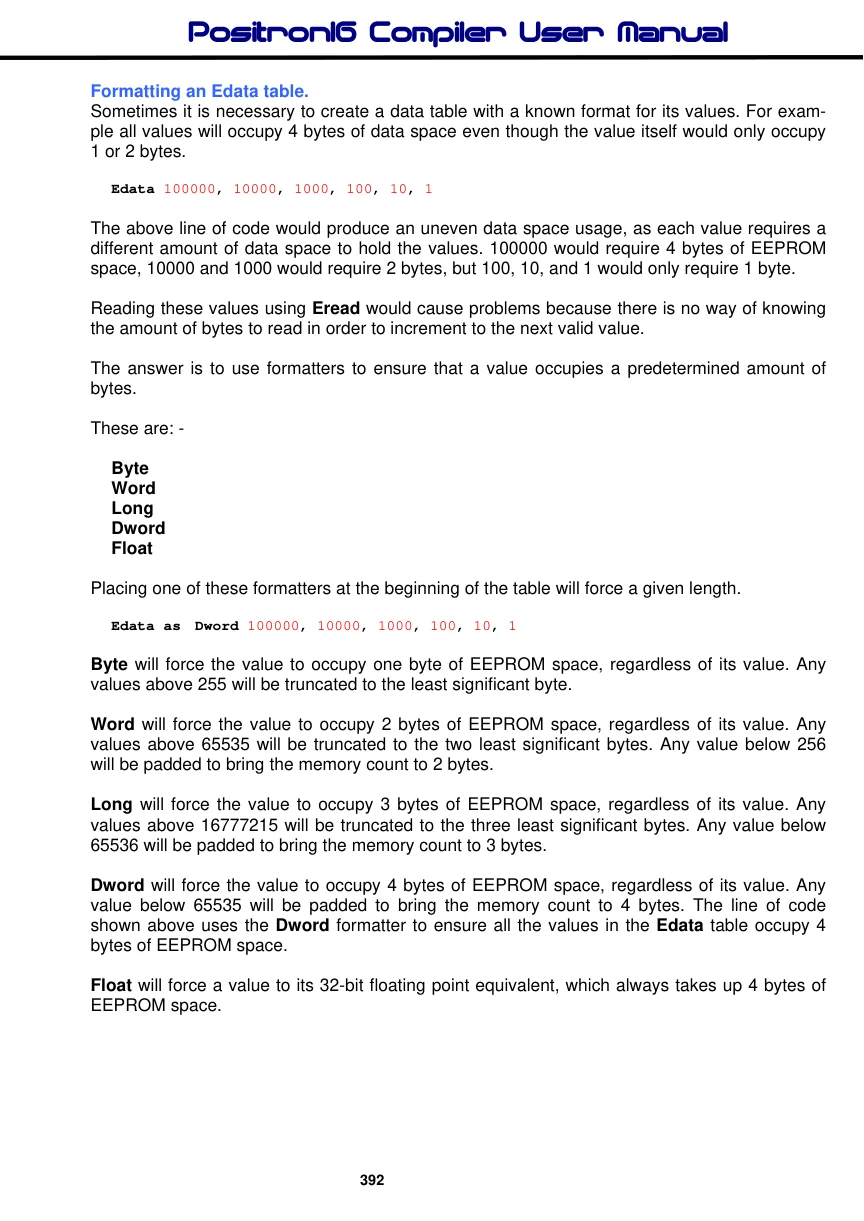
The example below illustrates the formatters in use.
' Convert a Dword value into a string array
' Using only BASIC commands
' Similar principle to the Str$ command

  Device = 24F08KL301        ' Select the device to compile for
  Declare Xtal = 16

  Dim P10 as Dword           ' Power of 10 variable
  Dim BCount as Byte
  Dim Index as Byte

  Dim Value as Dword        ' Value to convert
  Dim String1[11] as Byte   ' Holds the converted value
  Dim Pointer as Byte        ' Pointer within the Byte array

  DelayMs 100               ' Wait for things to stabilise
  Cls                       ' Clear the LCD
  Clear                    ' Clear all RAM before we start
  Value = 1234576           ' Value to convert
  Gosub DwordToStr           ' Convert Value to string
  Print Str String1        ' Display the result
  Stop
'-------------------------
' Convert a Dword value into a string array
' Value to convert is placed in 'Value'
' Byte array 'String1' is built up with the ASCII equivalent

DwordToStr:
  Pointer = 0
  Index = 0
  Repeat
     P10 = Eread Index * 4
     BCount = 0

     While Value >= P10
       Value = Value - P10
       Inc BCount
     Wend
     If BCount <> 0 Then
       String1[Pointer] = BCount + "0"
       Inc Pointer
     EndIf
     Inc Index
  Until Index > 8
  String1[Pointer] = Value + "0"
  Inc Pointer
  String1[Pointer] = 0        ' Add the null to terminate the string
  Return

' Edata table is formatted for all 32 bit values.
' Which means each value will require 4 bytes of EEPROM space
Edata as Dword 1000000000, 100000000, 10000000, 1000000,100000,_
               10000, 1000, 100, 10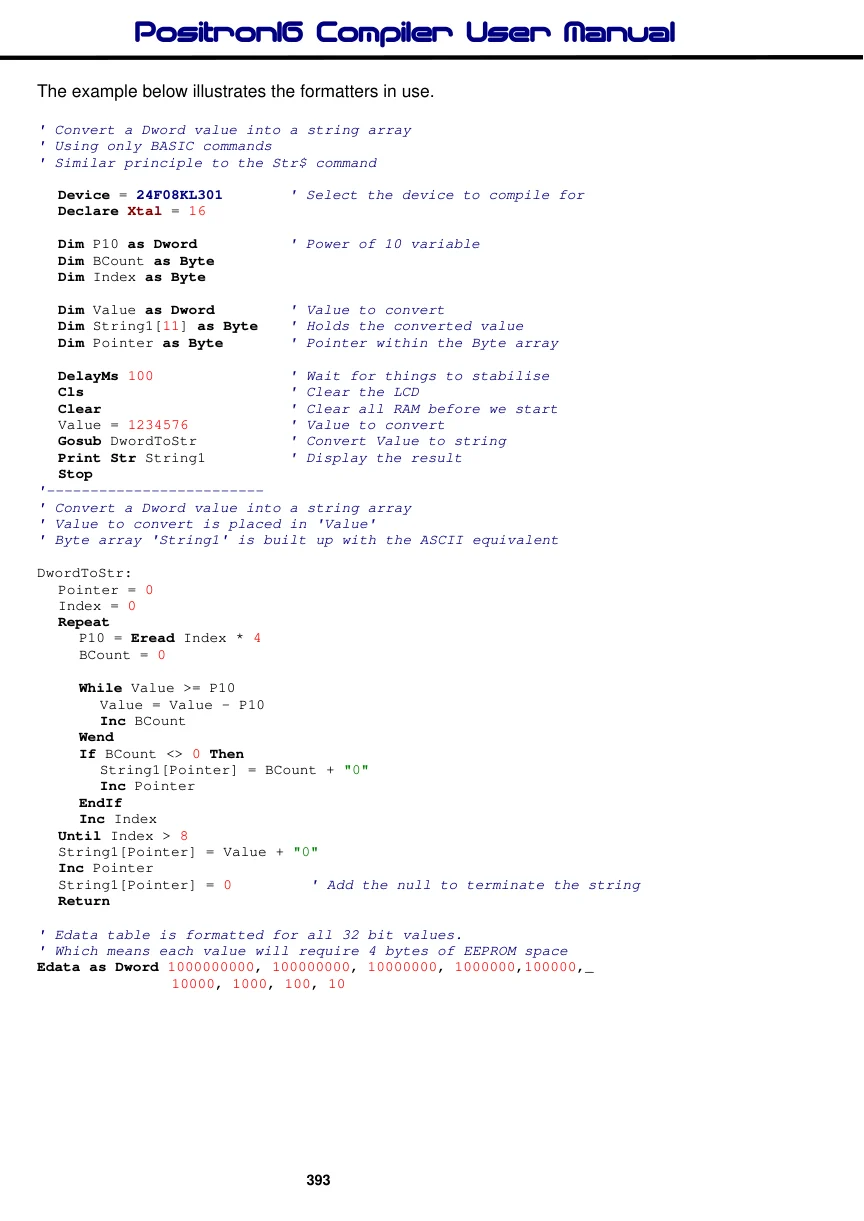
Label names as pointers in an Edata table.
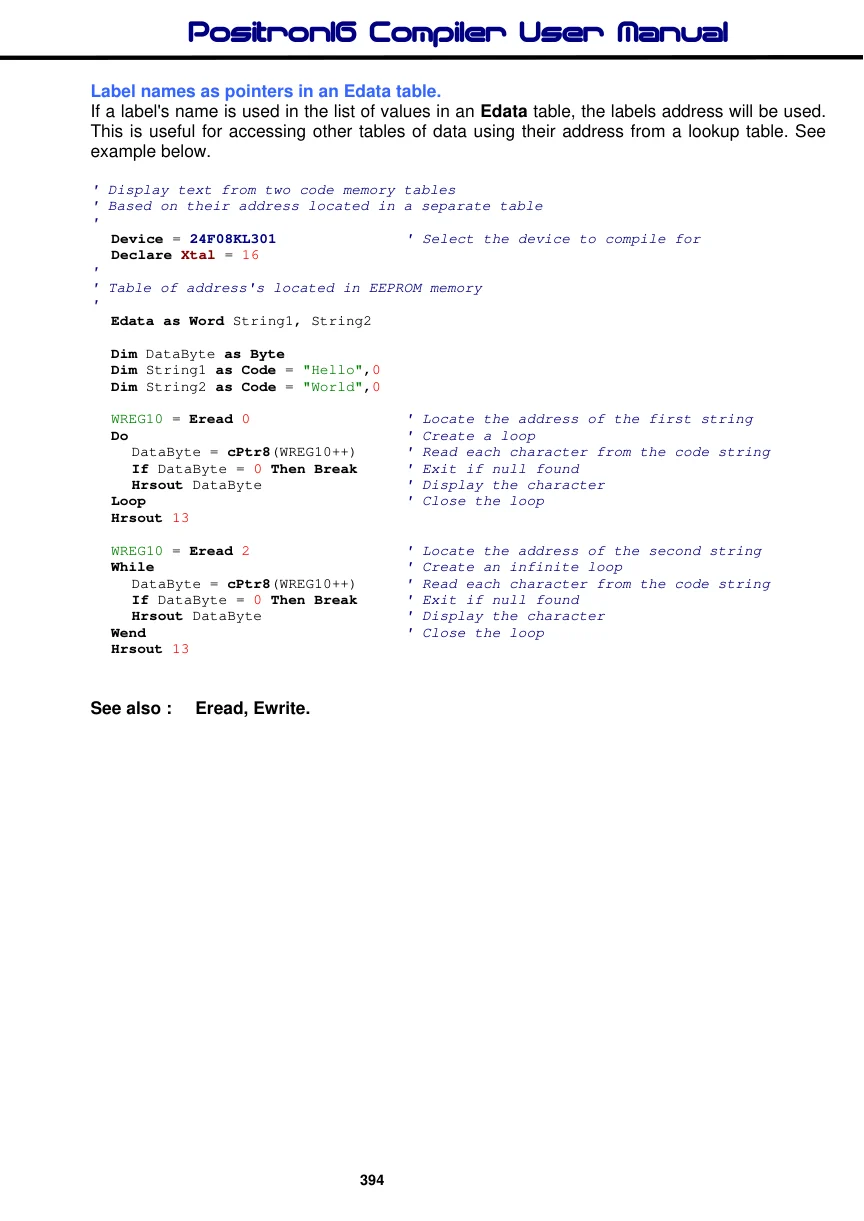
If a label's name is used in the list of values in an Edata table, the labels address will be used. This is useful for accessing other tables of data using their address from a lookup table. See example below.
' Display text from two code memory tables
' Based on their address located in a separate table
'
  Device = 24F08KL301               ' Select the device to compile for
  Declare Xtal = 16
'
' Table of address's located in EEPROM memory
'
  Edata as Word String1, String2

  Dim DataByte as Byte
  Dim String1 as Code = "Hello",0
  Dim String2 as Code = "World",0

  WREG10 = Eread 0                  ' Locate the address of the first string
  Do                                ' Create a loop
     DataByte = cPtr8(WREG10++)      ' Read each character from the code string
     If DataByte = 0 Then Break      ' Exit if null found
     Hrsout DataByte               ' Display the character
  Loop                              ' Close the loop
  Hrsout 13

  WREG10 = Eread 2                  ' Locate the address of the second string
  While                           ' Create an infinite loop
     DataByte = cPtr8(WREG10++)      ' Read each character from the code string
     If DataByte = 0 Then Break     ' Exit if null found
     Hrsout DataByte               ' Display the character
  Wend                              ' Close the loop
  Hrsout 13