A Typical Flat BASIC Program Layout
Positron16 · Revision 1.1.3.5 · PDF page 63
The compiler is very flexible, and will allow most types of constant, declaration, or variable to be placed anywhere within the BASIC program. However, it may not produce the correct results, or an unexpected syntax error may occur due to a variable or declare being created after it is supposed to be used.
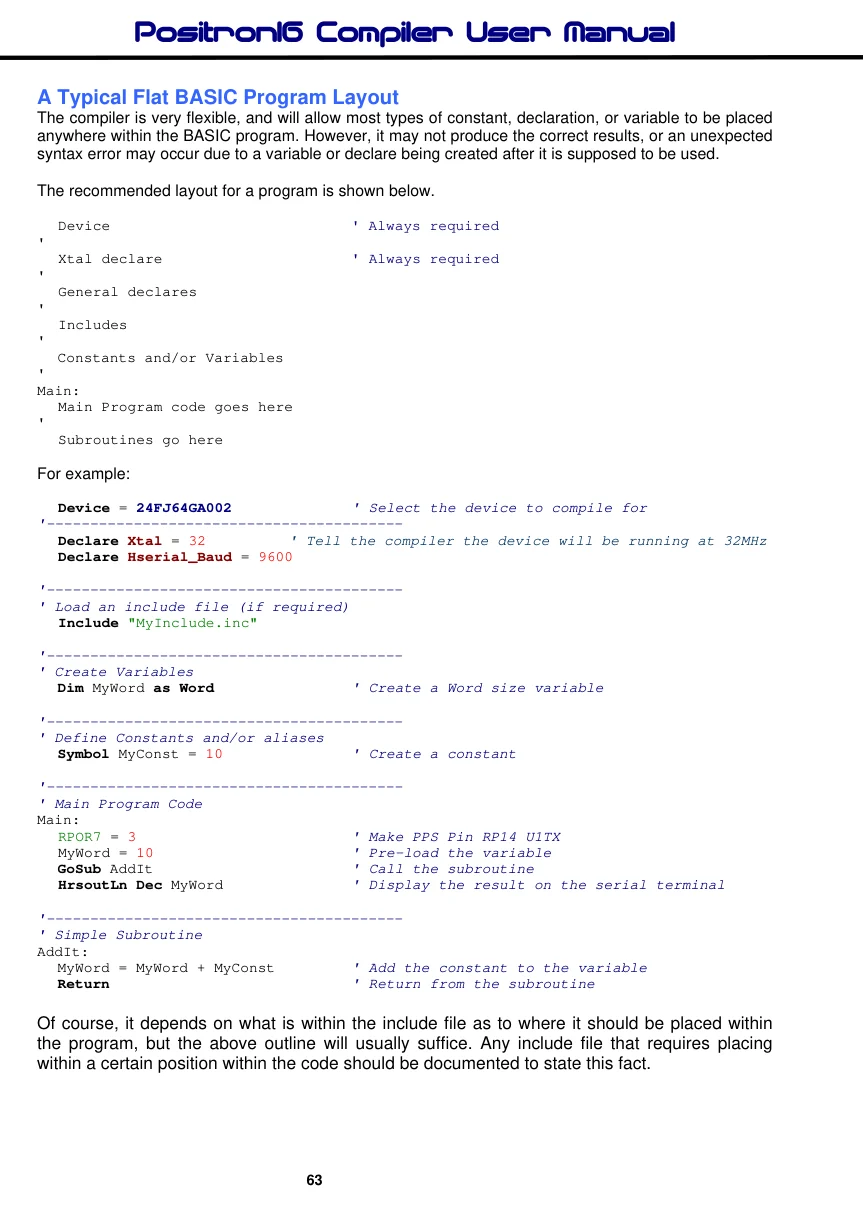
The recommended layout for a program is shown below.
  Device                           ' Always required
'
  Xtal declare                      ' Always required
'
  General declares
'
  Includes
'
  Constants and/or Variables
'
Main:
  Main Program code goes here
'
  Subroutines go here
For example:
  Device = 24FJ64GA002             ' Select the device to compile for
'-----------------------------------------
  Declare Xtal = 32        ' Tell the compiler the device will be running at 32MHz
  Declare Hserial_Baud = 9600

'-----------------------------------------
' Load an include file (if required)
  Include "MyInclude.inc"

'-----------------------------------------
' Create Variables
  Dim MyWord as Word               ' Create a Word size variable

'-----------------------------------------
' Define Constants and/or aliases
  Symbol MyConst = 10               ' Create a constant

'-----------------------------------------
' Main Program Code
Main:
  RPOR7 = 3                         ' Make PPS Pin RP14 U1TX
  MyWord = 10                       ' Pre-load the variable
  GoSub AddIt                       ' Call the subroutine
  HrsoutLn Dec MyWord               ' Display the result on the serial terminal

'-----------------------------------------
' Simple Subroutine
AddIt:
  MyWord = MyWord + MyConst        ' Add the constant to the variable
  Return                           ' Return from the subroutine
Of course, it depends on what is within the include file as to where it should be placed within the program, but the above outline will usually suffice. Any include file that requires placing within a certain position within the code should be documented to state this fact.