Compile and Program Options
Compiler Tab
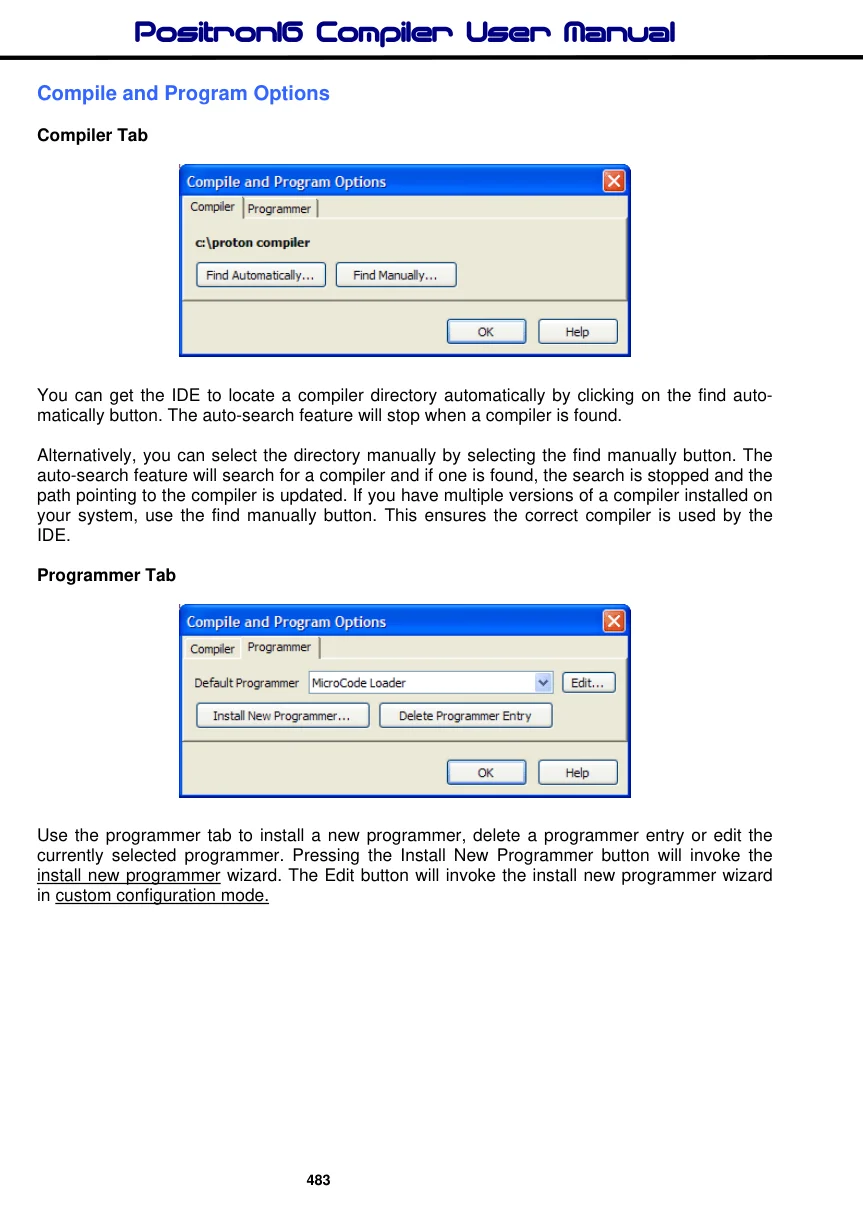
You can get the IDE to locate a compiler directory automatically by clicking on the find automatically button. The auto-search feature will stop when a compiler is found.
Alternatively, you can select the directory manually by selecting the find manually button. The auto-search feature will search for a compiler and if one is found, the search is stopped and the path pointing to the compiler is updated. If you have multiple versions of a compiler installed on your system, use the find manually button. This ensures the correct compiler is used by the IDE.
Programmer Tab
Use the programmer tab to install a new programmer, delete a programmer entry or edit the currently selected programmer. Pressing the Install New Programmer button will invoke the install new programmer wizard. The Edit button will invoke the install new programmer wizard in custom configuration mode.