Hex View
Positron16 · Revision 1.1.3.5 · PDF page 488
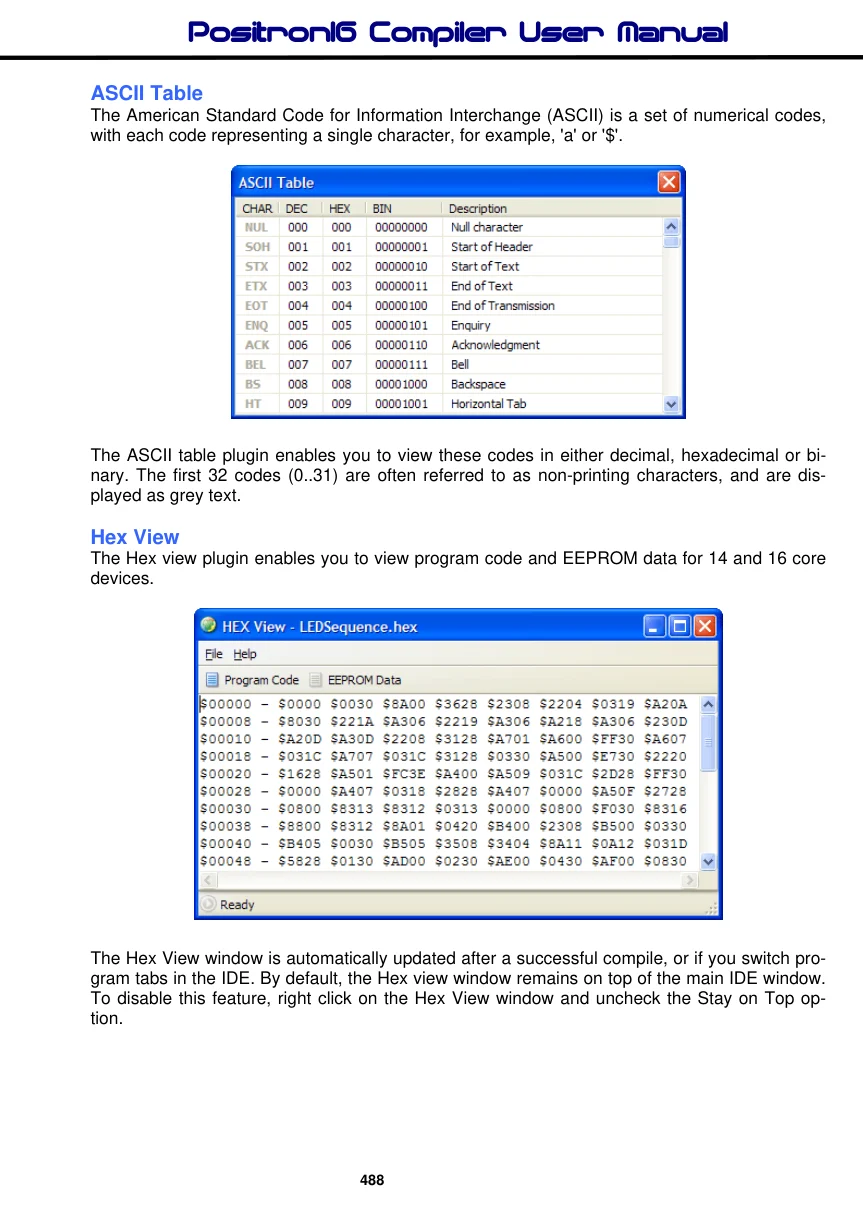
The Hex view plugin enables you to view program code and EEPROM data for 14 and 16 core devices.
The Hex View window is automatically updated after a successful compile, or if you switch program tabs in the IDE. By default, the Hex view window remains on top of the main IDE window. To disable this feature, right click on the Hex View window and uncheck the Stay on Top option.