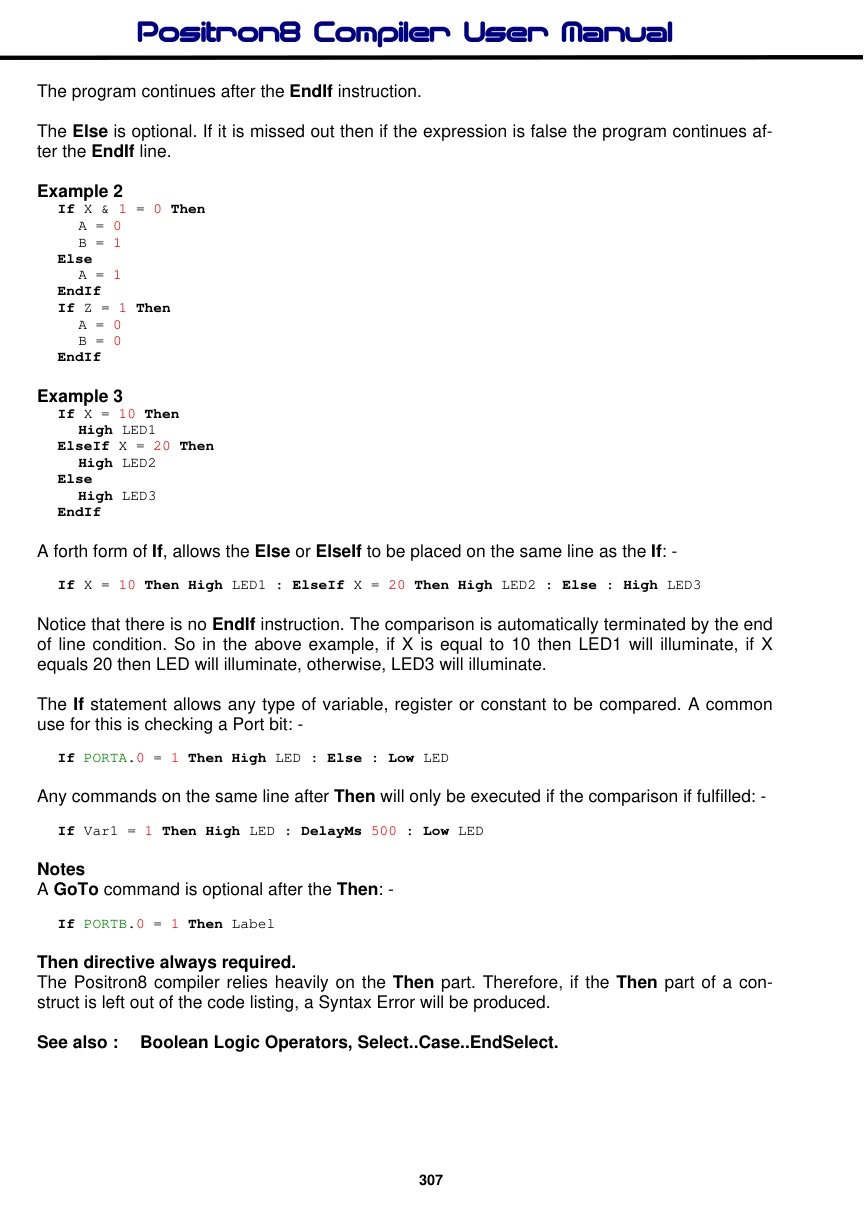
If..Then..ElseIf..Else..EndIf
Syntax
If Comparison Then Instruction : { Instruction }
Or, you can use the single line form syntax:
If Comparison Then Instruction : { Instruction } : ElseIf Comparison Then Instruction : Else Instruction
Or, you can use the block form syntax:
If Comparison Then Instruction(s) ElseIf Comparison Then Instruction(s) { ElseIf Comparison Then Instruction(s) } Else Instruction(s) EndIf
The curly braces signify optional conditions.
Overview
Evaluates the comparison and, if it fulfils the criteria, executes expression. If comparison is not fulfilled the instruction is ignored, unless an Else directive is used, in which case the code after it is implemented until the EndIf is found.
When all the instruction are on the same line as the If-Then statement, all the instructions on the line are carried out if the condition is fulfilled.
Parameters
Comparison is composed of variables, numbers and comparators. Instruction is the statement to be executed should the comparison fulfil the If criteria
Example 1
Symbol LED = PORTB.4
Dim bVar1 as Byte
bVar1 = 3
Low LED
If bVar1 > 4 Then High LED : DelayMs 500 : Low LED
In the above example, bVar1 is not greater than 4 so the If criteria isn't fulfilled. Consequently, the High LED statement is never executed leaving the state of port pin PORTB.4 low. However, if we change the value of variable bVar1 to 5, then the LED will turn on for 500ms then off, because bVar1 is now greater than 4, so fulfils the comparison criteria.
A second form of If, evaluates the expression and if it is true then the first block of instructions is executed. If it is false then the second block (after the Else) is executed.
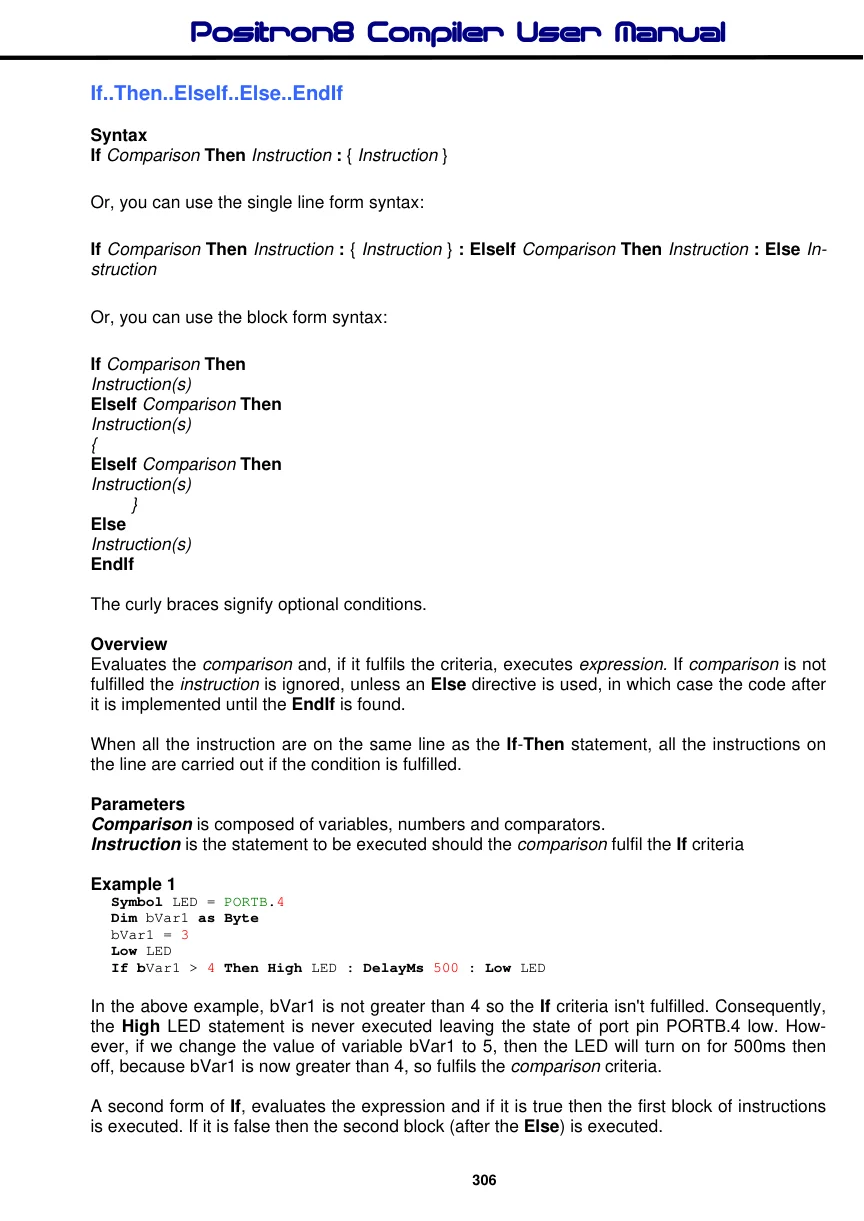
The program continues after the EndIf instruction.
The Else is optional. If it is missed out then if the expression is false the program continues after the EndIf line.
Example 2
If X & 1 = 0 Then
  A = 0
  B = 1
Else
  A = 1
EndIf
If Z = 1 Then
  A = 0
  B = 0
EndIf
Example 3
If X = 10 Then
  High LED1
ElseIf X = 20 Then
  High LED2
Else
  High LED3
EndIf
A forth form of If, allows the Else or ElseIf to be placed on the same line as the If: -
If X = 10 Then High LED1 : ElseIf X = 20 Then High LED2 : Else : High LED3Notice that there is no EndIf instruction. The comparison is automatically terminated by the end of line condition. So in the above example, if X is equal to 10 then LED1 will illuminate, if X equals 20 then LED will illuminate, otherwise, LED3 will illuminate.
The If statement allows any type of variable, register or constant to be compared. A common use for this is checking a Port bit: -
If PORTA.0 = 1 Then High LED : Else : Low LEDAny commands on the same line after Then will only be executed if the comparison if fulfilled: -
If Var1 = 1 Then High LED : DelayMs 500 : Low LEDNotes
A GoTo command is optional after the Then: -
If PORTB.0 = 1 Then LabelThen directive always required. The Positron8 compiler relies heavily on the Then part. Therefore, if the Then part of a construct is left out of the code listing, a Syntax Error will be produced.
See also : Boolean Logic Operators, Select..Case..EndSelect.