Pop
Syntax
Pop Variable, {Variable, Variable etc}
Overview
Pull a single variable or multiple variables from a software stack. If the Pop command is issued without a following variable, it will implement the assembler mnemonic Pop, which manipulates the PICmicro's call stack.
Parameters
Variable is a user defined variable of type Bit, Byte, Word, Long, Dword, Float, Array, or String.
The amount of bytes pushed on to the stack varies with the variable type used. The list below shows how many bytes are pushed for a particular variable type, and their order.
| • | Bit | 1 Byte is popped containing the value of the bit pushed. |
| • | Pin | 1 Byte is popped containing the value of the byte pushed. |
| • | Byte | 1 Byte is popped containing the value of the byte pushed. |
| • | Byte Array | 1 Byte is popped containing the value of the byte pushed. |
| • | Word | 2 Bytes are popped. Low Byte then High Byte containing |
the value of the word pushed.
• Word Array 2 Bytes are popped. Low Byte then High Byte containing
the value of the word pushed.
• Dword Array 4 Bytes are popped. Low Byte, Mid1 Byte, Mid2 Byte then High Byte
containing the value of the dword pushed.
• Dword 4 Bytes are popped. Low Byte, Mid1 Byte, Mid2 Byte then High Byte
containing the value of the dword pushed.
• Float 4 Bytes are popped. Low Byte, Mid1 Byte, Mid2 Byte then High Byte
containing the value of the float pushed.
• String 2 Bytes are popped. Low Byte then High Byte that point to the
start address of the string previously pushed.
Example 1
' Push two variables on to the stack then retrieve them

  Device = 18F452        ' Select the device to use
  Declare Stack_Size = 20 ' Create a small stack capable of holding 20 bytes

  Dim Wrd as Word        ' Create a Word variable
  Dim Dwd as Dword        ' Create a Dword variable

  Wrd = 1234             ' Load the Word variable with a value
  Dwd = 567890          ' Load the Dword variable with a value
  Push Wrd, Dwd          ' Push the Word variable then the Dword variable

  Clear Wrd               ' Clear the Word variable
  Clear Dwd               ' Clear the Dword variable

  Pop Dwd, Wrd          ' Pop the Dword variable then the Word variable
  Print Dec Wrd, "  ", Dec Dwd   ' Display the variables as decimal
  Stop
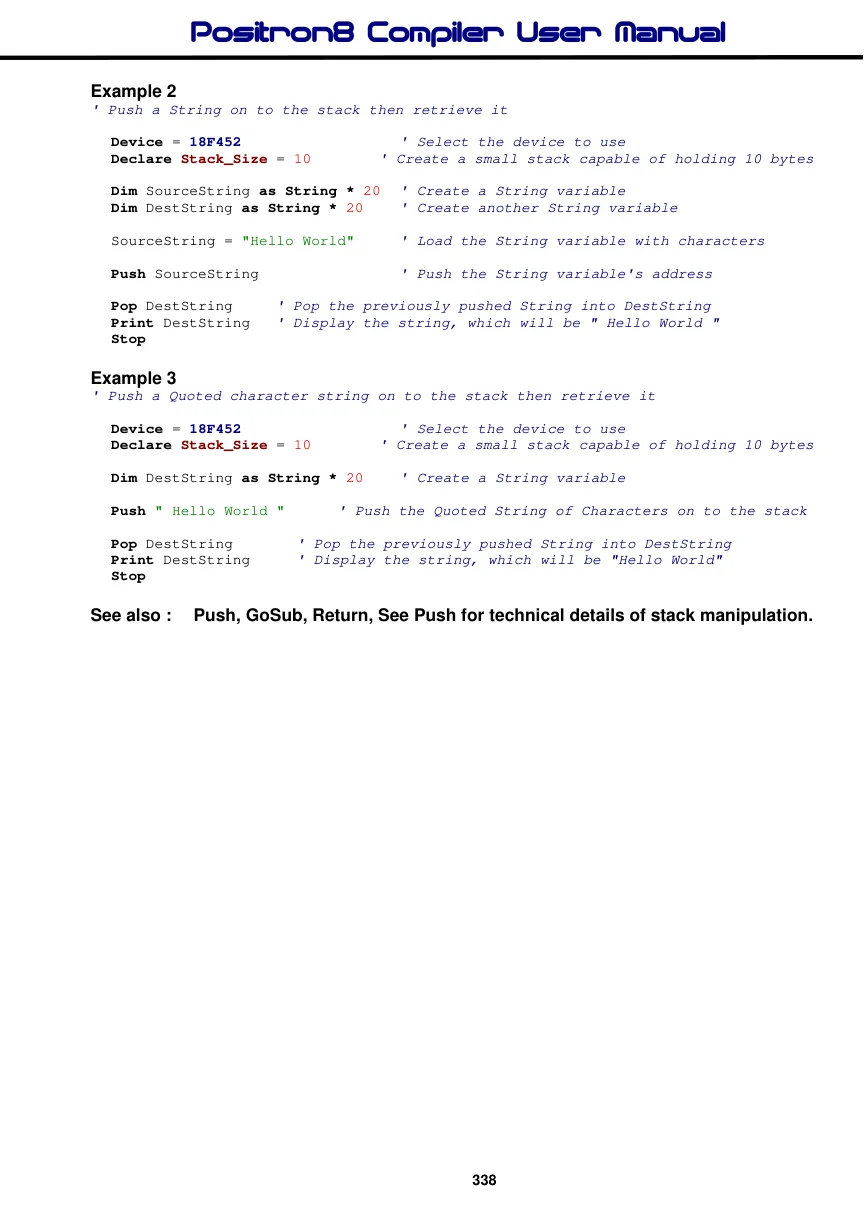
Example 2
' Push a String on to the stack then retrieve it

  Device = 18F452                  ' Select the device to use
  Declare Stack_Size = 10       ' Create a small stack capable of holding 10 bytes

  Dim SourceString as String * 20  ' Create a String variable
  Dim DestString as String * 20   ' Create another String variable

  SourceString = "Hello World"      ' Load the String variable with characters

  Push SourceString               ' Push the String variable's address

  Pop DestString      ' Pop the previously pushed String into DestString
  Print DestString   ' Display the string, which will be " Hello World "
  Stop
Example 3
' Push a Quoted character string on to the stack then retrieve it

  Device = 18F452                  ' Select the device to use
  Declare Stack_Size = 10        ' Create a small stack capable of holding 10 bytes

  Dim DestString as String * 20   ' Create a String variable

  Push " Hello World "      ' Push the Quoted String of Characters on to the stack

  Pop DestString        ' Pop the previously pushed String into DestString
  Print DestString      ' Display the string, which will be "Hello World"
  Stop
See also : Push, GoSub, Return, See Push for technical details of stack manipulation.