Plot
Positron8 · Revision 4.0.6.5 · PDF pages 272–273
Syntax
Plot Ypos, Xpos
Overview
Set an individual pixel on a graphic LCD.
Parameters
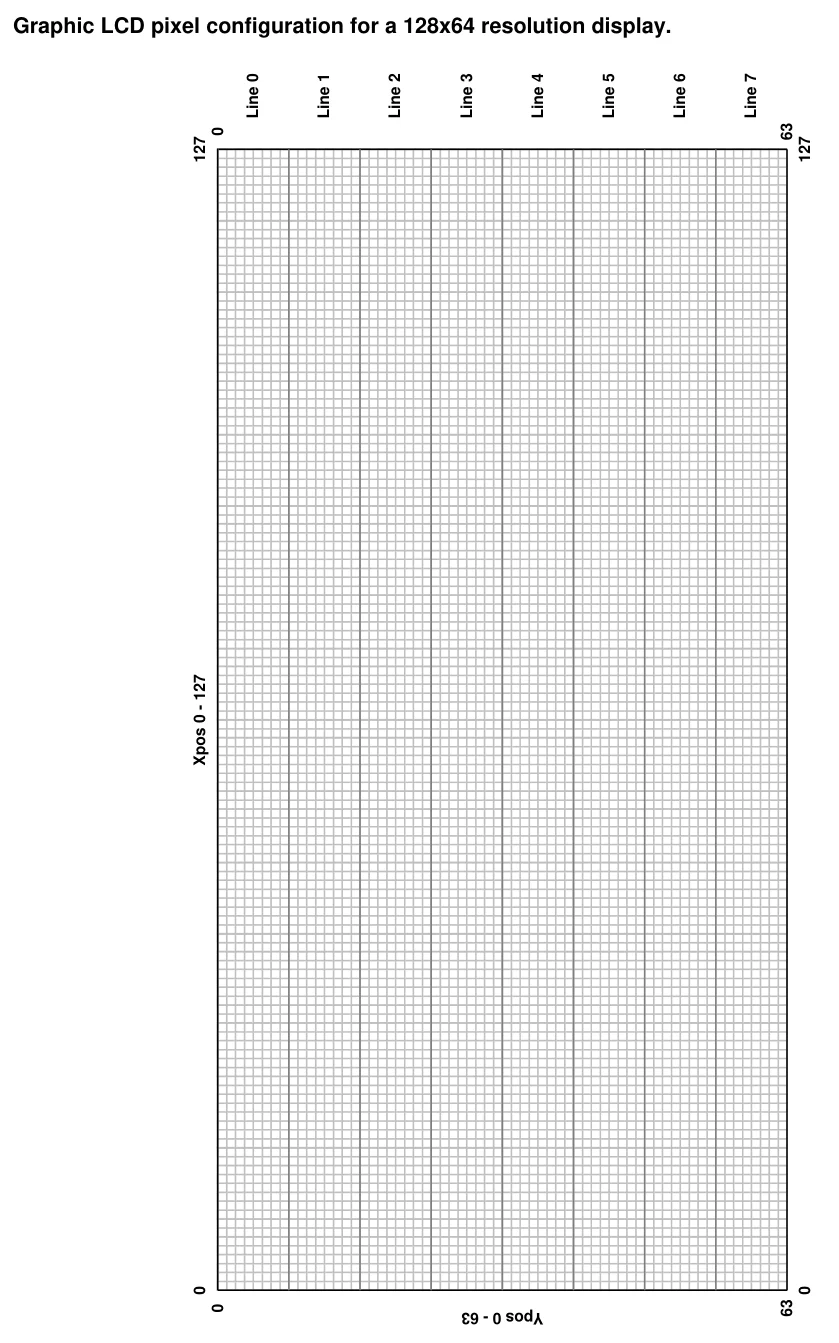
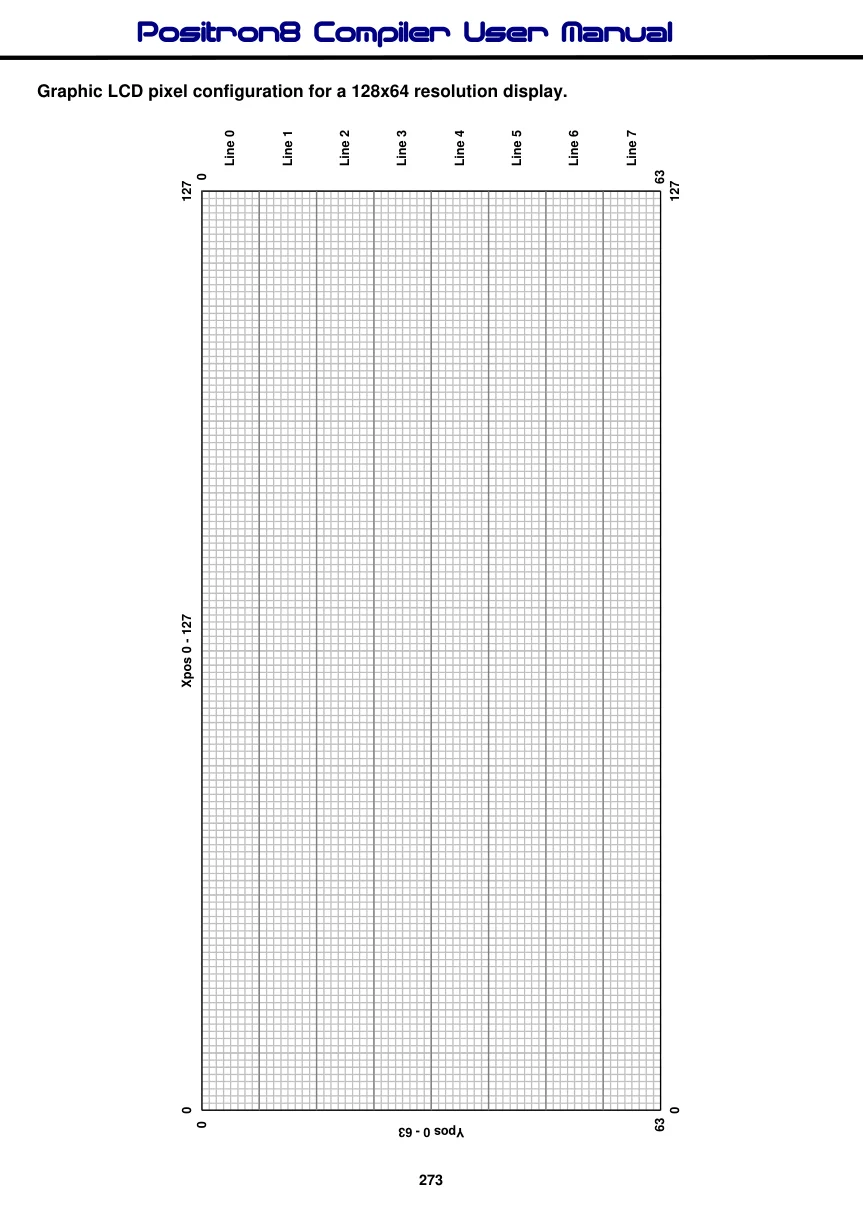
Xpos can be a constant, variable, or expression, pointing to the X-axis location of the pixel to set. This must be a value of 0 to the X resolution of the LCD. Where 0 is the far left row of pixels. Ypos can be a constant, variable, or expression, pointing to the Y-axis location of the pixel to set. This must be a value of 0 to the Y resolution of the LCD. Where 0 is the top column of pixels.
Example
  Device = 16F1829
  Declare LCD_Type = KS0108      ' Use a KS0108 Graphic LCD
'
' Graphic LCD Pin Assignments
'
  Declare LCD_DTPort = PORTD
  Declare LCD_RSPin = PORTC.2
  Declare LCD_RWPin = PORTE.0
  Declare LCD_ENPin = PORTC.5
  Declare LCD_CS1Pin = PORTE.1
  Declare LCD_CS2Pin = PORTE.2

  Dim Xpos as Byte
'
' Draw a line across the LCD
'
  While                         ' Create an infinite loop
     For Xpos = 0 to 127
       Plot 20, Xpos
       DelayMs 10
     Next
     '
     ' Now erase the line
     '
     For Xpos = 0 to 127
       UnPlot 20, Xpos
       DelayMs 10
     Next
  Wend
See also : LCDread, LCDwrite, Pixel, UnPlot. See Print for circuit.