Fix SdCard Write Fail
… visits


Legacy workaround: this page applies to the deprecated SdCardWriteRGB565.exe tool. Positron Media Foundry includes volume locking/dismounting and its own card-preparation workflow, so manual MBR editing is not part of its normal setup.
Use the current User Manual for Format System, Format RAW and write troubleshooting. The original instructions below are retained only for users of the older tool.
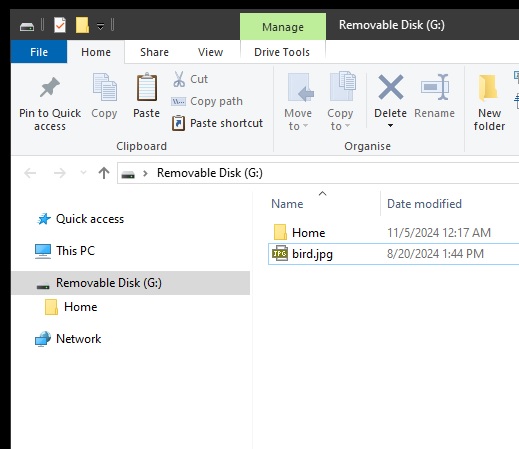
SdCardWriteRGB565.exe may sometimes fail to write to the SD card when using "CONVERT & WRITE" for large video files, also when NTFS, exFat, or FAT is used.
This is because of the system is locking the MBR sector (sector 0) in this card.
To fix this as a temporary solution until the exact cause of this behavior is determined, I manually destroy the MBR record in Sector0:
0. Try another Sd Card if possible.
1. Download and install HxD HEX editor (https://mh-nexus.de/en/hxd/)
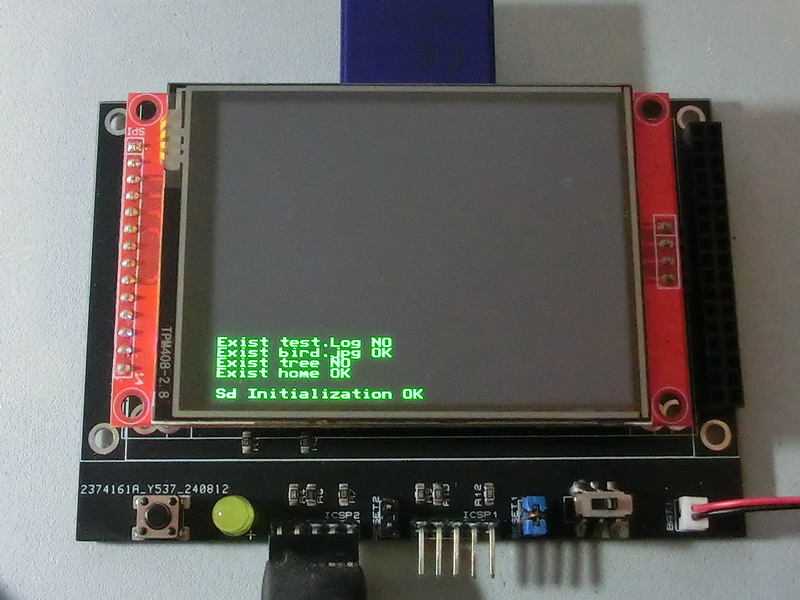
2. Start HxD HEX editor as Administrator and open the Sd Card in write mode
- open the Sd Card using the small disk button in the menu ribbon
- remove the mark from "Open as Readonly"
- click "Open"
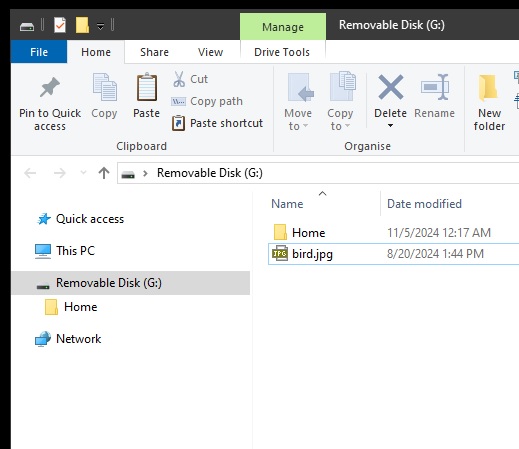
3. Remove the MBR identifier.
- at the end of Sector 0 you will notice a MBR marker "55 AA"
- Select it and type four 0-s
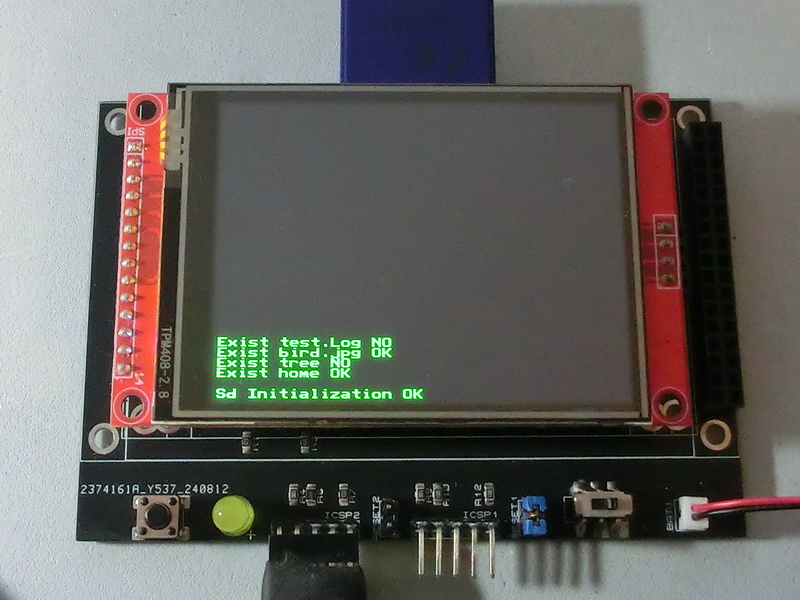
4. Save the changes
5. Remove the SD card and insert it again
6. Run SdCardWriteRGB565.exe as Administrator and continue.
Created with the Personal Edition of HelpNDoc: Modernize your help files with HelpNDoc's WinHelp HLP to CHM conversion tool