Positron Pixel Foundry
… visits


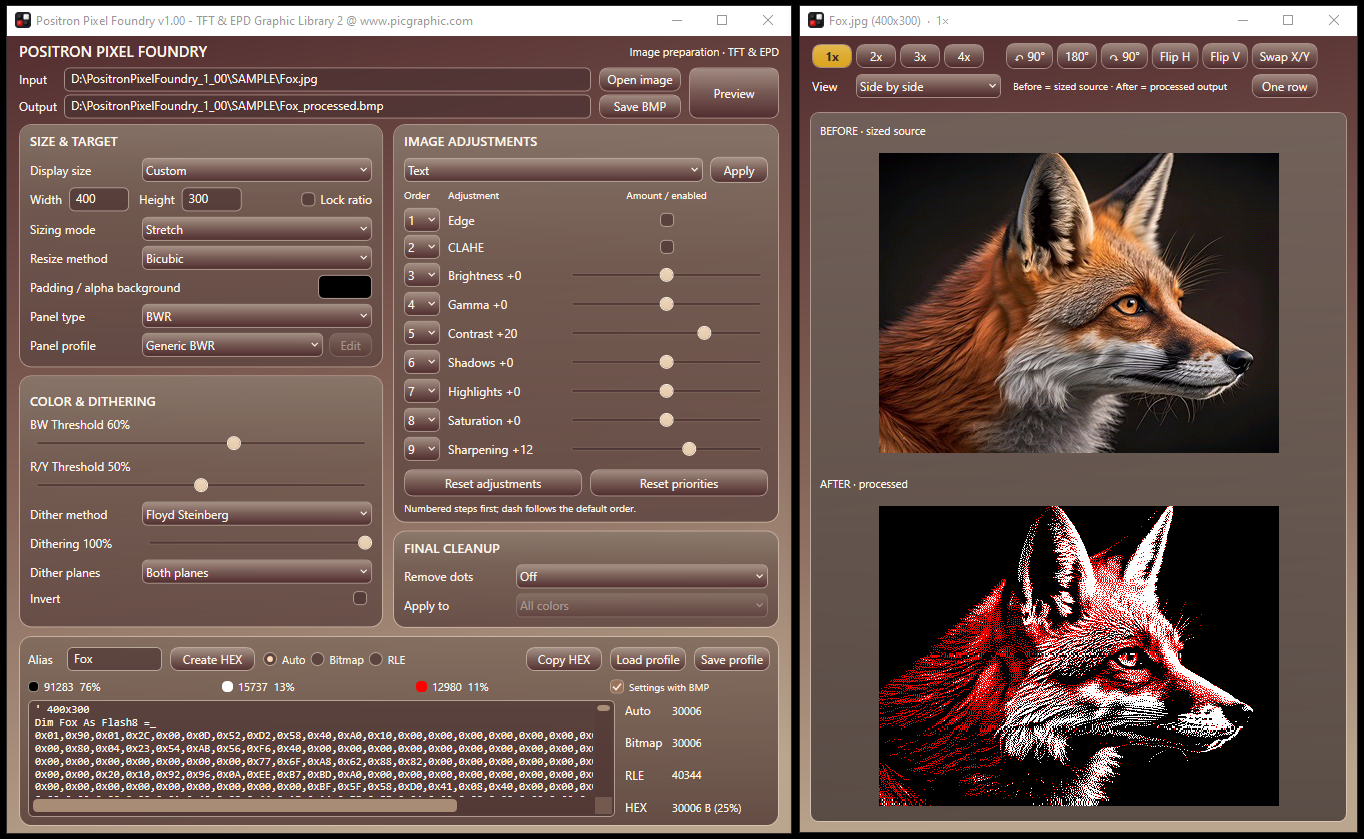
Positron Pixel Foundry v1.00 - main workspace and live preview
E-paper image preparation and compressed HEX generation for Positron BASIC
Positron Pixel Foundry prepares pictures for BW, BWR and BWY e-paper displays, lets you control how the source image is transformed into the panel's limited color set, and converts the final result into a compact Positron BASIC Flash8 table.
It is not intended to be another generic "convert this picture to black/white/red" utility. The purpose is to expose the decisions that matter on an actual EPD project: target size and geometry, panel palette, processing order, tonal adjustments, thresholds, dithering, cleanup, preview quality and the final storage cost.
Open the detailed User Manual | Compression Explained
The application combines image preparation, panel-aware color reduction, preview and storage analysis in one workflow. You can experiment with the conversion pipeline and see the result immediately rather than repeatedly processing an image in separate tools and only discovering the outcome after it reaches the display.
The main workspace provides target sizing and aspect handling, BW/BWR/BWY panel profiles, configurable image adjustments, an ordered processing pipeline, multiple dithering methods, final isolated-pixel cleanup, live pixel statistics, Bitmap/RLE/Auto compression comparison, profile saving and direct Flash8 output.
Pixel Foundry grew out of a practical gap in my own EPD workflow. I could find general palette-conversion tools and utilities aimed at particular displays, but I could not find one tool that gave me the combination of size control, image transformation, processing-order control, useful picture adjustments, a broad choice of dithering methods, immediate preview and clear output-size information that I wanted for embedded projects.
The first version, v1.00, was written for my own use. Once it became clear that the same workflow could be useful to other Positron BASIC users, it evolved into EPD2HexCompress.exe 2.00, a much more capable redesign with a live preview, an image-adjustment pipeline, adjustable thresholds, multiple panel types, dithering, compression comparison and settings profiles.
That version became a short-lived intermediate step. Positron BASIC and embedded electronics are a hobby I care deeply about, and when I had the time to revisit the idea I rebuilt the program as Positron Pixel Foundry v1.00: a cleaner final application with a modern glass-style interface, expanded processing controls and a more coherent workflow.
With e-paper, image quality and memory use are linked. A highly dithered photograph may preserve more apparent detail but produce data that is less friendly to run-length compression. Flat artwork may compress extremely well but can lose important detail if thresholds or cleanup are too aggressive.
Pixel Foundry keeps those trade-offs visible. The preview shows the selected panel palette, while the statistics show final pixel distribution and the storage cost of Auto, Bitmap and RLE. Compression changes how the result is stored, not how the pixels look.
|
|
|
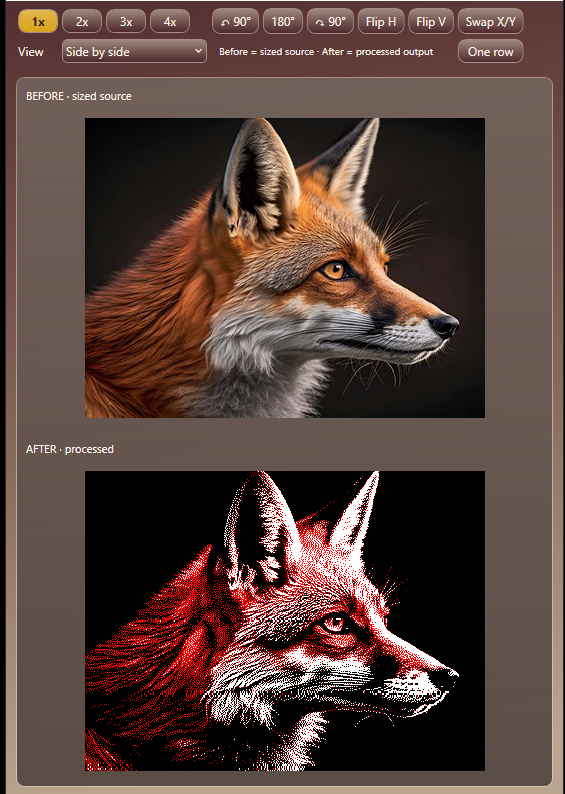
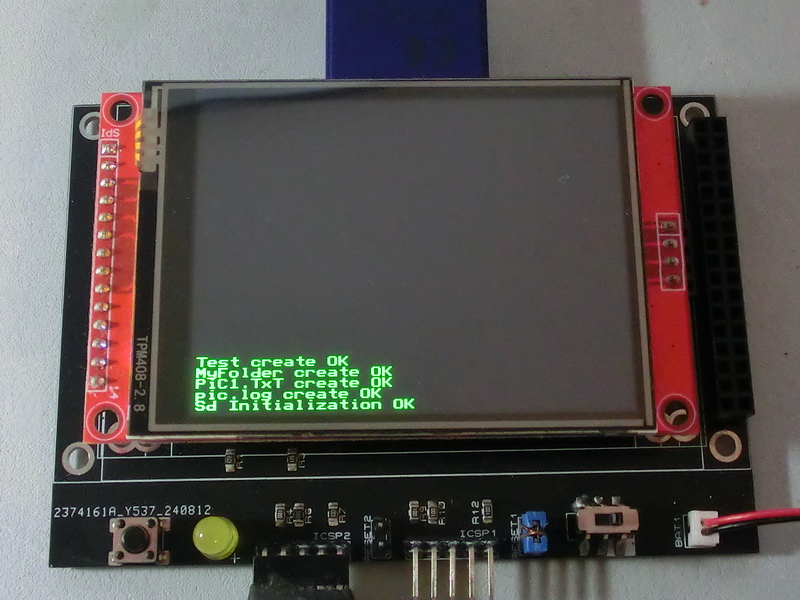
The fox example uses a 400 x 300 BWR target. The application preview shows the reduced black/white/red result before export; the photograph beside it shows the image on the physical e-paper module.
|
|
|
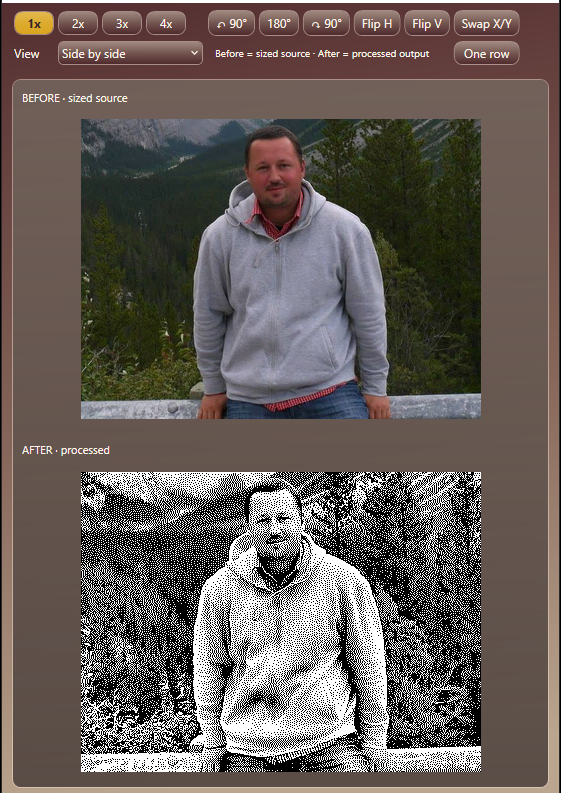
The second example uses a real photograph converted for a 400 x 300 BW panel. The preview makes it easy to tune tonal adjustments and dithering before generating the final table.
The photograph labelled "Me" is a photograph of the author in younger years. It was used as a real photographic test image rather than taking somebody else's personal photograph from the Internet for demonstration purposes.
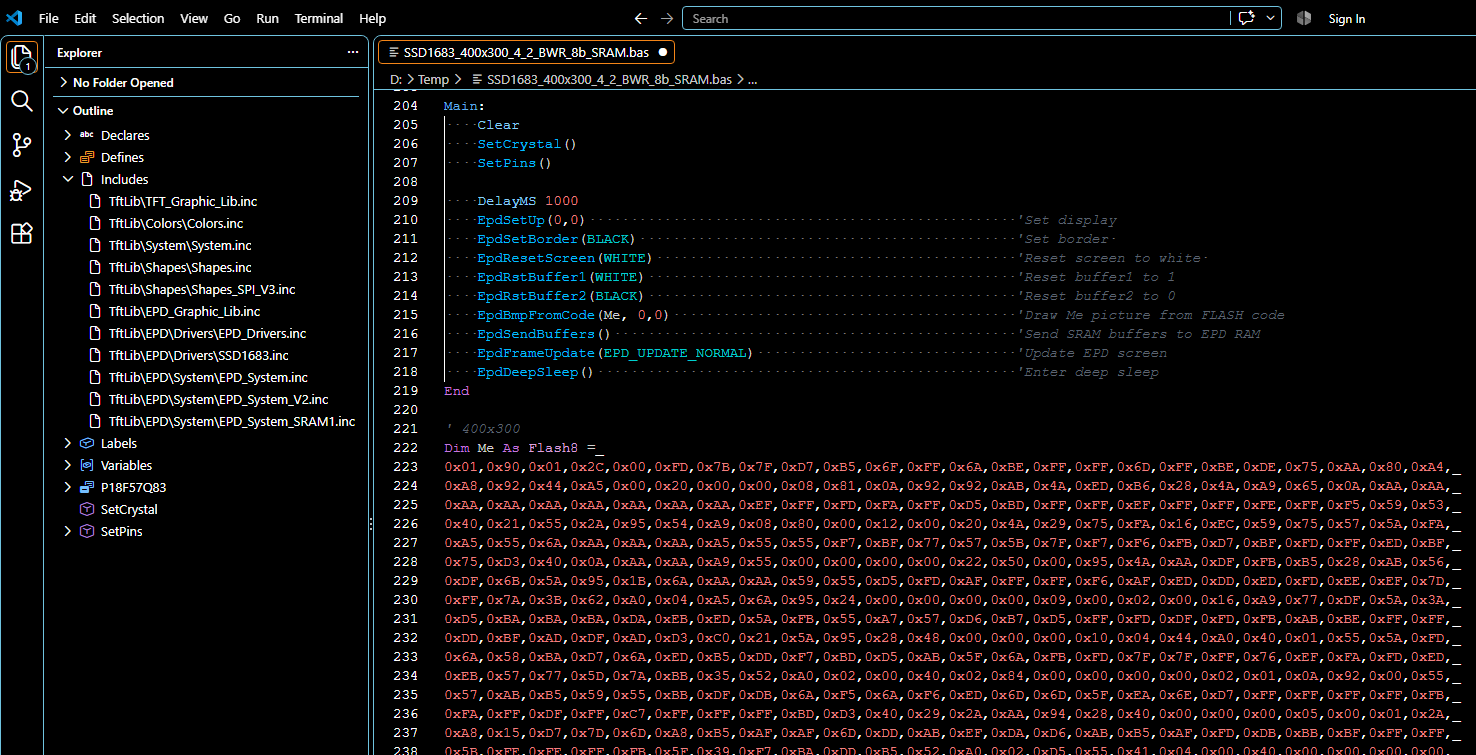
Generated Flash8 image data pasted into a Positron BASIC source file
After processing, enter an Alias and choose Create HEX. The generated table contains the dimensions followed by independently encoded BW and accent planes. Auto selects the smaller Bitmap or RLE representation for each non-uniform plane, while constant planes use their compact constant mode.
The resulting declaration can be copied directly into a Positron BASIC source file. The exact byte layout and decoder rules are documented in Compression Explained.
Pixel Foundry is aimed primarily at the Positron BASIC compilers created by Les Johnson for 8-bit and 16-bit PIC microcontrollers. That is the environment for which the generated Flash8 declaration and the TFT & EPD Graphic Library routines are designed.
The underlying table format is deliberately simple, however. With a small amount of adaptation, the generated data can be consumed from other languages as long as the decoder follows the documented dimensions, plane modes, bit order and RLE rules.
For day-to-day operation, start with the User Manual. It covers every control group, the processing chain, dithering, panel profiles, preview behavior, compression statistics, profiles, BMP output and troubleshooting.
For the binary data format and decoding details, see Compression Explained.
The previous program remains available as legacy documentation at EPD2HexCompress.exe 2.00 - Deprecated.
Created with the Personal Edition of HelpNDoc: Elevate Your Documentation with HelpNDoc's Project Analyzer Features