Cdata
Syntax
Cdata { alphanumeric data }
Overview
Place information directly into flash memory for access by Cread and Cwrite.
Parameters
alphanumeric data can be any value, alphabetic character, or string enclosed in quotes (") or numeric data without quotes.
Example
  Device = 16F1829             ' A device with flash modifying features
  Dim MyChar as Byte
  Dim MyLoop as Byte

  For MyLoop = 0 to 10        ' Create a loop of 11
     MyChar = Cread Address + MyLoop ' Read memory location Address + MyLoop
     Print MyChar             ' Display the value read
  Next
  Stop

Address:
  Cdata "Hello World"        ' Create a string of text in flash memory
The program above reads and displays 10 values from the address located by the Label accompanying the Cdata command. Resulting in "Hello World" being displayed.
Using the in-line command structure, the Cread and Print parts of the above program may be written as: -
' Read and display memory location Address + MyLoop
 Print Cread Address + MyLoop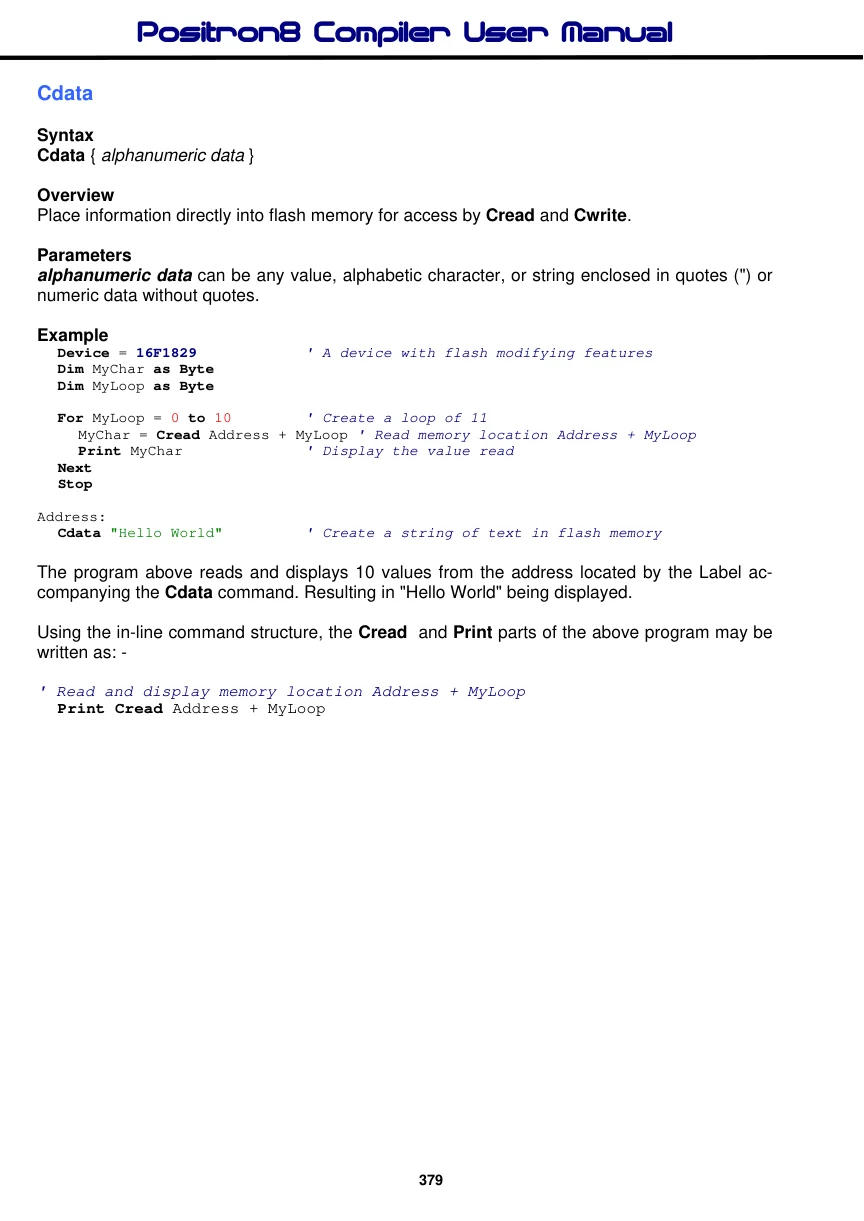
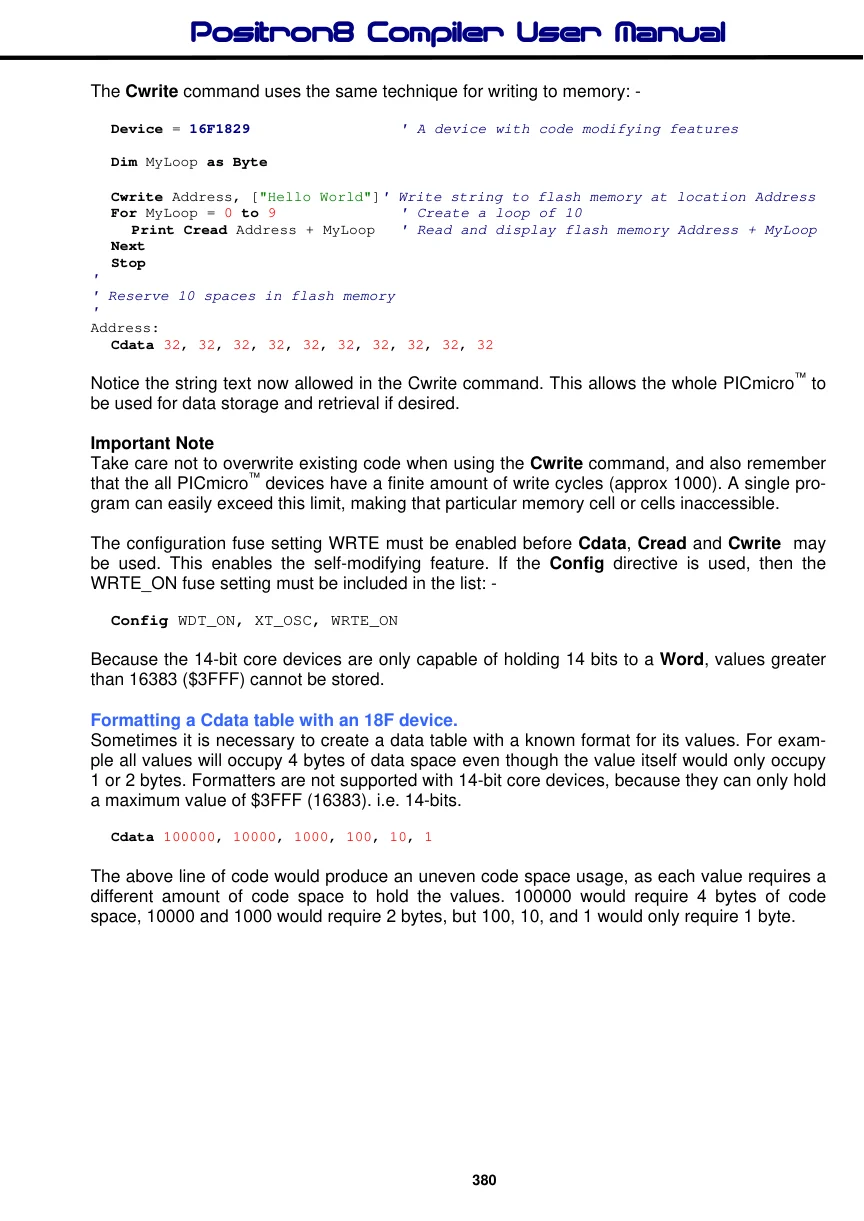
The Cwrite command uses the same technique for writing to memory: -
  Device = 16F1829                  ' A device with code modifying features

  Dim MyLoop as Byte

  Cwrite Address, ["Hello World"]' Write string to flash memory at location Address
  For MyLoop = 0 to 9              ' Create a loop of 10
     Print Cread Address + MyLoop    ' Read and display flash memory Address + MyLoop
  Next
  Stop
'
' Reserve 10 spaces in flash memory
'
Address:
  Cdata 32, 32, 32, 32, 32, 32, 32, 32, 32, 32
Notice the string text now allowed in the Cwrite command. This allows the whole PICmicro™ to be used for data storage and retrieval if desired.
Important Note Take care not to overwrite existing code when using the Cwrite command, and also remember that the all PICmicro™ devices have a finite amount of write cycles (approx 1000). A single program can easily exceed this limit, making that particular memory cell or cells inaccessible.
The configuration fuse setting WRTE must be enabled before Cdata, Cread and Cwrite may be used. This enables the self-modifying feature. If the Config directive is used, then the WRTE_ON fuse setting must be included in the list: -
Config WDT_ON, XT_OSC, WRTE_ONBecause the 14-bit core devices are only capable of holding 14 bits to a Word, values greater than 16383 ($3FFF) cannot be stored.
Formatting a Cdata table with an 18F device.
Sometimes it is necessary to create a data table with a known format for its values. For example all values will occupy 4 bytes of data space even though the value itself would only occupy 1 or 2 bytes. Formatters are not supported with 14-bit core devices, because they can only hold a maximum value of $3FFF (16383). i.e. 14-bits.
Cdata 100000, 10000, 1000, 100, 10, 1The above line of code would produce an uneven code space usage, as each value requires a different amount of code space to hold the values. 100000 would require 4 bytes of code space, 10000 and 1000 would require 2 bytes, but 100, 10, and 1 would only require 1 byte.
Reading these values using Cread would cause problems because there is no way of knowing the amount of bytes to read in order to increment to the next valid value.
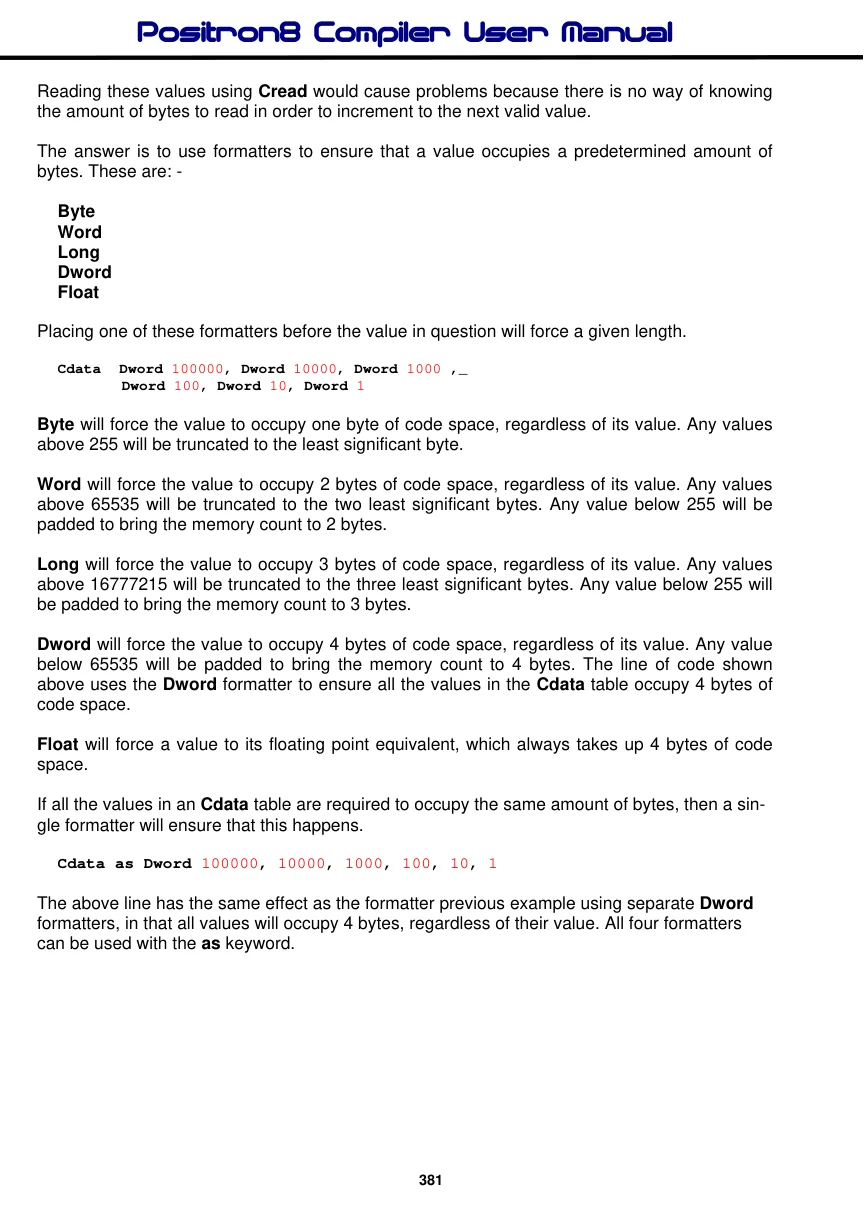
The answer is to use formatters to ensure that a value occupies a predetermined amount of bytes. These are: -
Byte Word Long Dword Float
Placing one of these formatters before the value in question will force a given length.
Cdata  Dword 100000, Dword 10000, Dword 1000 ,_
       Dword 100, Dword 10, Dword 1
Byte will force the value to occupy one byte of code space, regardless of its value. Any values above 255 will be truncated to the least significant byte.
Word will force the value to occupy 2 bytes of code space, regardless of its value. Any values above 65535 will be truncated to the two least significant bytes. Any value below 255 will be padded to bring the memory count to 2 bytes.
Long will force the value to occupy 3 bytes of code space, regardless of its value. Any values above 16777215 will be truncated to the three least significant bytes. Any value below 255 will be padded to bring the memory count to 3 bytes.
Dword will force the value to occupy 4 bytes of code space, regardless of its value. Any value below 65535 will be padded to bring the memory count to 4 bytes. The line of code shown above uses the Dword formatter to ensure all the values in the Cdata table occupy 4 bytes of code space.
Float will force a value to its floating point equivalent, which always takes up 4 bytes of code space.
If all the values in an Cdata table are required to occupy the same amount of bytes, then a single formatter will ensure that this happens.
Cdata as Dword 100000, 10000, 1000, 100, 10, 1The above line has the same effect as the formatter previous example using separate Dword formatters, in that all values will occupy 4 bytes, regardless of their value. All four formatters can be used with the as keyword.
The example below illustrates the formatters in use.
' Convert a Dword value into a string array
' Using only BASIC commands
' Similar principle to the Str$ command

  Device = 18F26K40          ' Tell the compiler what device to compile for
  Declare Xtal = 16      ' Tell the compiler the device will be operating at 16MHz
  Declare Hserial_Baud = 9600  ' Choose the Baud rate for HRsoutLn

  Dim P10 as Dword             ' Power of 10 variable
  Dim Cnt as Byte
  Dim J as Byte

  Dim Value as Dword          ' Value to convert
  Dim String1[11] as Byte      ' Holds the converted value
  Dim bPtr as Byte      ' Pointer within the Byte array

  Clear               ' Clear all RAM before we start
  Value = 1234576      ' Value to convert
  DwordToStr()        ' Convert Value to string
  HRsoutLn Str String1   ' Display the result
  Stop
' Convert a Dword value into a string array
' Value to convert is placed in 'Value'
' Byte array 'String1' is built up with the ASCII equivalent

Proc DwordToStr()
  bPtr = 0
  J = 0
  Repeat
     P10 = Cread DwordTbl + (J * 4)
     Cnt = 0

     Do Value >= P10
       Value = Value - P10
       Inc Cnt
     Loop

     If Cnt <> 0 Then
       String1[bPtr] = Cnt + "0"
       Inc bPtr
     EndIf
     Inc J
  Until J > 8

  String1[bPtr] = Value + "0"
  Inc bPtr
  String1[bPtr] = 0   ' Add the null to terminate the string
EndProc

' Cdata table is formatted for all 32-bit values.
' Which means each value will require 4 bytes of code space
Dword_TBL:
  Cdata as Dword 1000000000, 100000000, 10000000, 1000000, 100000,_
                  10000, 1000, 100, 10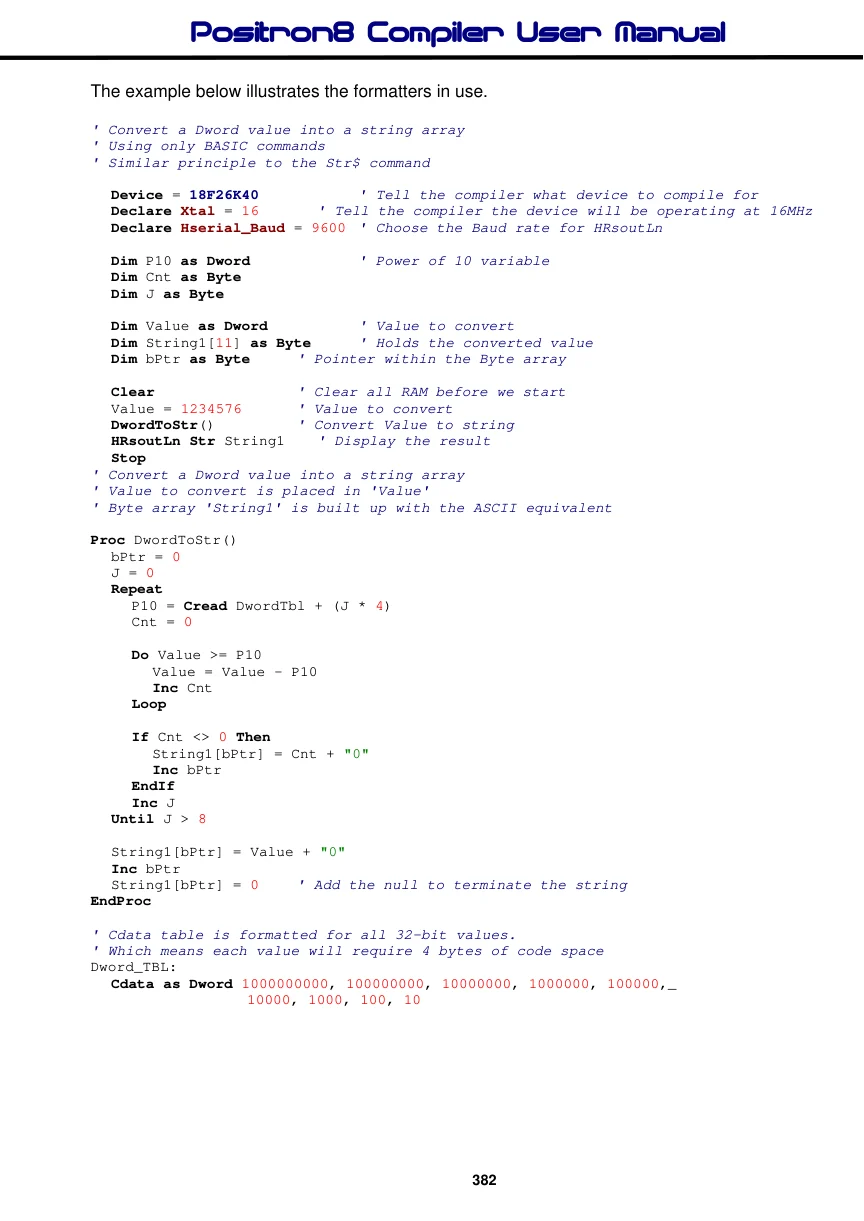
Label names as an Address.
If a label's name is used in the list of values in a Cdata table, the label’s address will be used. This is useful for accessing other tables of data using their address from a lookup table. See the following example.
Note that this is not always permitted with standard 14-bit core devices, because they may not be able to hold the larger value in a 14-bit word.
' Display text from two Cdata tables
' Based on their address located in a separate table

  Device = 18F26K40          ' Tell the compiler what device to compile for
  Declare Xtal = 16      ' Tell the compiler the device will be operating at 16MHz
  Declare Hserial_Baud = 9600      ' Choose the Baud rate for HRsout

  Dim Address as Word
  Dim DataByte as Byte

  Address = Cread AddrTable        ' Locate the address of the first string
  Do                                ' Create an infinite loop
     DataByte = Cread Address      ' Read each character from the Cdata string
     If DataByte = 0 Then Break    ' Exit if null found
     HRsout DataByte               ' Display the character
     Inc Address                    ' Next character
  Loop                             ' Close the loop

  Address = Cread AddrTable + 2    ' Locate the address of the second string
  Do                                ' Create an infinite loop
     DataByte = Cread Address      ' Read each character from the Cdata string
     If DataByte = 0 Then Break    ' Exit if null found
     HRsout DataByte                  ' Display the character
     Inc Address                    ' Next character
  Loop                             ' Close the loop

AddrTable:                         ' Table of address's
  Cdata Word String1,Word String2
String1:
  Cdata "HELLO",0
String2:
  Cdata "WORLD",0
See also : Config, Cread, Cread8, Cread16, Cread24, Cread32, Cwrite, Dim, Ldata, Lread, Lread8, Lread16, Lread24, Lread32, Dim As Code, Dim As Flash8, Dim As Flash16, Dim As Flash24, Dim As Flash32.
