Ldata
Syntax
Ldata { alphanumeric data }
Overview
Place information into code memory using the Retlw mnemonic when used with a standard 14-bit core devices, and Flash (code) memory when using an 18F or enhanced 14-bit core device. For access by Lread, Lread8, Lread16, Lread24 or Lread32.
Parameters
alphanumeric data can be a 8,16, 24, 32 bit value, or floating point values, or any alphabetic character or string enclosed in quotes.
Example
  Device = 16F1829

  Dim Char as Byte
  Dim MyLoop as Byte

  Cls
  For MyLoop = 0 to 9               ' Create a loop of 10
     Char = Lread Label + MyLoop   ' Read memory location Label + MyLoop
     Print Char                   ' Display the value read
  Next
  Stop

Label: Ldata "Hello World"     ' Create a string of text in code memory
The program above reads and displays 10 values from the address located by the Label accompanying the Ldata command. Resulting in "HELLO WORL" being displayed.
Ldata is not simply used for character storage, it may also hold 8, 16, 32 bit, or floating point values. The example below illustrates this: -
  Device = 16F628
  Dim Var1 as Byte
  Dim Wrd1 as Word
  Dim Dwd1 as Dword
  Dim Flt1 as Float

  Cls
  Var1 = Lread Bit8_Val      ' Read the 8-bit value
  Print Dec Var1,"  "
  Wrd1= Lread Bit16_Val      ' Read the 16-bit value
  Print Dec Wrd1
  Dwd1 = Lread Bit32_Val   ' Read the 32-bit value
  Print At 2,1, Dec Dwd1,"  "
  Flt1 = Lread MyFloat_Val      ' Read the floating point value
  Print Dec Flt1
  Stop

Bit8_Val: Ldata 123
Bit16_Val: Ldata 1234
Bit32_Val: Ldata 123456
MyFloat_Val: Ldata 123.456
Floating point examples. 14-bit core example
' 14-bit read floating point data from a table and display the results
  Device = 16F1829
  Dim MyFloat as Float          ' Create a Floating Point variable
  Dim Fcount as Byte

  Cls                           ' Clear the LCD
  Fcount = 0                    ' Clear the table counter
  Repeat                         ' Create a loop
     MyFloat = Lread FlTable + Fcount ' Read the data from the Ldata table
     Print At 1, 1, Dec3 MyFloat  ' Display the data read
     Fcount = Fcount + 4        ' Point to next value, by adding 4 to counter
     DelayMs 1000               ' Slow things down
  Until MyFloat = 0.005          ' Stop when 0.005 is read
  Stop

FlTable:
  Ldata as Float 3.14, 65535.123, 1234.5678, -1243.456, -3.14, 998999.12,_
                 0.005
18F device example
' 18F read floating point data from a table and display the results
  Device = 18F25K20
  Declare Xtal = 16  ' Tell the compiler the device will be operating at 16MHz

  Dim MyFloat as Float          ' Create a Floating Point variable
  Dim Fcount as Byte

  Cls                           ' Clear the LCD
  Fcount = 0                    ' Clear the table counter
  Repeat                         ' Create a loop
     MyFloat = Lread FlTable + Fcount ' Read the data from the Ldata table
     Print At 1, 1, Dec3 MyFloat  ' Display the data read
     Fcount = Fcount + 2        ' Point to next value, by adding 2 to counter
     DelayMs 1000               ' Slow things down
  Until MyFloat = 0.005          ' Stop when 0.005 is read
  Stop

FlTable:
  Ldata as Float 3.14, 65535.123, 1234.5678, -1243.456, -3.14, 998999.12,_
                  0.005
Notes
Ldata tables should be placed at the end of the BASIC program. If an Ldata table is placed at the beginning of the program, then a GoTo command must jump over the tables, to the main body of code.
  GoTo OverDataTable

  Ldata 1,2,3,4,5,6

OverDataTable:

  { rest of code here}
With 14-bit core devices, an 8-bit value (0 - 255) in an Ldata statement will occupy a single code space, however, 16-bit data (0 - 65535) will occupy two spaces, 32-bit and floating point values will occupy 4 spaces. This must be taken into account when using the Lread command. See 14-bit floating point example above.

With 18F devices, an 8, and 16-bit value in an Ldata statement will occupy a single code space, however, 32-bit and floating point values will occupy 2 spaces. This must be taken into account when using the Lread command. See 16-bit floating point example above.
18F device requirements. The compiler uses a different method of holding information in an Ldata statement when using 18F devices. It uses the unique capability of these devices to read from their own code space, which offers optimisations when values larger than 8-bits are stored. However, because the 18F devices are Byte oriented, as opposed to the 14-bit types which are Word oriented. The Ldata tables should contain an even number of values, or corruption may occur on the last value read. For example: -
Even:  Ldata 1,2,3,"123"

Odd:   Ldata 1,2,3,"12"
An Ldata table containing an Odd amount of values will produce a compiler WARNING message.
Formatting an Ldata table.
Sometimes it is necessary to create a data table with an known format for its values. For example all values will occupy 4 bytes of code space even though the value itself would only occupy 1 or 2 bytes. I use the name Byte loosely, as 14-bit core devices use 14-bit Words, as opposed to 18F devices that do actually use Bytes.
Ldata 100000, 10000, 1000, 100, 10, 1The above line of code would produce an uneven code space usage, as each value requires a different amount of code space to hold the values. 100000 would require 4 bytes of code space, 10000 and 1000 would require 2 bytes, but 100, 10, and 1 would only require 1 byte.
Reading these values using Lread would cause problems because there is no way of knowing the amount of bytes to read in order to increment to the next valid value.
The answer is to use formatters to ensure that a value occupies a predetermined amount of bytes. These are: -
Byte Word Long Dword Float
Placing one of these formatters before the value in question will force a given length.
Ldata  Dword 100000, Dword 10000, Dword 1000 ,_
       Dword 100, Dword 10, Dword 1
Byte will force the value to occupy one byte of code space, regardless of its value. Any values above 255 will be truncated to the least significant byte.
Word will force the value to occupy 2 bytes of code space, regardless of its value. Any values above 65535 will be truncated to the two least significant bytes. Any value below 255 will be padded to bring the memory count to 2 bytes.

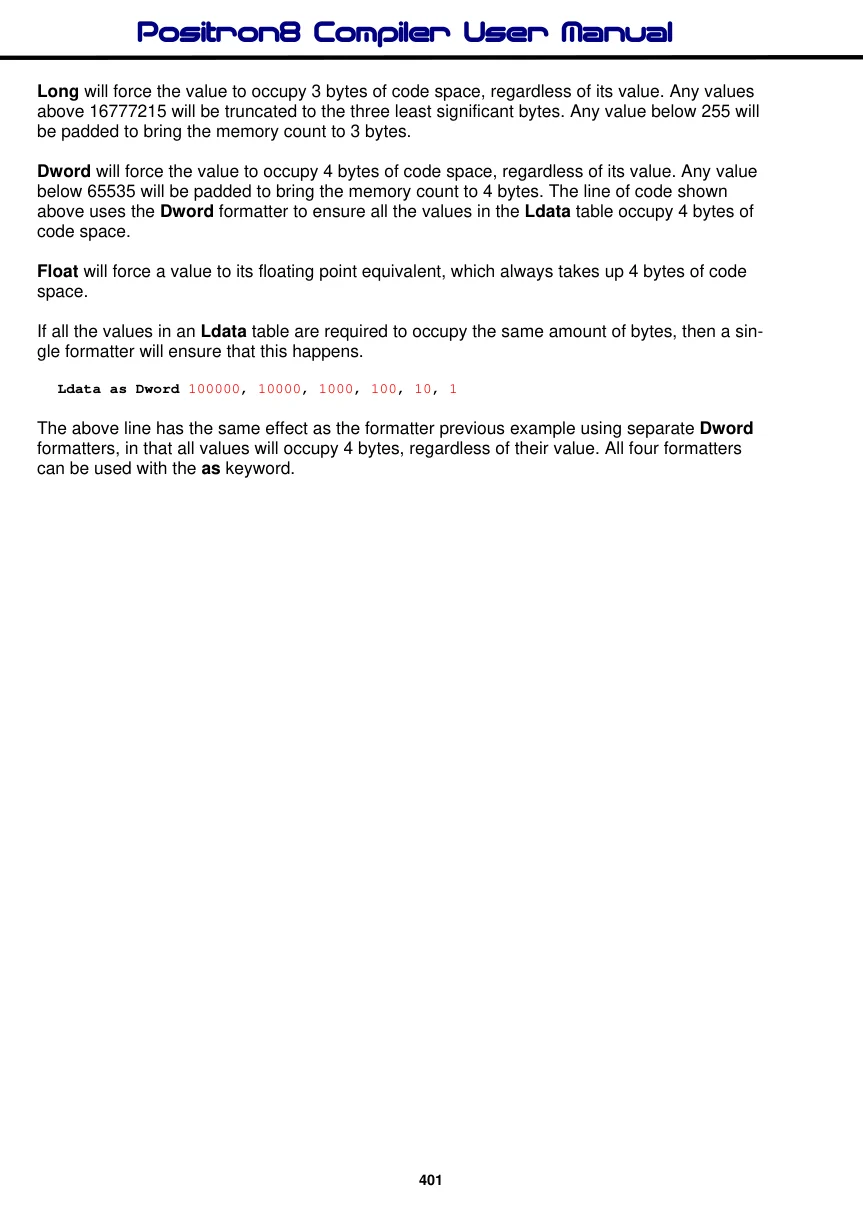
Long will force the value to occupy 3 bytes of code space, regardless of its value. Any values above 16777215 will be truncated to the three least significant bytes. Any value below 255 will be padded to bring the memory count to 3 bytes.
Dword will force the value to occupy 4 bytes of code space, regardless of its value. Any value below 65535 will be padded to bring the memory count to 4 bytes. The line of code shown above uses the Dword formatter to ensure all the values in the Ldata table occupy 4 bytes of code space.
Float will force a value to its floating point equivalent, which always takes up 4 bytes of code space.
If all the values in an Ldata table are required to occupy the same amount of bytes, then a single formatter will ensure that this happens.
Ldata as Dword 100000, 10000, 1000, 100, 10, 1The above line has the same effect as the formatter previous example using separate Dword formatters, in that all values will occupy 4 bytes, regardless of their value. All four formatters can be used with the as keyword.
The example below illustrates the formatters in use.
' Convert a Dword value into a string array using only BASIC commands
' Similar principle to the Str$ command

  Device = 18F26K40             ' Select the device to compile for
  Declare Xtal = 16  ' Tell the compiler the device will be operating at 16MHz
  Declare Hserial_Baud = 9600   ' Set the Baud rate for HRsoutLn

  Dim dP10 as Dword          ' Power of 10 variable
  Dim bCnt as Byte
  Dim bIndex as Byte
  Dim dValue as Dword        ' Value to convert to ASCII
  Dim MyString[11] as Byte   ' Holds the converted value
  Dim bPtr as Byte             ' Pointer within the Byte array

  DelayMs 100                  ' Wait for the LCD to stabilise
  Cls                         ' Clear the LCD
  Clear                      ' Clear all RAM before we start
  dValue = 1234576             ' Value to convert
  DwordToStr()               ' Convert dValue to an ASCII string
  HRsoutLn Str MyString        ' Display the result
  Stop

'-------------------------------------------------------------
' Convert a Dword value into a string array.
' The value to convert is placed in dValue
' Byte array 'MyString' is built up with the ASCII equivalent
'
Proc DwordToStr()
  bPtr = 0
  bIndex = 0
  Repeat
     dP10 = Lread DwordTbl + (bIndex * 4)
     bCnt = 0
     While dValue >= dP10
       dValue = dValue - dP10
       Inc bCnt
     Wend
     If bCnt <> 0 Then
       MyString[bPtr] = bCnt + "0"
       Inc bPtr
     EndIf
     Inc bIndex
  Until bIndex > 8
  MyString[bPtr] = dValue + "0"
  Inc bPtr
  MyString[bPtr] = 0      ' Add the null to terminate the string
EndProc
'
' Ldata table is formatted for all 32 bit values.
' Which means each value will require 4 bytes of code space
Dword_TBL:
  Ldata as Dword 1000000000, 100000000, 10000000, 1000000, 100000, 10000,_
                   1000, 100, 10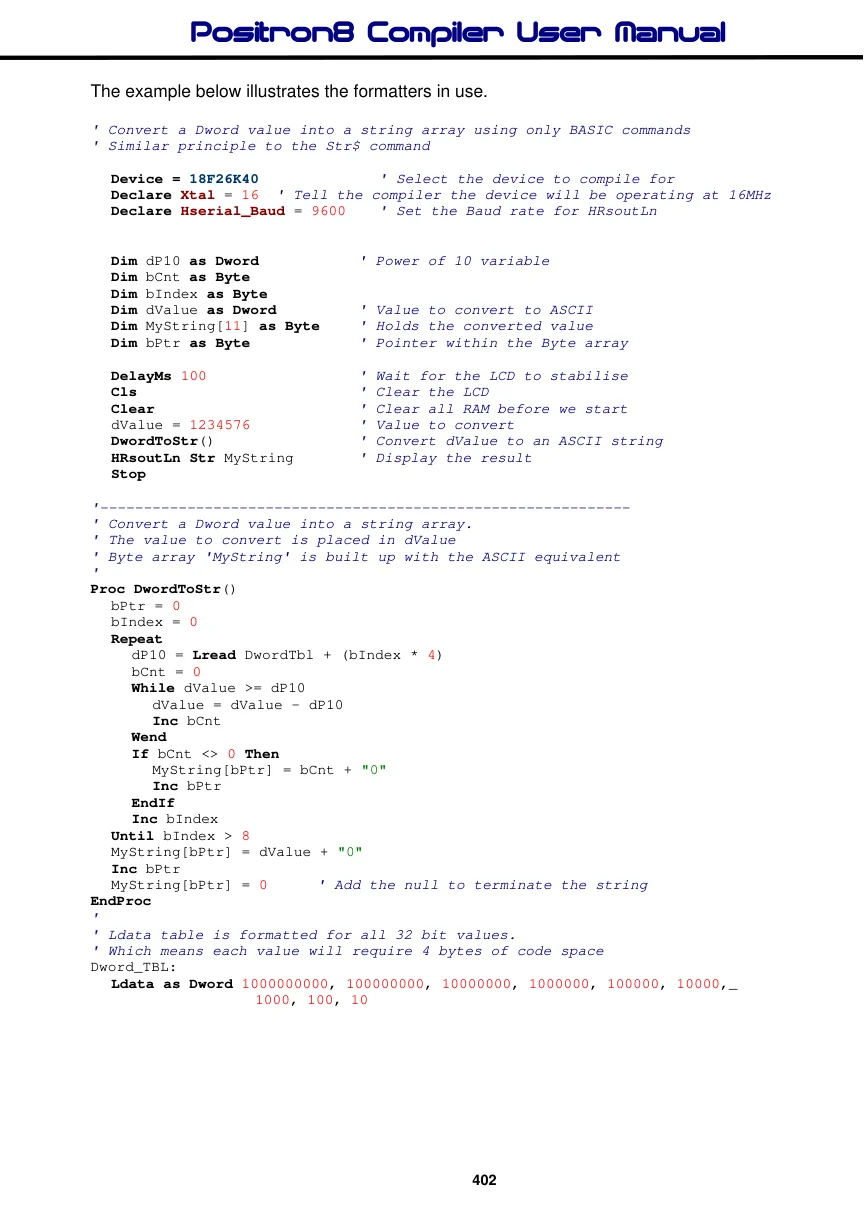
Label names as pointers.
If a label's name is used in the list of values in an Ldata table, the label's address will be used. This is useful for accessing other tables of data using their address from a lookup table. See example below.
' Display text from two Ldata tables
' Based on their address located in a separate table

  Device = 18F26K40             ' Select the device to compile for
  Declare Xtal = 16  ' Tell the compiler the device will be operating at 16MHz
  Declare Hserial_Baud = 9600   ' Set the Baud rate for HRsout

   Dim Address as Word
  Dim DataByte as Byte

  DelayMs 100                    ' Wait for the LCD to stabilise
  Cls                           ' Clear the LCD
  Address = Lread AddrTable      ' Locate the address of the first string
  Do                             ' Create an infinite loop
  DataByte = Lread Address      ' Read each character from the Ldata string
     If DataByte = 0 Then Break  ' Exit if null found
     HRsout DataByte             ' Display the character
     Inc Address                  ' Next character
  Loop                           ' Close the loop

  Cursor 2,1                    ' Point to line 2 of the LCD
  Address = Lread AddrTable + 2  ' Locate the address of the second string
   Do                             ' Create an infinite loop
     DataByte = Lread Address   ' Read each character from the Ldata string
    If DataByte = 0 Then Break   ' Exit if null found
    HRsout DataByte             ' Display the character
    Inc Address                  ' Next character
   Loop                           ' Close the loop

   Stop

AddrTable:                      ' Table of address's
  Ldata as Word String1, String2
String1:
  Ldata "HELLO",0
String2:
  Ldata "WORLD",0
See also : Cdata, Cread, Dim as Code, Data, Edata, Lread, Read, Restore.
