Creating and using Strings
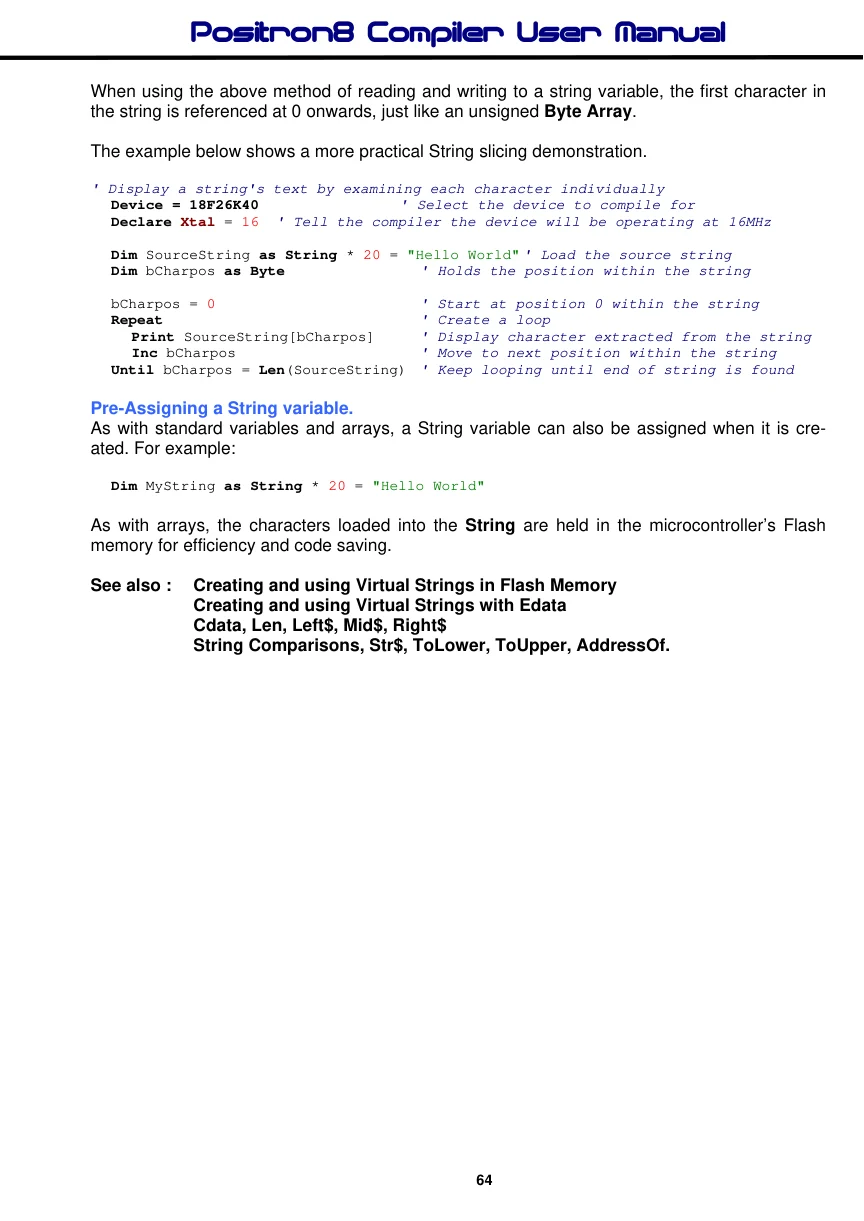
The Positron8 compiler supports true String variables, but only when compiling for an 18F or enhanced 14-bit core device, or a PIC24 or dsPIC33 device.
The syntax to create a String is : -
Dim String Name as String * String Length
String Name can be any valid variable name. See Dim . String Length can be any value up to 255, allowing up to 255 characters to be stored.
The line of code below will create a String named MyString that can hold 20 characters: -
Dim MyString as String * 20Two or more strings can be concatenated (linked together) by using the plus (+) operator: -
  Device = 18F26K40               ' Select the device to compile for
  Declare Xtal = 16  ' Tell the compiler the device will be operating at 16MHz

' Create three strings capable of holding 20 characters
  Dim DestString as String * 20
  Dim SourceString1 as String * 20
  Dim SourceString2 as String * 20

  SourceString1 = "Hello "   ' Load String SourceString1 with the text Hello
'
' Load String SourceString2 with the text World
  SourceString2 = "World"
' Add both Source Strings together. Place result into String DestString
'
  DestString = SourceString1 + SourceString2
The String DestString now contains the text "Hello World", and can be transmitted serially or displayed on an LCD: -
Print DestStringThe Destination String itself can be added to if it is placed as one of the variables in the addition expression. For example, the above code could be written as: -
  Device = 18F26K40               ' Select the device to compile for
  Declare Xtal = 16  ' Tell the compiler the device will be operating at 16MHz
'
' Create a String capable of holding 20 characters
'
  Dim DestString as String * 20
'
' Create another String capable of holding 20 characters
'
  Dim SourceString as String * 20

  DestString = "Hello "        ' Pre-load String DestString with the text Hello
  SourceString = "World"      ' Load String SourceString with the text World
' Concatenate DestString with SourceString
'
  DestString = DestString + SourceString
  HRsoutLn DestString        ' Display the result which is "Hello World"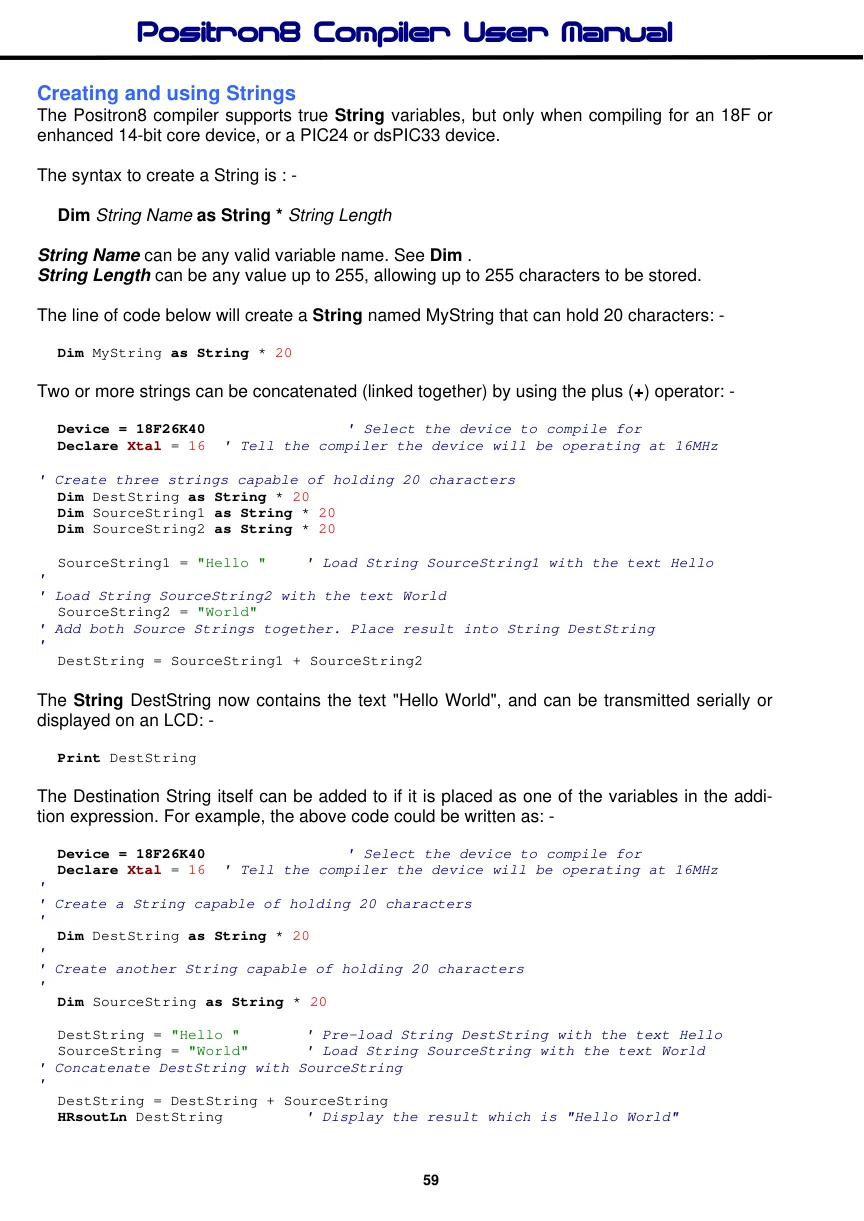
Note that Strings cannot be subtracted, multiplied or divided, and cannot be used as part of a regular expression otherwise a syntax error will be produced.
It's not only other String variables that can be added to a String, the functions Cstr, Estr, Mid$, Left$, Right$, Str$, ToUpper, and ToLower can also be used as one of variables to concatenate.
A few examples of using these functions are shown below: -
Cstr Example
' Use Cstr function to place a flash memory string into a RAM String variable

  Device = 18F26K40               ' Select the device to compile for
  Declare Xtal = 16  ' Tell the compiler the device will be operating at 16MHz

  Dim FlashStr as Flash8 = "World", 0

  Dim DestString as String * 20    ' Create a String for 20 characters
  Dim SourceString as String * 20 = "Hello "   ' Create and load a string

  DestString = SourceString + Cstr FlashStr    ' Concatenate the string

  Print DestString                  ' Display the result which is "Hello World"
The above example is really only for demonstration because if a Label name is placed as one of the parameters in a string concatenation, an automatic (more efficient) Cstr operation will be carried out. Therefore the above example should be written as: -
More efficient Example of above code
' Place a flash memory string into a String variable more efficiently than
' using Cstr

  Device = 18F26K40               ' Select the device to compile for
  Declare Xtal = 16  ' Tell the compiler the device will be operating at 16MHz

  Dim FlashStr as Flash8 = "World", 0

  Dim DestString as String * 20    ' Create a String for 20 characters
  Dim SourceString as String * 20 = "Hello "   ' Create and load a string

  DestString = SourceString + FlashStr  ' Concatenate the string
  Print DestString                  ' Display the result which is "Hello World"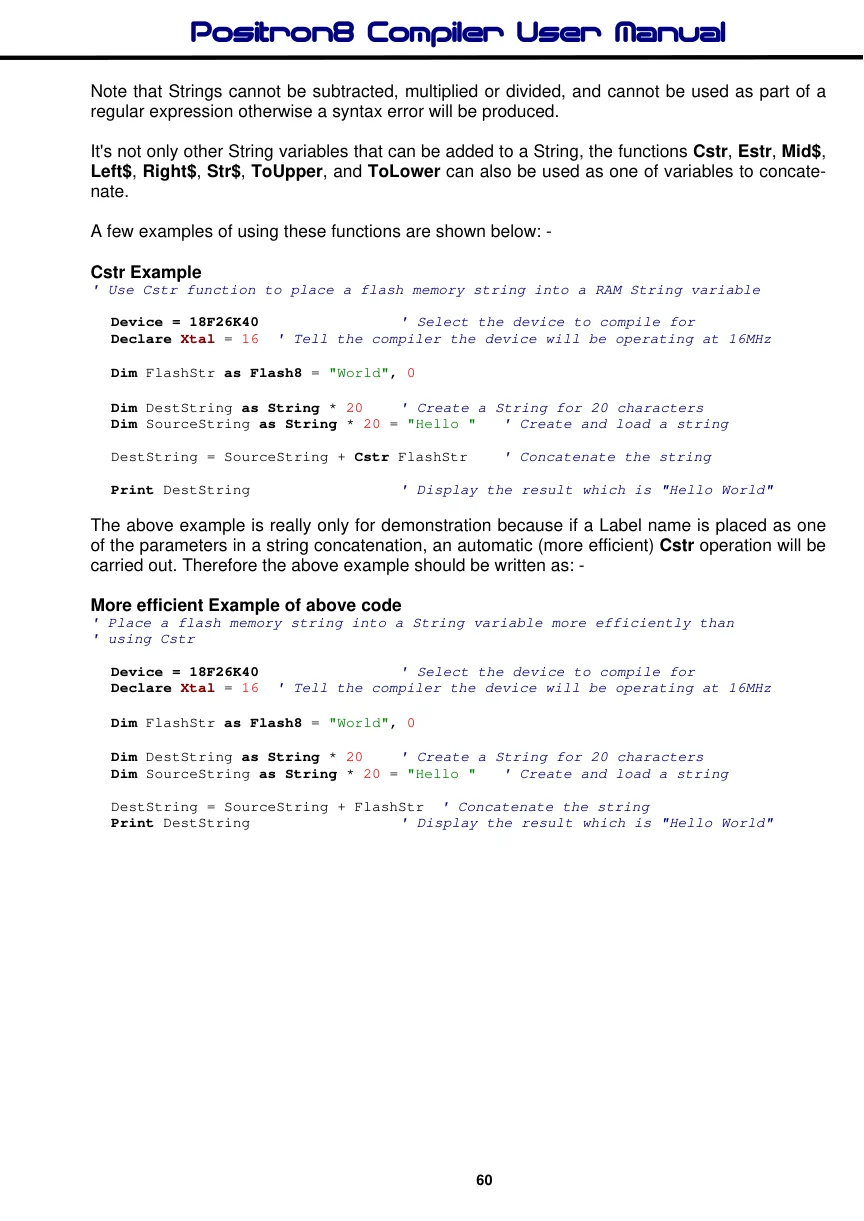
A null terminated string of characters held in Data (on-board EEPROM) can also be loaded or concatenated to a String by using the Estr function: -
Estr Example:
' Use the Estr function in order to place a
' Data memory string into a String variable
' Remember to place Edata before the main code
' so it’s recognised as a constant value

  Device = 18F26K40               ' Select the device to compile for
  Declare Xtal = 16  ' Tell the compiler the device will be operating at 16MHz

  Dim DestString as String * 20    ' Create a String for 20 characters
  Dim SourceString as String * 20 = "Hello "   ' Create and load a string

Data_Str Edata "World",0          ' Create a string in Data memory

  DestString = SourceString + Estr Data_Str  ' Concatenate the strings
  Print DestString                  ' Display the result which is "Hello World"
Converting an integer or floating point value into a string is accomplished by using the Str$ function: -
Str$ Example:
' Use the Str$ function in order to concatenate
' an integer value into a String variable

  Device = 18F26K40               ' Select the device to compile for
  Declare Xtal = 16  ' Tell the compiler the device will be operating at 16MHz

  Dim DestString as String * 30    ' Create a String for 30 characters
   Dim SourceString as String * 20 = "Value = " ' Create another String
  Dim Wrd1 as Word                  ' Create a Word variable

  Wrd1 = 1234                      ' Load the Word variable with a value
  DestString = SourceString + Str$(Dec Wrd1) ' Concatenate the string
  Print DestString                  ' Display the result which is "Value = 1234"
Left$ Example:
' Copy 5 characters from the left of SourceString
' and add to a quoted character string

  Device = 18F26K40               ' Select the device to compile for
  Declare Xtal = 16  ' Tell the compiler the device will be operating at 16MHz

  Dim SourceString as String * 20 = "Hello World"   ' Load the source string
  Dim DestString as String * 20   ' Create another String

  DestString = Left$(SourceString, 5) + " World"
  Print DestString                  ' Display the result which is "Hello World"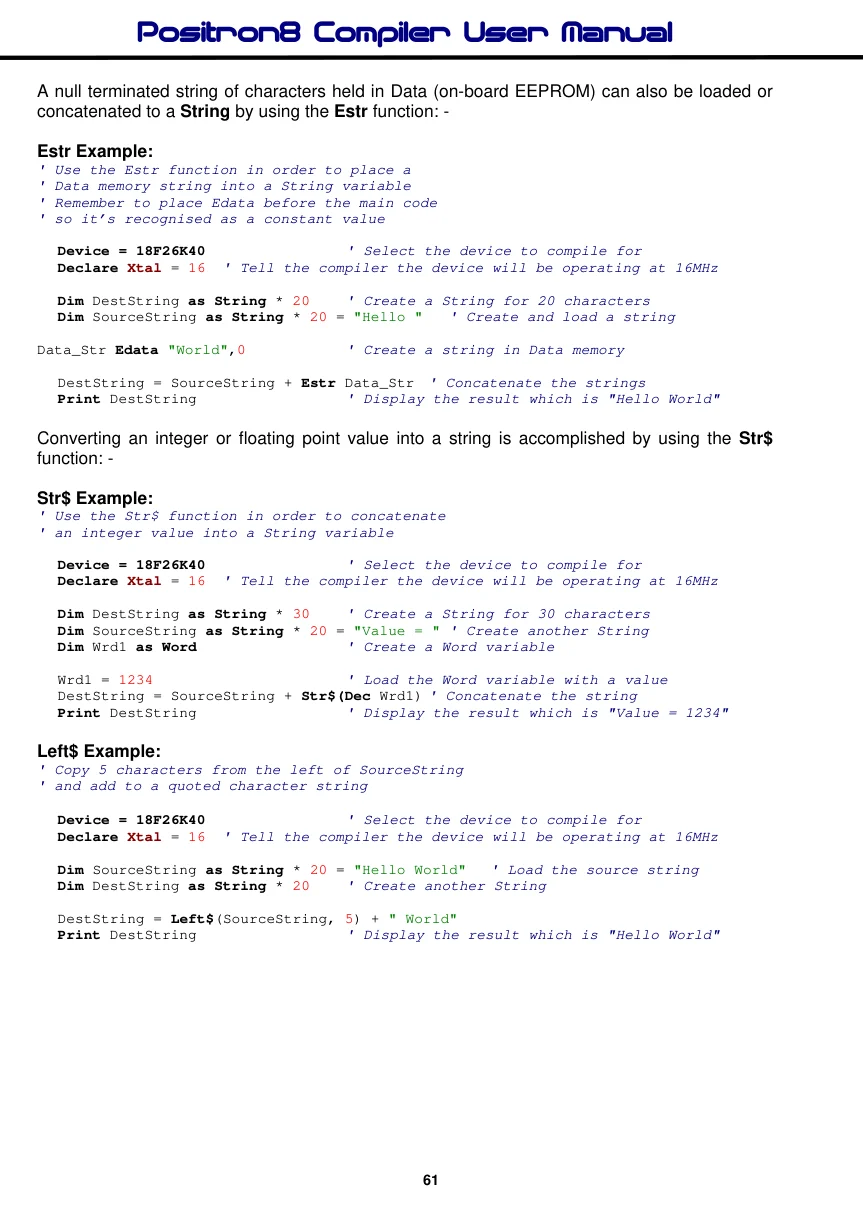
Right$ Example:
' Copy 5 characters from the right of SourceString
' and add to a quoted character string

  Device = 18F26K40               ' Select the device to compile for
  Declare Xtal = 16  ' Tell the compiler the device will be operating at 16MHz

  Dim SourceString as String * 20 = "Hello World"   ' Load the source string
  Dim DestString as String * 20   ' Create another String

  DestString = "Hello " + Right$(SourceString, 5)
  Print DestString                  ' Display the result which is "Hello World"
Mid$ Example:
' Copy 5 characters from position 4 of SourceString
' and add to quoted character strings

  Device = 18F26K40               ' Select the device to compile for
  Declare Xtal = 16  ' Tell the compiler the device will be operating at 16MHz

  Dim SourceString as String * 20 = "Hello World"   ' Load the source string
  Dim DestString as String * 20   ' Create another String

  DestString = "Hel" + Mid$(SourceString, 4, 5) + "rld"
  Print DestString                  ' Display the result which is "Hello World"
Converting a string into uppercase or lowercase is accomplished by the functions ToUpper and ToLower: -
ToUpper Example:
' Convert the characters in SourceString to upper case

  Device = 18F26K40               ' Select the device to compile for
  Declare Xtal = 16  ' Tell the compiler the device will be operating at 16MHz

  Dim SourceString as String * 20 = "hello world" ' Load source with lowercase chars
  Dim DestString as String * 20   ' Create another String

  DestString = ToUpper(SourceString )
  Print DestString                  ' Display the result which is "HELLO WORLD"
ToLower Example:
' Convert the characters in SourceString to lower case

  Device = 18F26K40               ' Select the device to compile for
  Declare Xtal = 16  ' Tell the compiler the device will be operating at 16MHz

  Dim SourceString as String * 20 = "HELLO WORLD"   ' Load the string with uppercase
  Dim DestString as String * 20   ' Create another String

  DestString = ToLower(SourceString )
  Print DestString                  ' Display the result which is "hello world"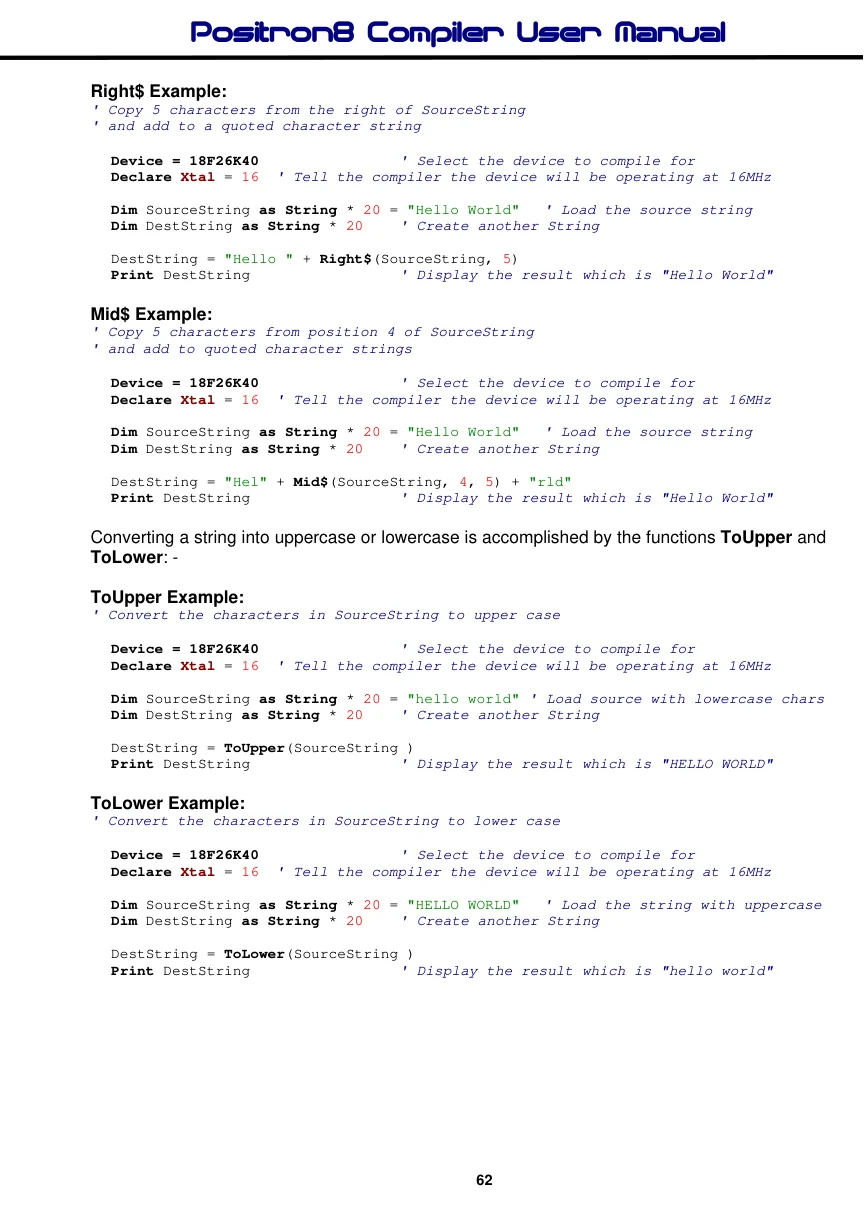
Loading a String Indirectly
If the Source String is a signed or unsigned Byte, Word, Long, Float or an Array variable, the value contained within the variable is used as a pointer to the start of the Source String's address in RAM.
Example
' Copy SourceString into DestString using a pointer to SourceString

  Device = 18F26K40               ' Select the device to compile for
  Declare Xtal = 16  ' Tell the compiler the device will be operating at 16MHz

  Dim SourceString as String * 20 = "Hello World"   ' Load the source string
  Dim DestString as String * 20   ' Create another String
'
' Create a Word variable to hold the address of SourceString
'
  Dim wStringAddr as Word
'
' Locate the start address of SourceString in RAM
'
  wStringAddr = AddressOf(SourceString)
  DestString = wStringAddr        ' Source string into the destination string
  Print DestString                  ' Display the result, which will be "Hello"
Slicing a String.
Each position within the string can be accessed the same as an unsigned Byte Array by using square braces: -
Device = 18F26K40               ' Select the device to compile for
Declare Xtal = 16  ' Tell the compiler the device will be operating at 16MHz

Dim SourceString as String * 20  ' Create a String

SourceString[0] = "H"   ' Place letter "H" as first character in the string
SourceString[1] = "E"   ' Place the letter "E" as the second character
SourceString[2] = "L"   ' Place the letter "L" as the third character
SourceString[3] = "L"   ' Place the letter "L" as the fourth character
SourceString[4] = "O"   ' Place the letter "O" as the fifth character
SourceString[5] = 0   ' Add a null to terminate the string

Print SourceString      ' Display the string, which will be "HELLO"
Stop
The example above demonstrates the ability to place individual characters anywhere in the string. Of course, you wouldn't use the code above in an actual BASIC program.
A string can also be read character by character by using the same method as shown above: -
  Device = 18F26K40               ' Select the device to compile for
  Declare Xtal = 16  ' Tell the compiler the device will be operating at 16MHz

  Dim SourceString as String * 20 = "HELLO"  ' Load the source string with chars
  Dim bVar1 as Byte
'
' Copy character 1 from the source string and place it into Var1
'
  bVar1 = SourceString[1]
  Print bVar1   ' Display character extracted from string. Which will be "E"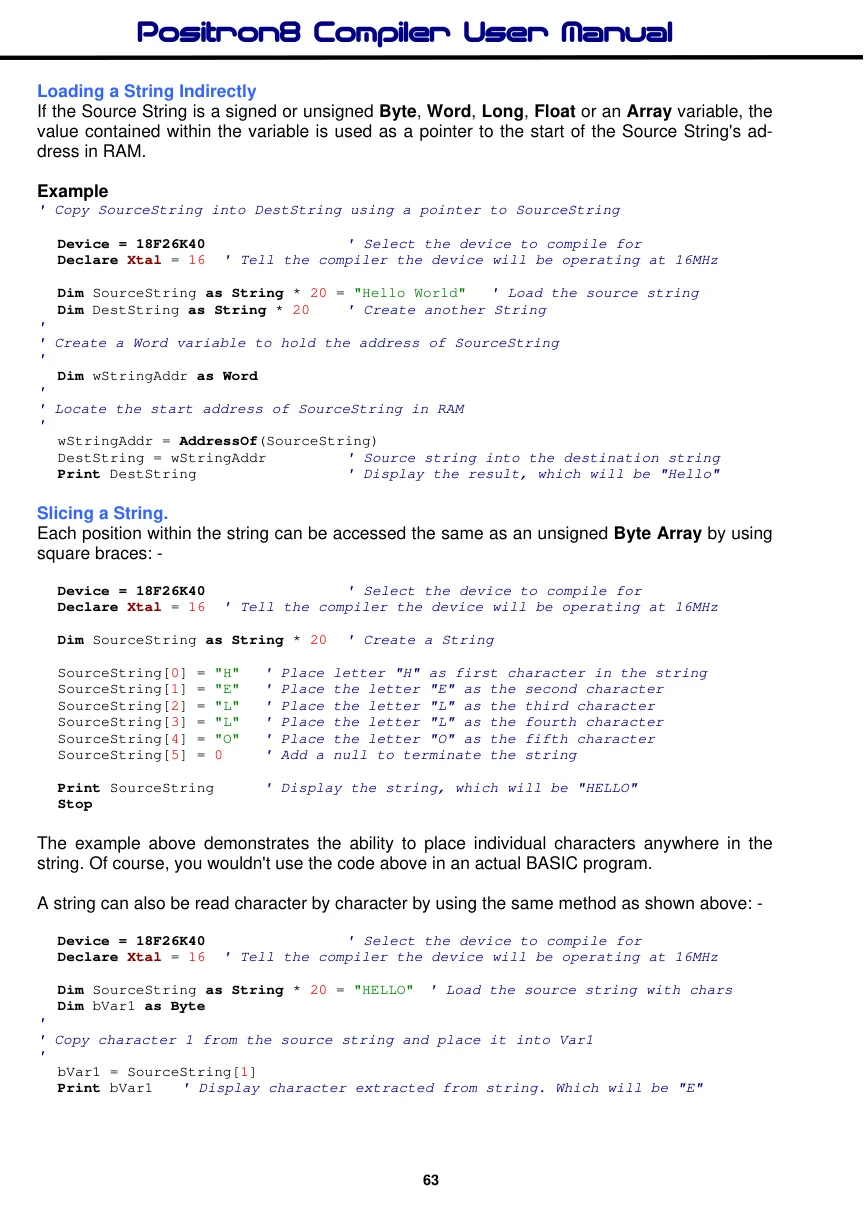
When using the above method of reading and writing to a string variable, the first character in the string is referenced at 0 onwards, just like an unsigned Byte Array.
The example below shows a more practical String slicing demonstration.
' Display a string's text by examining each character individually
  Device = 18F26K40               ' Select the device to compile for
  Declare Xtal = 16  ' Tell the compiler the device will be operating at 16MHz

  Dim SourceString as String * 20 = "Hello World" ' Load the source string
  Dim bCharpos as Byte               ' Holds the position within the string

  bCharpos = 0                      ' Start at position 0 within the string
  Repeat                             ' Create a loop
     Print SourceString[bCharpos]      ' Display character extracted from the string
     Inc bCharpos                    ' Move to next position within the string
  Until bCharpos = Len(SourceString)  ' Keep looping until end of string is found
Pre-Assigning a String variable.
As with standard variables and arrays, a String variable can also be assigned when it is created. For example:
Dim MyString as String * 20 = "Hello World"As with arrays, the characters loaded into the String are held in the microcontroller’s Flash memory for efficiency and code saving.
See also : Creating and using Virtual Strings in Flash Memory Creating and using Virtual Strings with Edata Cdata, Len, Left$, Mid$, Right$ String Comparisons, Str$, ToLower, ToUpper, AddressOf.