ToUpper
Syntax
Destination String = ToUpper (Source String)
Overview
Convert the characters from a source string to UPPER case.
Overview
Source String can be a String variable, or a Quoted String of Characters . The Source String can also be a Byte, Word, Long, Dword, Float or Array, variable, in which case the value contained within the variable is used as a pointer to the start of the Source String's address in RAM. A third possibility for Source String is a Label name, in which case a null terminated Quoted String of Characters is read from a Cdata table or a Dim As Flash data table. Destination String can only be a String variable, and should be large enough to hold the correct amount of characters extracted from the Source String.
Example 1
' Convert the characters from SourceString to UpperCase and place into
' DestString
'
  Device = 18F26K40                  ' A suitable device for Strings
  Declare Xtal = 16          ' Tell the compiler the device is operating at 16MHz
  Declare Hserial_Baud = 9600

  Dim SourceString as String * 20      ' Create a String of 20 characters
  Dim DestString as String * 20        ' Create another String

  SourceString = "hello world"          ' Load the source string with characters
  DestString = ToUpper(SourceString)   ' Convert to uppercase
  HRsoutLn DestString   ' Display the result, which will be "HELLO WORLD"
Example 2
' Convert the chars from a Quoted Character String to UpperCase
' and place into DestString
'
  Device = 18F26K40                  ' A suitable device for Strings
  Declare Xtal = 16          ' Tell the compiler the device is operating at 16MHz
  Declare Hserial_Baud = 9600

  Dim DestString as String * 20      ' Create a String of 20 characters

  DestString = ToUpper("hello world") ' Convert to uppercase
  HRsoutLn DestString        ' Display the result, which will be "HELLO WORLD"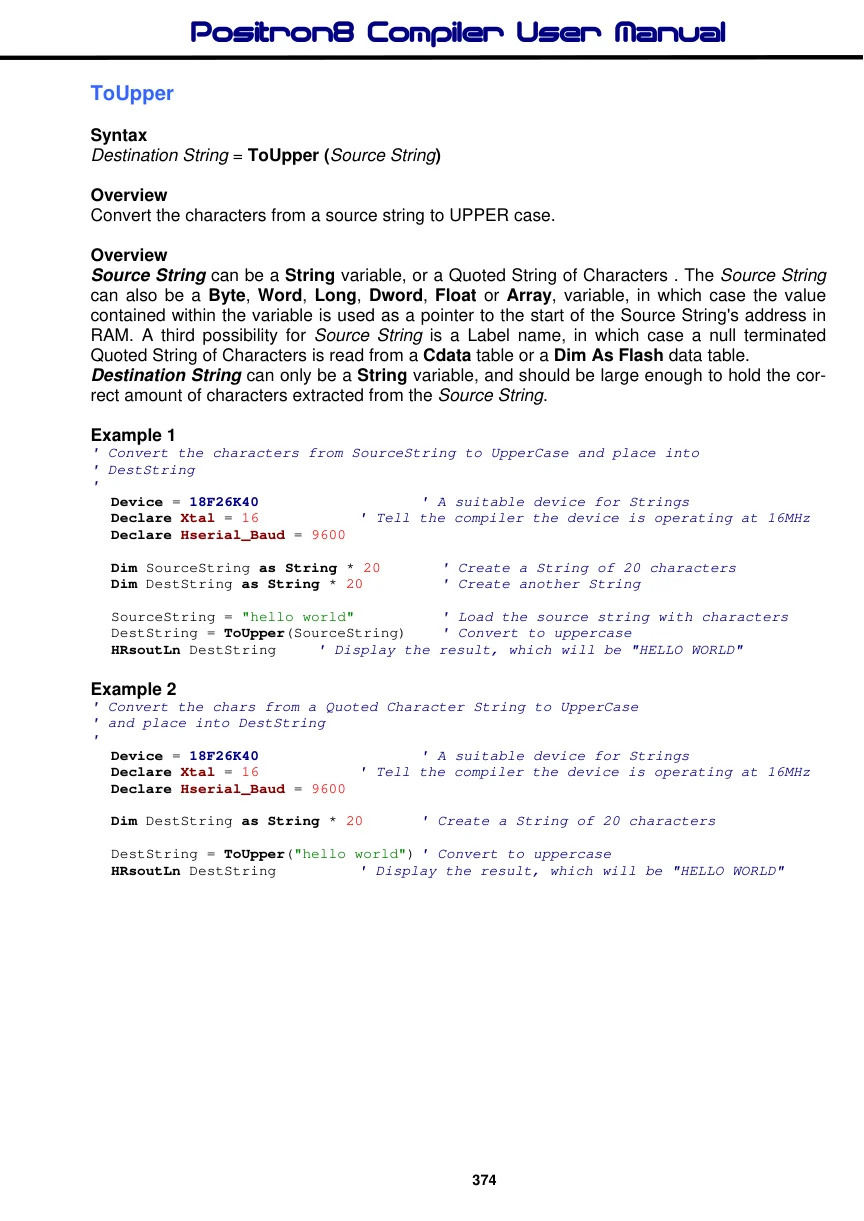
Example 3
' Convert to UpperCase from SourceString into DestString using a pointer to
' SourceString
'
  Device = 18F452                    ' A suitable device for Strings
  Declare Xtal = 16          ' Tell the compiler the device is operating at 16MHz
  Declare Hserial_Baud = 9600

  Dim SourceString as String * 20   ' Create a String of 20 characters
  Dim DestString as String * 20      ' Create another String
'
' Create a Word variable to hold the address of SourceString
'
  Dim StringAddr as Word
'
' Load the source string with characters
'
  SourceString = "hello world"
'
' Locate the start address of SourceString in RAM
'
  StringAddr = AddressOf(SourceString)
  DestString = ToUpper(StringAddr)   ' Convert to uppercase
  HRsoutLn DestString   ' Display the result, which will be "HELLO WORLD"
Example 4
' Convert chars from Flash memory table to uppercase and place into DestString
'
  Device = 18F452                  ' A suitable device for Strings
  Declare Xtal = 16          ' Tell the compiler the device is operating at 16MHz
  Declare Hserial_Baud = 9600

  Dim DestString as String * 20   ' Create a String of 20 characters
'
' Create a null terminated string of characters in flash memory
'
  Dim Source as Flash8 = "hello world", 0

  DestString = ToUpper(Source)      ' Convert to uppercase
  HRsoutLn DestString      ' Display the result, which will be "HELLO WORLD"
See also : Creating and using Strings, Creating and using Virtual Strings with Cdata, Cdata, Len, Left$, Mid$, Right$, Str$, ToLower, AddressOf .
