File_WriteByte()
… visits


File_WriteByte(pBytein)
pBytein: The byte you want to write to the file.
Write a Single Byte to an Open File
The File_WriteByte() procedure writes a single byte to an open file. To write to the n-th byte of the file, you need to call this function in a loop and first read up to the n-1-th byte with File_ReadByte().
File_WriteByte("A")
|
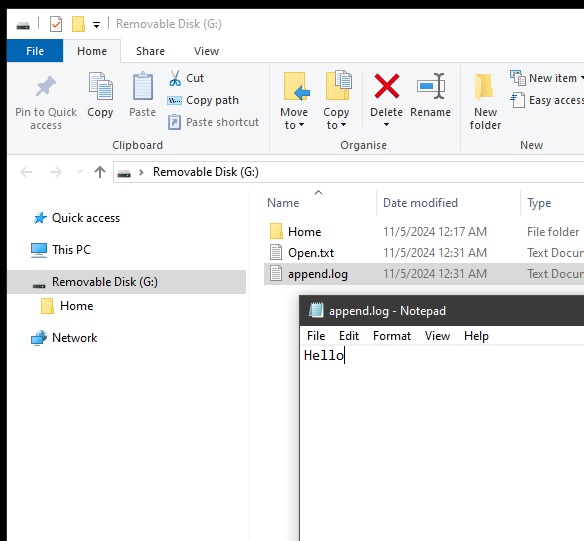
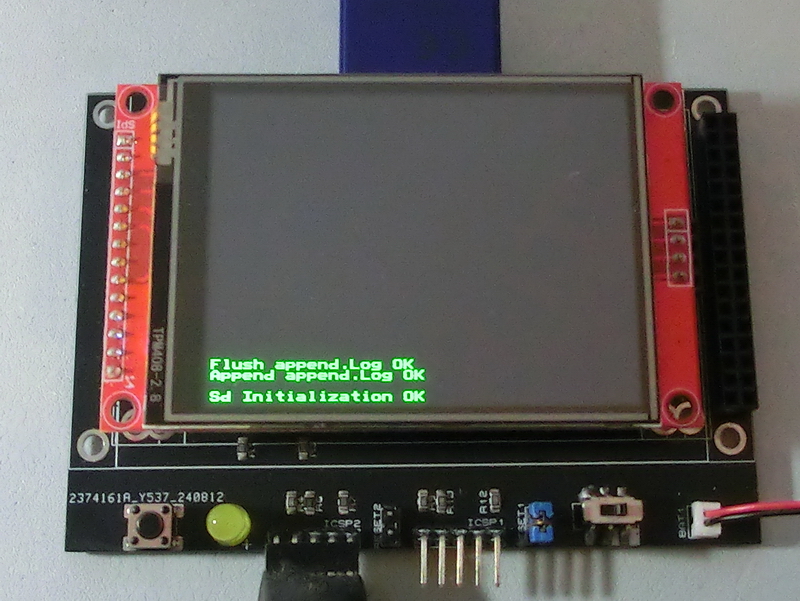
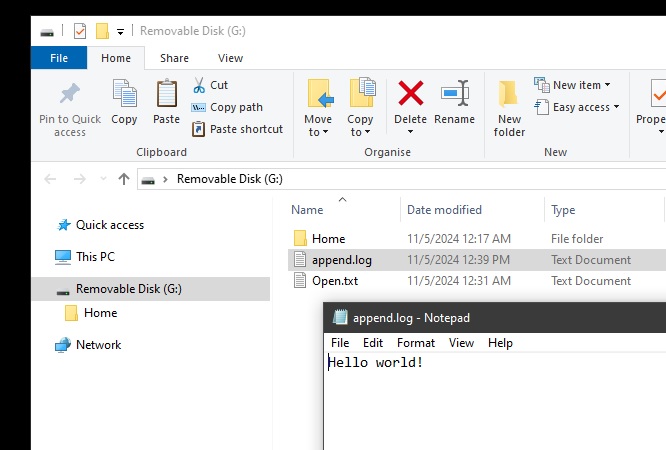
TftSetUp(0, 0) 'Set screen TftResetScreen(BLACK) 'Reset screen TftSetSndFont(0,0) 'Set Font0 While File_Init() <> cErrOK : Wend 'Initialize SD Card TftPrintSndString("Sd Initialization OK",1,0,0,1,GREEN,BLACK,0) 'Confirm Initialize SD Card File_TimeModified(5,11,24, 12,39,45) 'Set modified property While File_Append("append.log") <> cErrOK : Wend 'Open file append.log to edit data TftPrintSndString("Append append.log OK",1,0,2,1,GREEN,BLACK,0) 'Confirm append.log is open sString = " world!" 'Load string with data to be written For bCounter = 0 To 12 If sString[bCounter] = 0 Then Break 'break if end of string File_WriteByte(sString[bCounter]) 'write data to append.Log Next If File_Flush() = 1 Then TftPrintSndString("Flush append.Log OK",1,0,3,1,GREEN,BLACK,0) 'confirm flush ok and good to remove card Else TftPrintSndString("Flush append.Log NO",1,0,3,1,GREEN,BLACK,0) 'flush not ok and not good to remove card EndIf |
|
|
Created with the Personal Edition of HelpNDoc: Free iPhone documentation generator