File_Flush()
… visits


File_Flush(), Bit
Return Values:
1 (Success): The flush operation was successful, and the file is safely updated.
0 (Error): An error occurred during the flush operation (e.g., read/write error).
Flush the File Buffer and Update File System
The File_Flush() command writes all data in the buffer to the file and updates the file size and FAT (File Allocation Table) clusters.
This ensures that any data held in the buffer is safely written to the SD card, making the file safe to remove.
File_Flush()
|
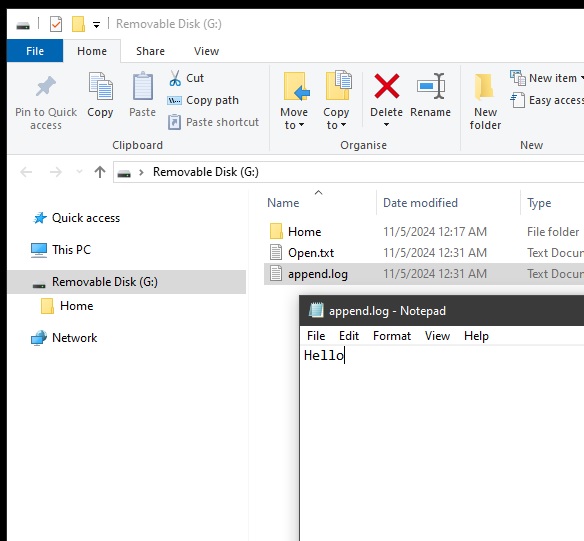
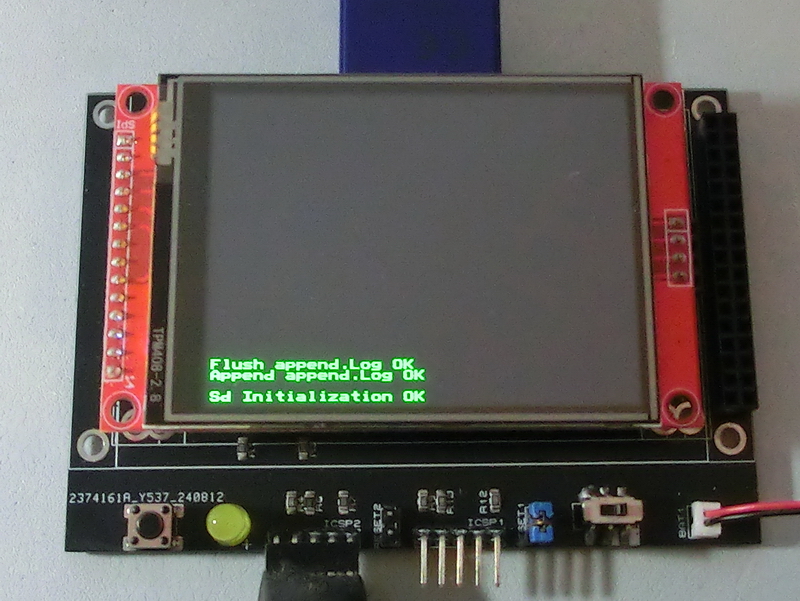
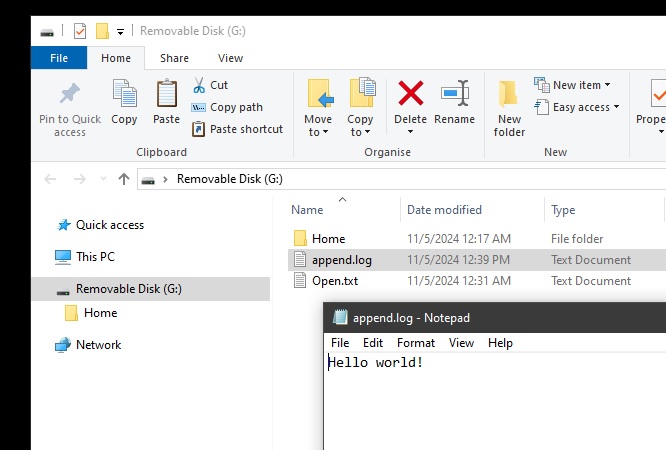
TftSetUp(0, 0) 'Set screen TftResetScreen(BLACK) 'Reset screen TftSetSndFont(0,0) 'Set Font0 While File_Init() <> cErrOK : Wend 'Initialize SD Card TftPrintSndString("Sd Initialization OK",1,0,0,1,GREEN,BLACK,0) 'Confirm Initialize SD Card File_TimeModified(5,11,24, 12,39,45) 'Set modified property While File_Append("append.log") <> cErrOK : Wend 'Open file append.log to edit data TftPrintSndString("Append append.log OK",1,0,2,1,GREEN,BLACK,0) 'Confirm append.log is open sString = " world!" 'Load string with data to be written For bCounter = 0 To 12 If sString[bCounter] = 0 Then Break 'break if end of string File_WriteByte(sString[bCounter]) 'write data to append.Log Next If File_Flush() = 1 Then TftPrintSndString("Flush append.Log OK",1,0,3,1,GREEN,BLACK,0) 'confirm flush ok and good to remove card Else TftPrintSndString("Flush append.Log NO",1,0,3,1,GREEN,BLACK,0) 'flush not ok and not good to remove card EndIf |
|
|
Created with the Personal Edition of HelpNDoc: Qt Help documentation made easy