Creating and using Flash Memory Tables
All 24-bit core devices have the ability to read their own flash memory. And although writing to this memory too many times is unhealthy for the device, reading this memory is both fast, and harmless. Which offers a form of data storage and retrieval, the Dim as Code or Dim as Flash directive proves this, as it uses the mechanism of reading and storing in the microcontroller’s flash memory. The word ‘Code’ is used because the microcontrollers have always designated their flash memory as code memory because the early microcontrollers could not access their own flash memory, so it was always for storing code only. However, devices can now both read and write to their flash memory from a BASIC listing.
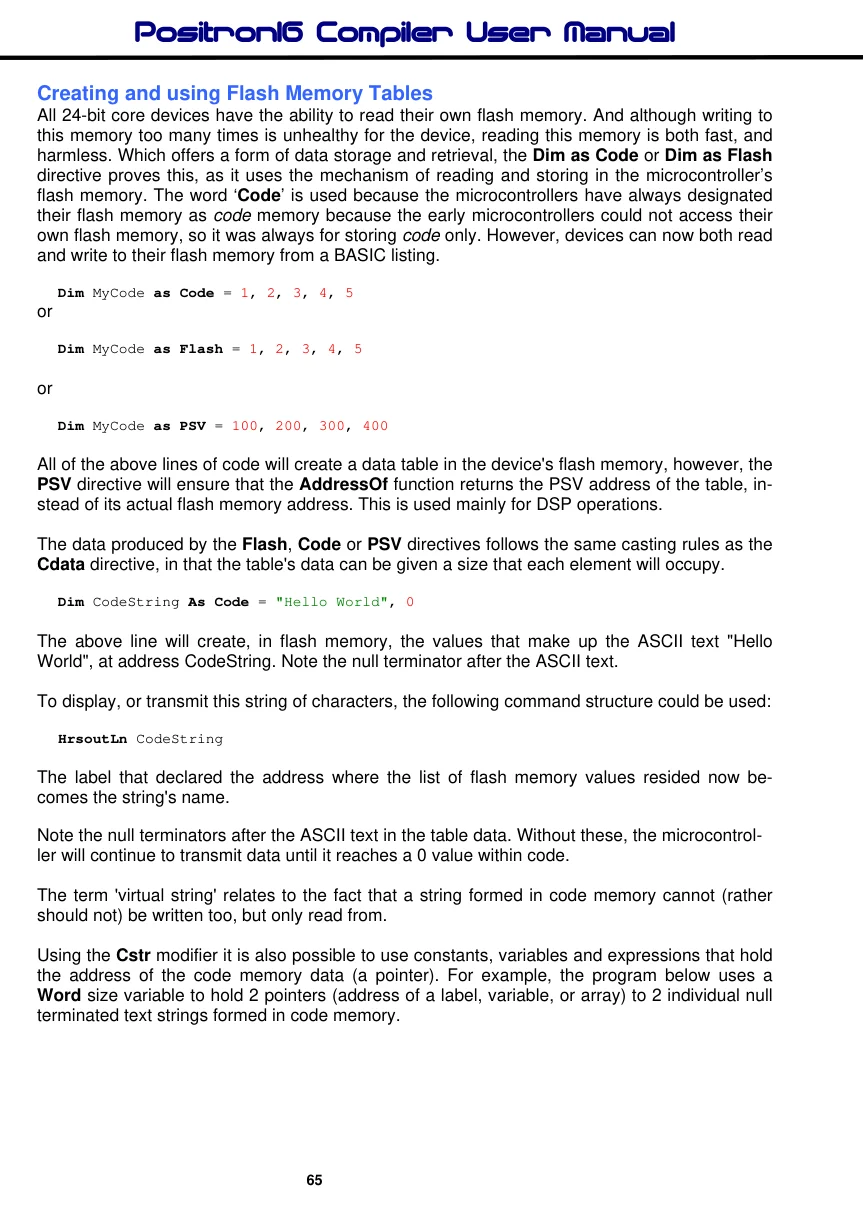
Dim MyCode as Code = 1, 2, 3, 4, 5or
Dim MyCode as Flash = 1, 2, 3, 4, 5or
Dim MyCode as PSV = 100, 200, 300, 400All of the above lines of code will create a data table in the device's flash memory, however, the PSV directive will ensure that the AddressOf function returns the PSV address of the table, instead of its actual flash memory address. This is used mainly for DSP operations.
The data produced by the Flash, Code or PSV directives follows the same casting rules as the Cdata directive, in that the table's data can be given a size that each element will occupy.
Dim CodeString As Code = "Hello World", 0The above line will create, in flash memory, the values that make up the ASCII text "Hello World", at address CodeString. Note the null terminator after the ASCII text.
To display, or transmit this string of characters, the following command structure could be used:
HrsoutLn CodeStringThe label that declared the address where the list of flash memory values resided now becomes the string's name.
Note the null terminators after the ASCII text in the table data. Without these, the microcontroller will continue to transmit data until it reaches a 0 value within code.
The term 'virtual string' relates to the fact that a string formed in code memory cannot (rather should not) be written too, but only read from.
Using the Cstr modifier it is also possible to use constants, variables and expressions that hold the address of the code memory data (a pointer). For example, the program below uses a Word size variable to hold 2 pointers (address of a label, variable, or array) to 2 individual null terminated text strings formed in code memory.
Example
  Device = 24FJ64GA002             ' Select the device to compile for
  Declare Xtal = 16        ' Tell the compiler the device will be running at 16MHz

  Dim Address as Word               ' Address holding variable
'
' Create the text to display in flash memory
'
  Dim CodeString1 as Code = "Hello ", 0
  Dim CodeString2 as Code = "World", 0

  DelayMs 100                       ' Wait for things to stabilise

  Address = AddressOf(CodeString1)  ' Point address to CodeString1
  HrsoutLn Cstr Address             ' Display CodeString1
  Address = AddressOf(CodeString2)  ' Point Address to CodeString2
  HrsoutLn Cstr Address             ' Display CodeString2
Creating constant value Flash Memory Tables of different sizes
A standard flash memory table will create its constant elements depending on their size. For example, the table below will create different sizes in flash memory and they will not be able to be accessed by an index correctly because each value will occupy a different amount of flash memory:
Dim FlashTable as Code = 0, 1, 1024, 123456, 1234567890In order to counteract this and always produce the same size elements in flash memory, the directives Flash8, Flash16, Flash24, Flash32, FlashF or FlashD can be used so that all elements are the same size.
1.) Create a flash memory table consisting of 8-bit constant values only:
Dim FlashTable as Flash8 = 0, 1, 1024, 123456, 1234567890In the above table, the longer values will all be truncated to fit 8-bits.
2.) Create a flash memory table consisting of 16-bit constant values only:
Dim FlashTable as Flash16 = 0, 1, 1024, 123456, 1234567890In the above table, the longer values will all be truncated to fit 16-bits and the shorter values will be padded to also fit 16-bits.
3). Create a flash memory table consisting of 24-bit constant values only:
Dim FlashTable as Flash24 = 0, 1, 1024, 123456, 1234567890In the above table, the longer values will all be truncated to fit 24-bits and the shorter values will be padded to also fit 24-bits.

4). Create a flash memory table consisting of 32-bit constant values only:
Dim FlashTable as Flash32 = 0, 1, 1024, 123456, 1234567890In the above table, the longer values will all be truncated to fit 32-bits and the shorter values will be padded to also fit 32-bits.
5). Create a flash memory table consisting of 32-bit floating point constant values only:
Dim FlashTable as FlashF = 0, 3.14, 1024.9, 123456, 1234567In the above table, the integer values will all be converted into 32-bit floating point constants.
6). Create a flash memory table consisting of 64-bit floating point constant values only:
Dim FlashTable as FlashD = 0, 1.3, 1024.7, 123456, 1234567890In the above table, the integer values will all be converted into 64-bit floating point constants.
The directives; Flash8, Flash16, Flash24, Flash32, FlashF, and FlashD designate the size of the constant values in the table, thus designating how many bytes each constant value will take up in the Flash memory, so that a read from the table will be evenly distributed, regardless of the constant data value.
See also : Cread, CRead8, CRead16, Cread24, Cread32, cPtr8, cPtr16, cPtr24, cPtr32.
